Why This Tension Actually Exists
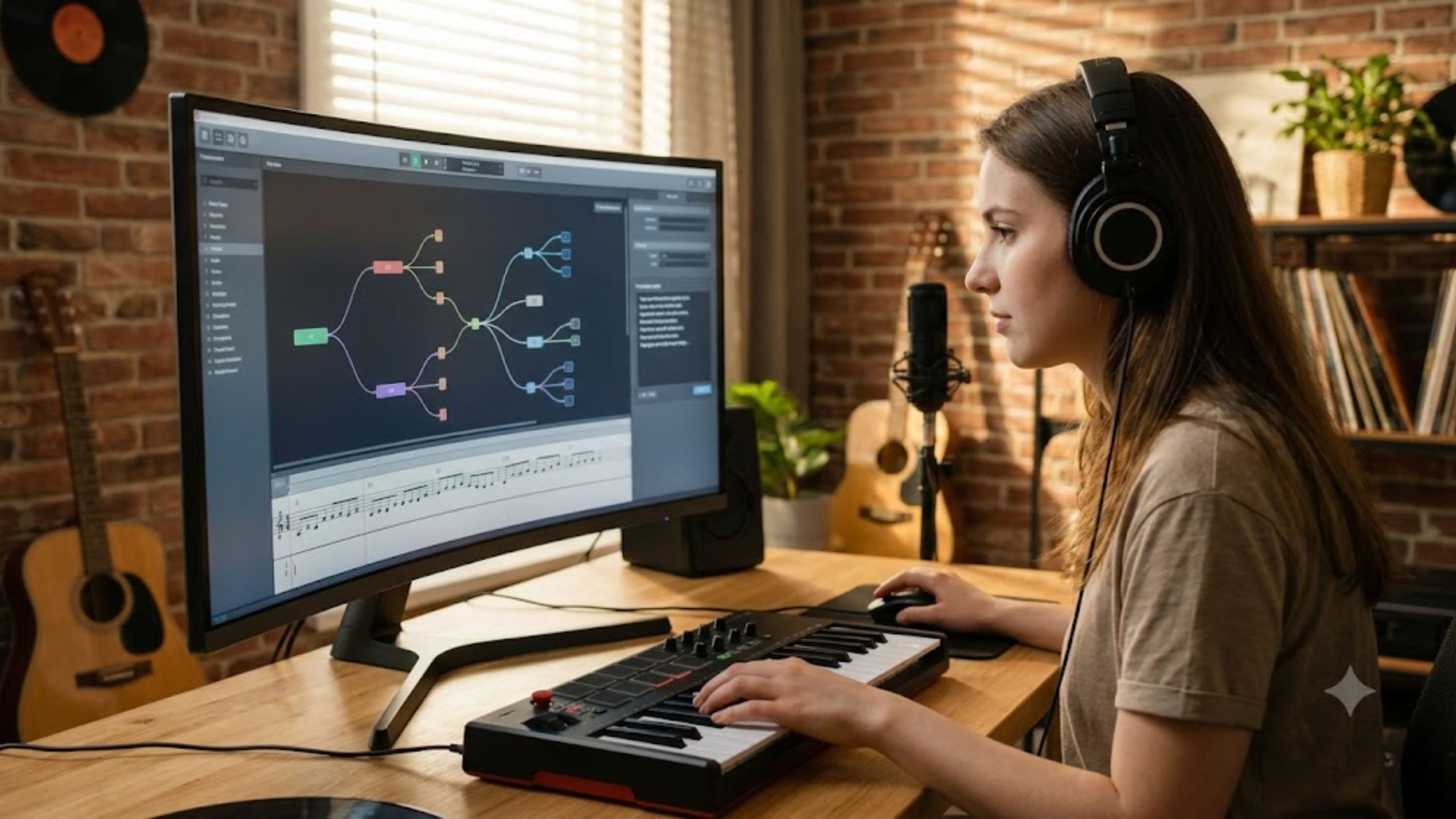
AI tools in music production are typically trained on huge datasets of existing music, which means their defaults tend to gravitate toward what's statistically common rather than what's distinctive. A default AI-suggested chord progression, mix balance, or mastering curve is often technically competent precisely because it's been trained to sound like a broad average of successful tracks, and that same quality is exactly what can make output feel generic if you lean on it without adjustment. Understanding this tradeoff, competence versus distinctiveness, is the starting point for using these tools without losing what makes your work sound like yours.
Use AI for the Technical Grind, Not the Creative Decisions
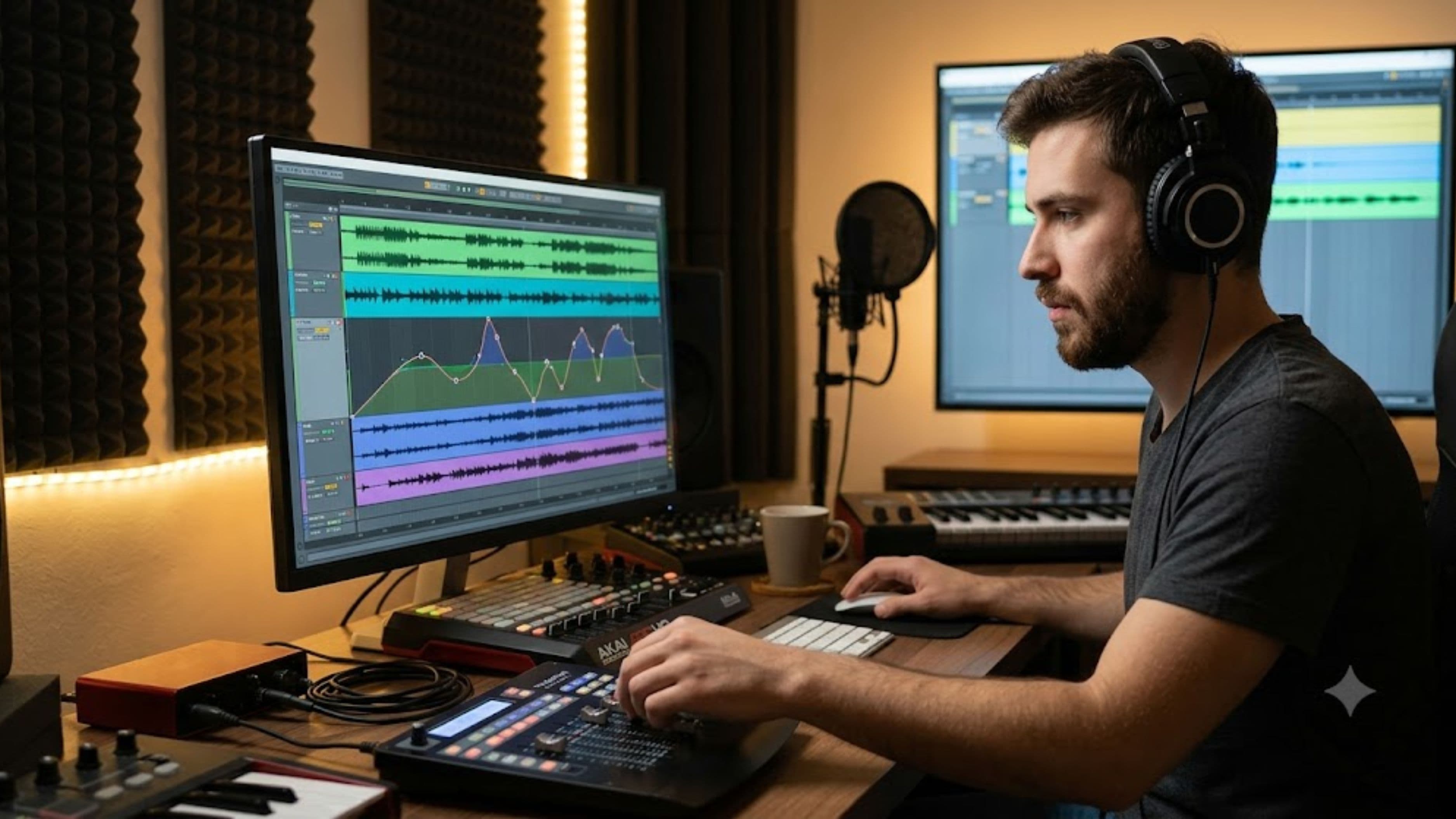
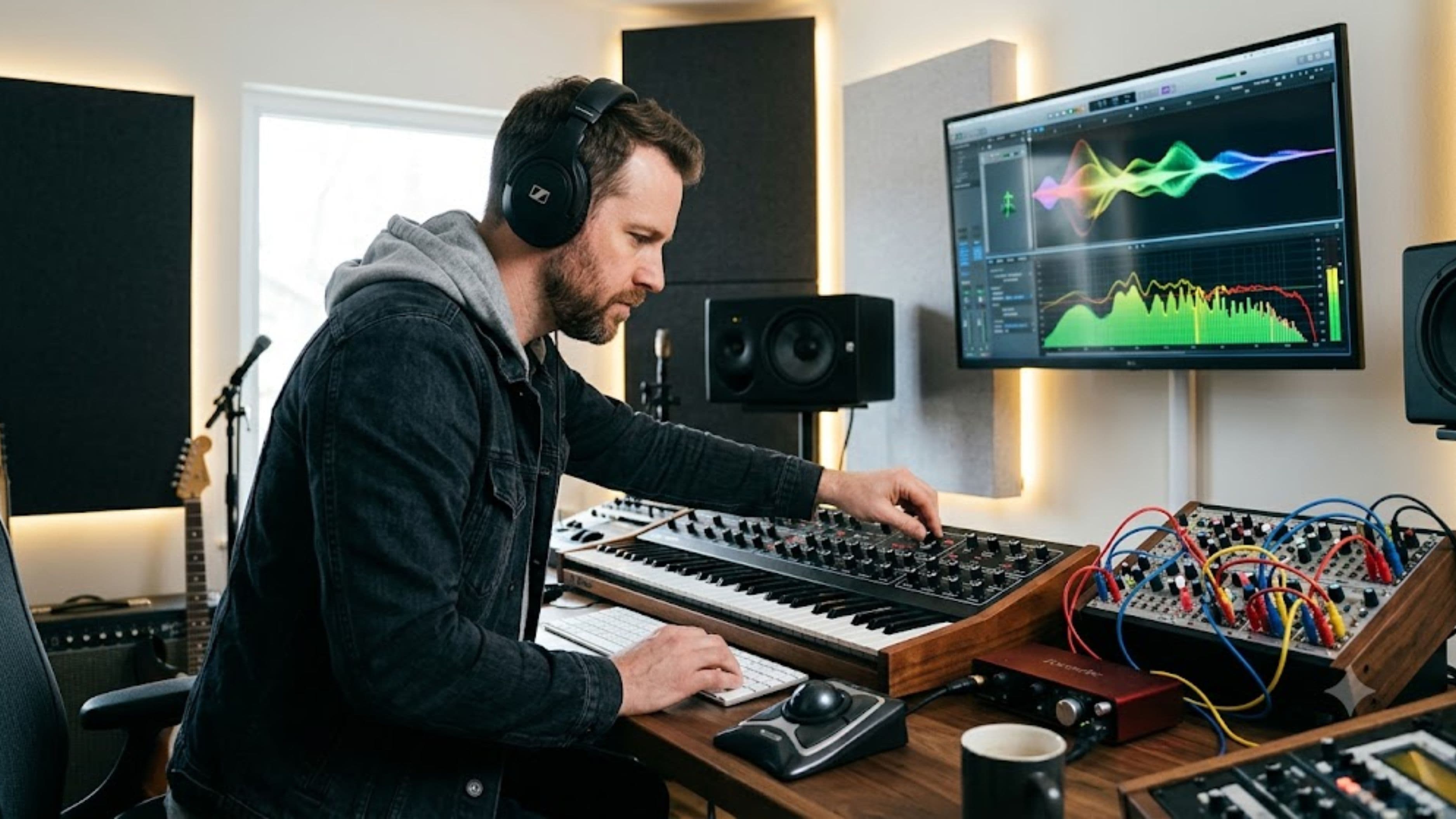
AI tools tend to be genuinely strong at technical, repetitive tasks that don't require artistic judgment, like basic noise reduction, initial gain staging, or cleaning up timing inconsistencies in a recorded performance. Using AI to handle this kind of technical cleanup frees up your time and energy for the decisions that actually shape your sound, like arrangement choices, tonal character, and the specific creative risks that make a track feel like an artistic statement rather than a competent execution.
The distinction worth internalizing here is between AI as a technical assistant handling grunt work, versus AI as a creative collaborator making artistic decisions on your behalf. The former tends to preserve your voice by removing friction from the parts of production that don't actually involve your artistic judgment in the first place.
Treat AI Suggestions as a Starting Point, Not a Final Answer
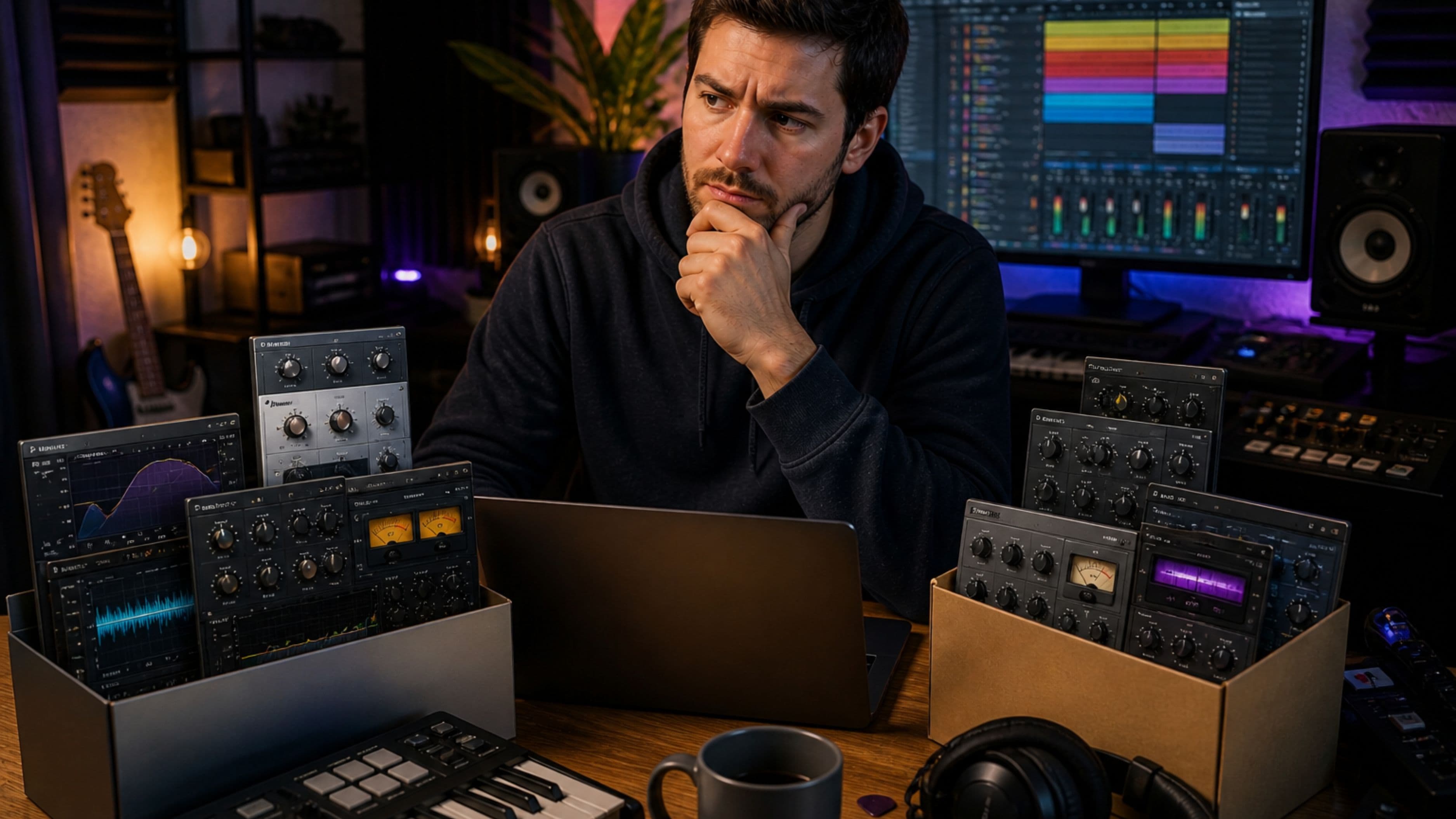
When you do use AI tools for more creative tasks, like a suggested melody, a generated drum pattern, or an AI mastering preset, treat the output as raw material to react to and modify rather than a finished result to accept wholesale. Musicians have always worked this way with tools, whether that's a drum machine's default patterns or a sample pack's included loops, and the artists who stand out are consistently the ones who use these starting points as a launchpad for their own decisions rather than a final product.
In practice, this might mean taking an AI-suggested chord progression and altering the voicing, rhythm, or one specific chord to introduce a distinctive element the algorithm wouldn't have generated on its own. That single deliberate deviation from the default output is often what separates a track that sounds like everyone else's AI-assisted work from one that sounds specifically like you.
Be Intentional About Where in Your Workflow AI Fits
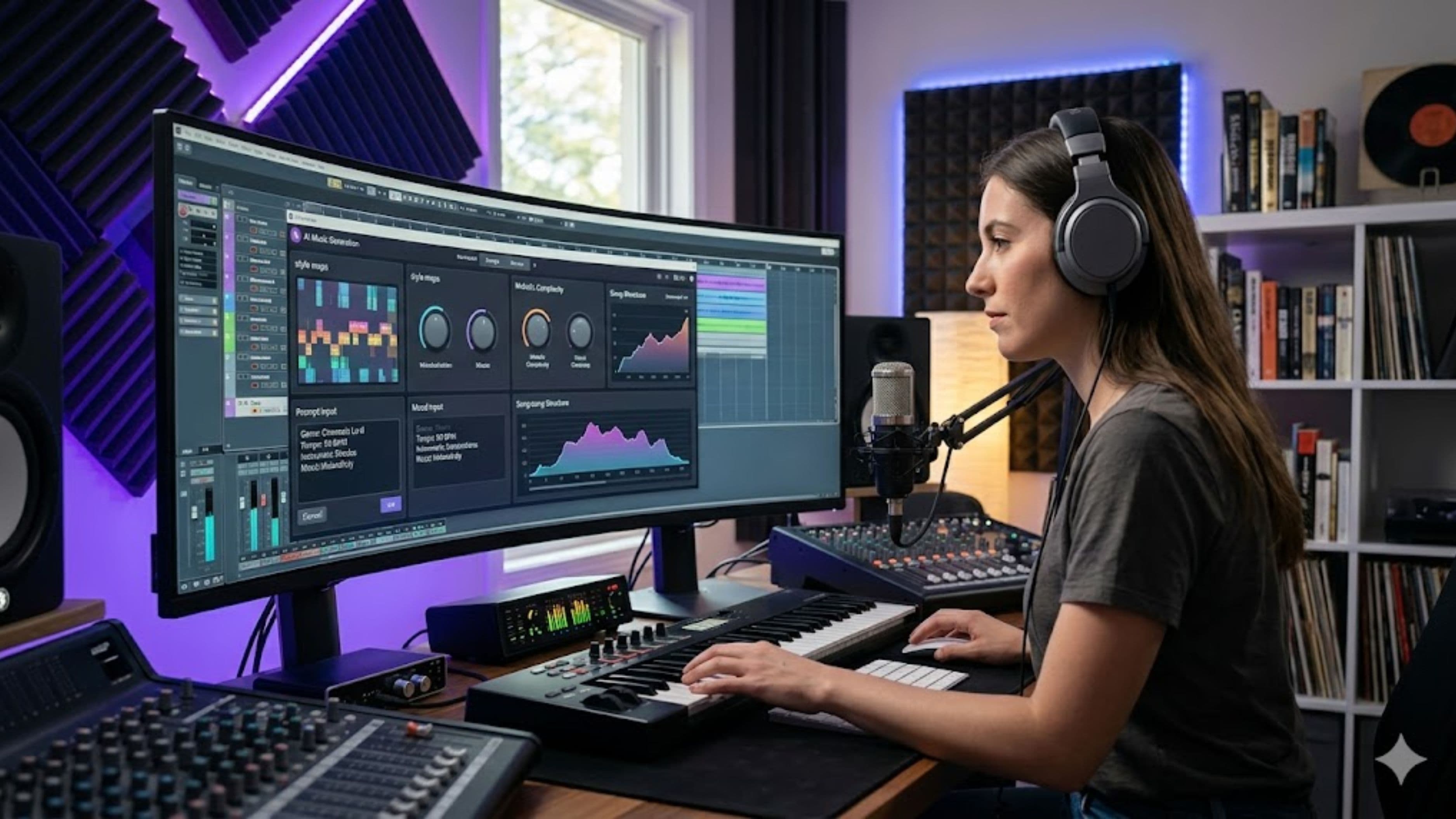
Some producers find it useful to draw a clear line in their workflow, using AI tools freely during early demoing and idea generation, where speed and volume of ideas matter more than precision, but shifting to a more manual, hands-on approach once a track's core identity has been established. This approach lets AI accelerate the exploratory phase of production, where generating and discarding many ideas quickly has real value, while protecting the more refined, intentional decisions that happen once you know what a track is actually trying to be.
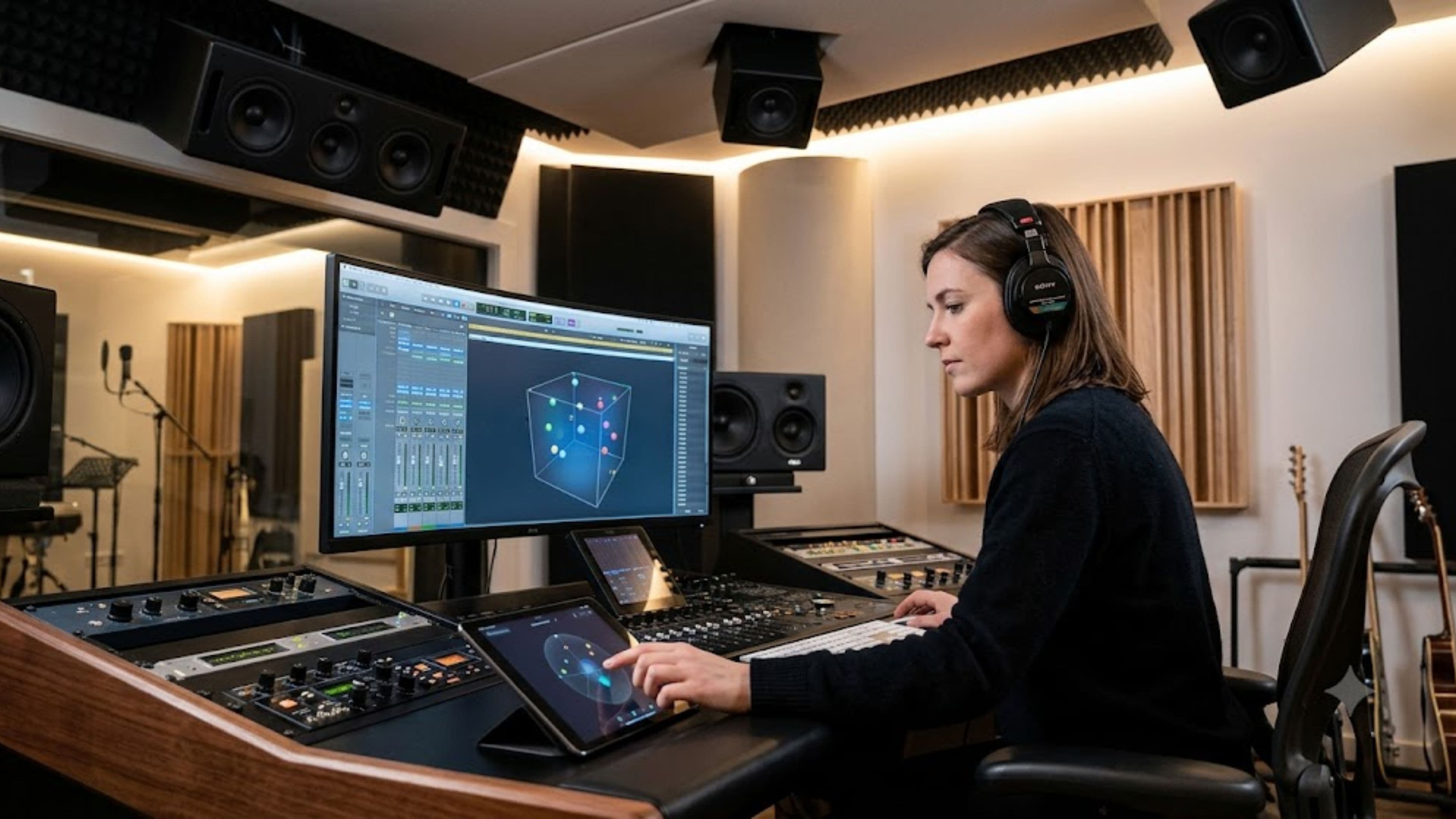
Other producers prefer the opposite approach, doing all their initial composition and arrangement manually to establish a strong creative foundation, then using AI tools more heavily during the technical mixing and mastering phase, where consistency and technical polish matter more than originality. Neither approach is inherently correct, but having a deliberate policy, rather than reaching for AI tools inconsistently based on mood or deadline pressure, tends to produce more consistent creative results over time.
Watch for Signs Your Sound Is Drifting Toward Generic
A useful habit is periodically comparing new tracks against your own earlier work, specifically listening for whether the distinctive elements that defined your earlier sound, whether that's a particular vocal processing choice, an unusual chord voicing, or a signature drum pattern, are still present or have quietly been replaced by more generic, AI-suggested defaults. This kind of self-audit is easy to skip in the middle of active production, but revisiting it periodically helps catch creative drift before it becomes a pattern across an entire body of work.
What to Watch Out For
Be cautious of AI mastering tools that apply an aggressive, one-size-fits-all loudness and tonal profile to every track you run through them, since this can flatten meaningful differences between tracks that were originally mixed with different intentional dynamics and tonal choices. It's also worth watching for over-reliance on AI-generated melodic or harmonic content specifically in the sections of a track meant to be its most memorable or distinctive moments, like a hook or a bridge, since these are exactly the places where a generic, statistically average suggestion does the most damage to a track's overall identity.
Practical Takeaway
The healthiest relationship with AI production tools treats them as accelerants for technical work and idea generation, not as replacements for the specific creative decisions that define your sound. Using AI to handle the tedious parts of production while staying deliberately hands-on with arrangement, melody, and mix character in the sections that matter most preserves both the efficiency benefits these tools offer and the distinctiveness that makes an artist's catalog recognizably theirs over time.
FAQ
Will using AI tools in my DAW make my music sound less original? Not inherently, but using AI-generated output without modification in the more creatively significant parts of a track does increase that risk, since these tools tend to default toward statistically common patterns.
Is it fine to use AI mastering tools for finished tracks? Many producers use AI mastering as a strong starting point, particularly for a fast, competent baseline, though adjusting the output manually for your specific track's character generally produces a more distinctive final result than accepting the default settings.
Should beginners avoid AI tools to develop their own style first? Not necessarily, since AI tools can help beginners learn technical concepts faster, but it's worth being intentional early on about which decisions you're making yourself versus which you're outsourcing to a tool's defaults.
📚 Sources
Sound on Sound – "AI in Music Production: Where It Helps and Where It Hurts." https://www.soundonsound.com/
MusicTech – "How Producers Are Actually Using AI Tools." https://musictech.com/
Ableton – "AI and Machine Learning in Music Production." https://www.ableton.com/en/blog/