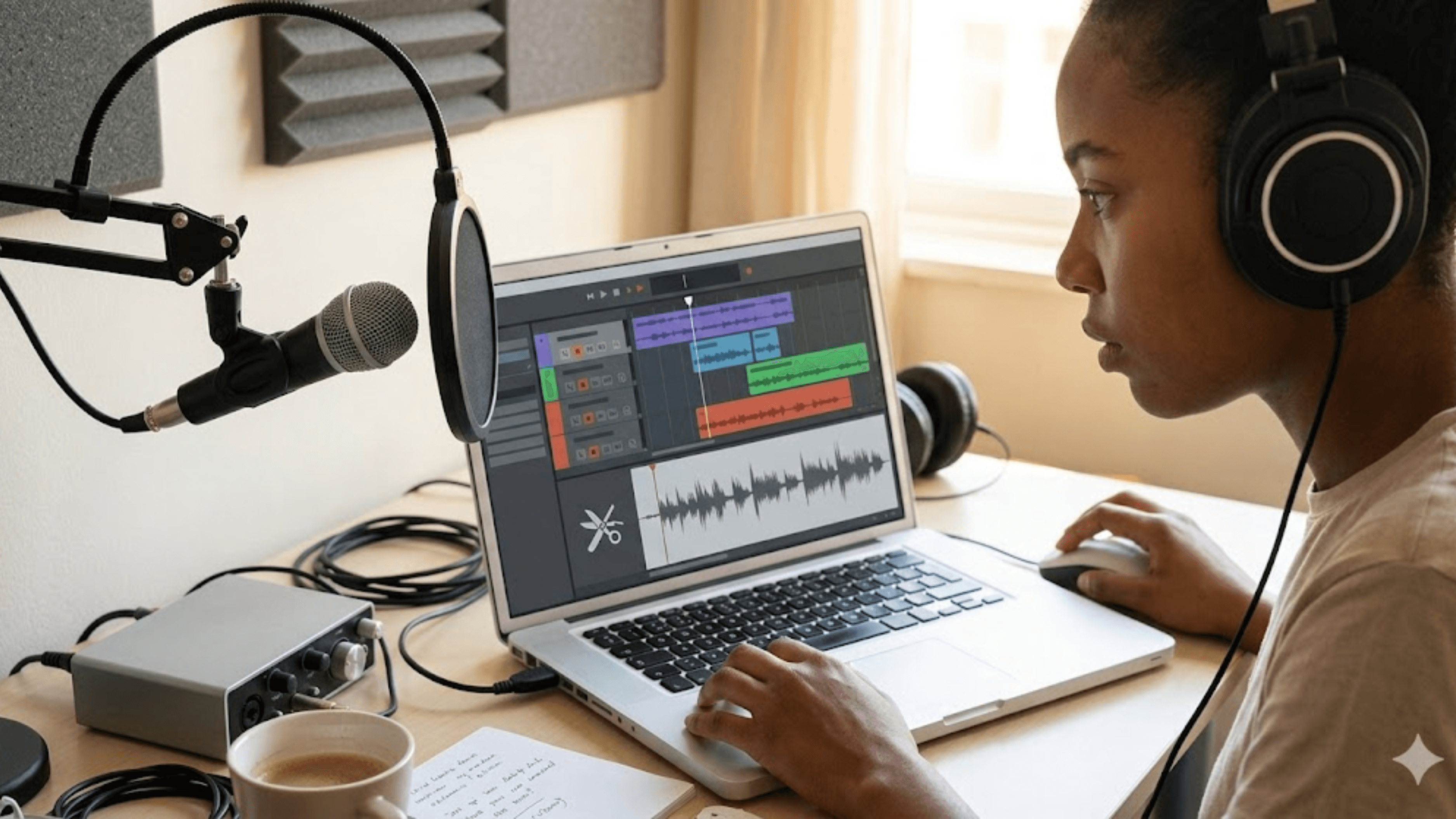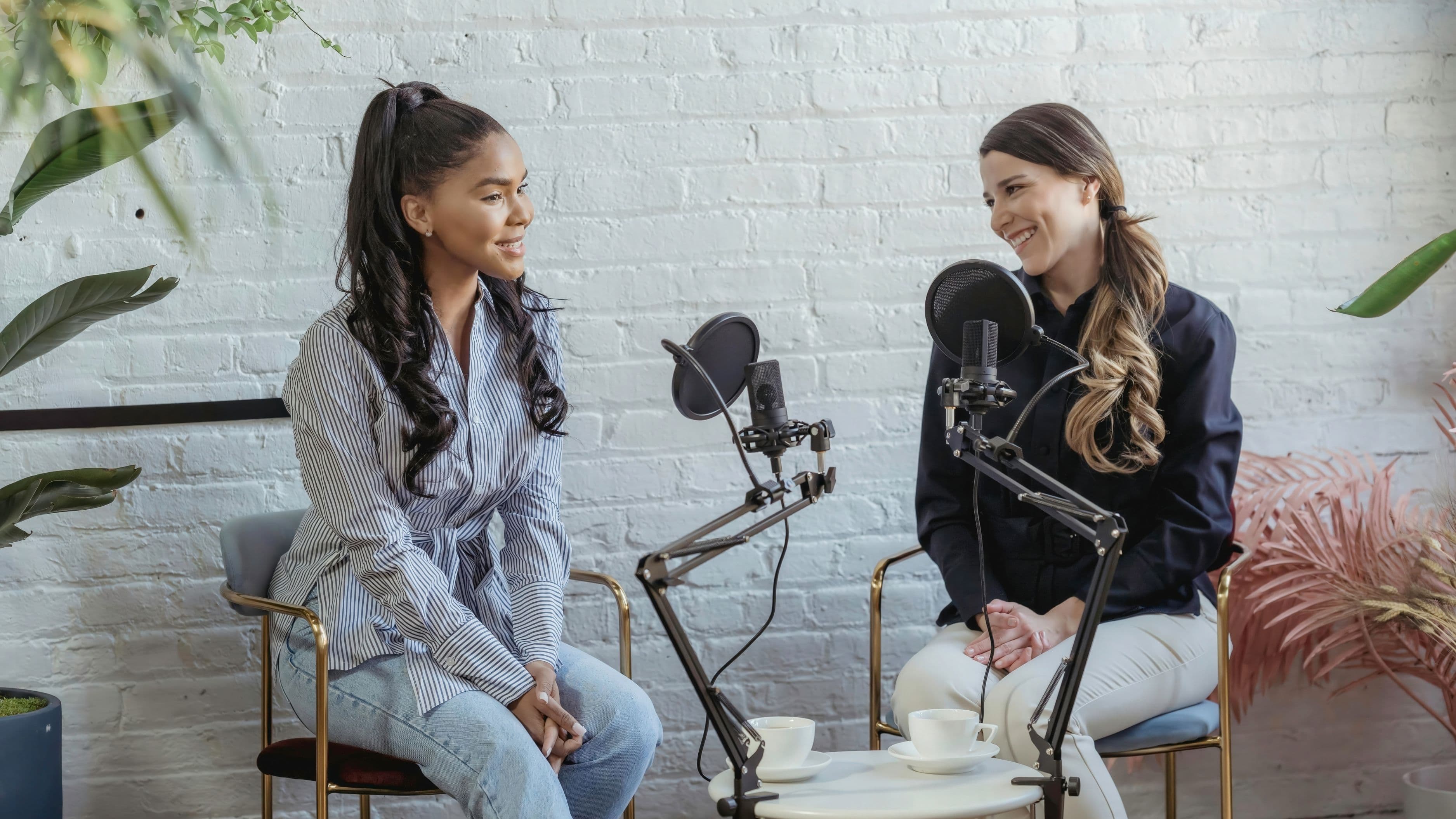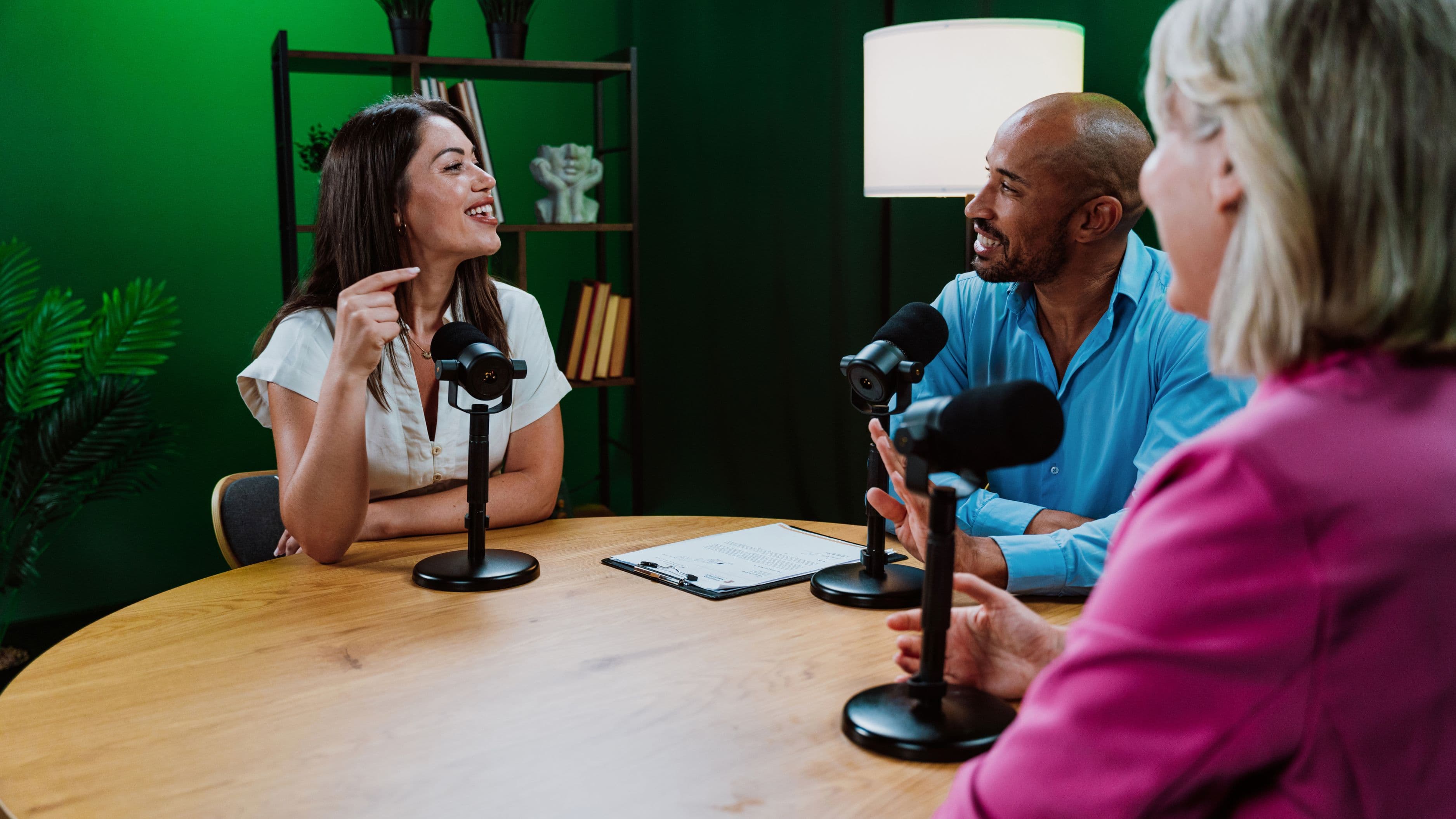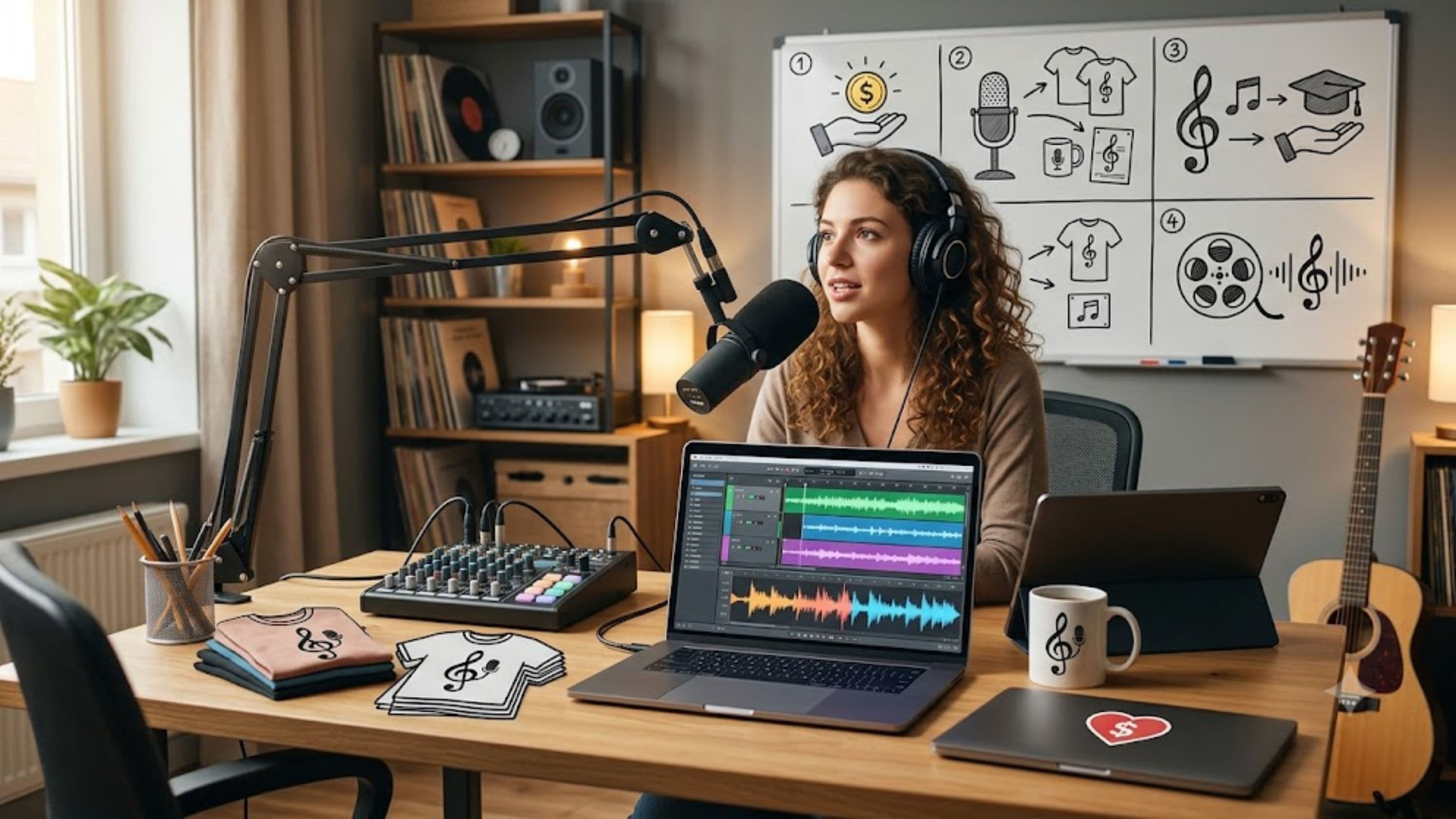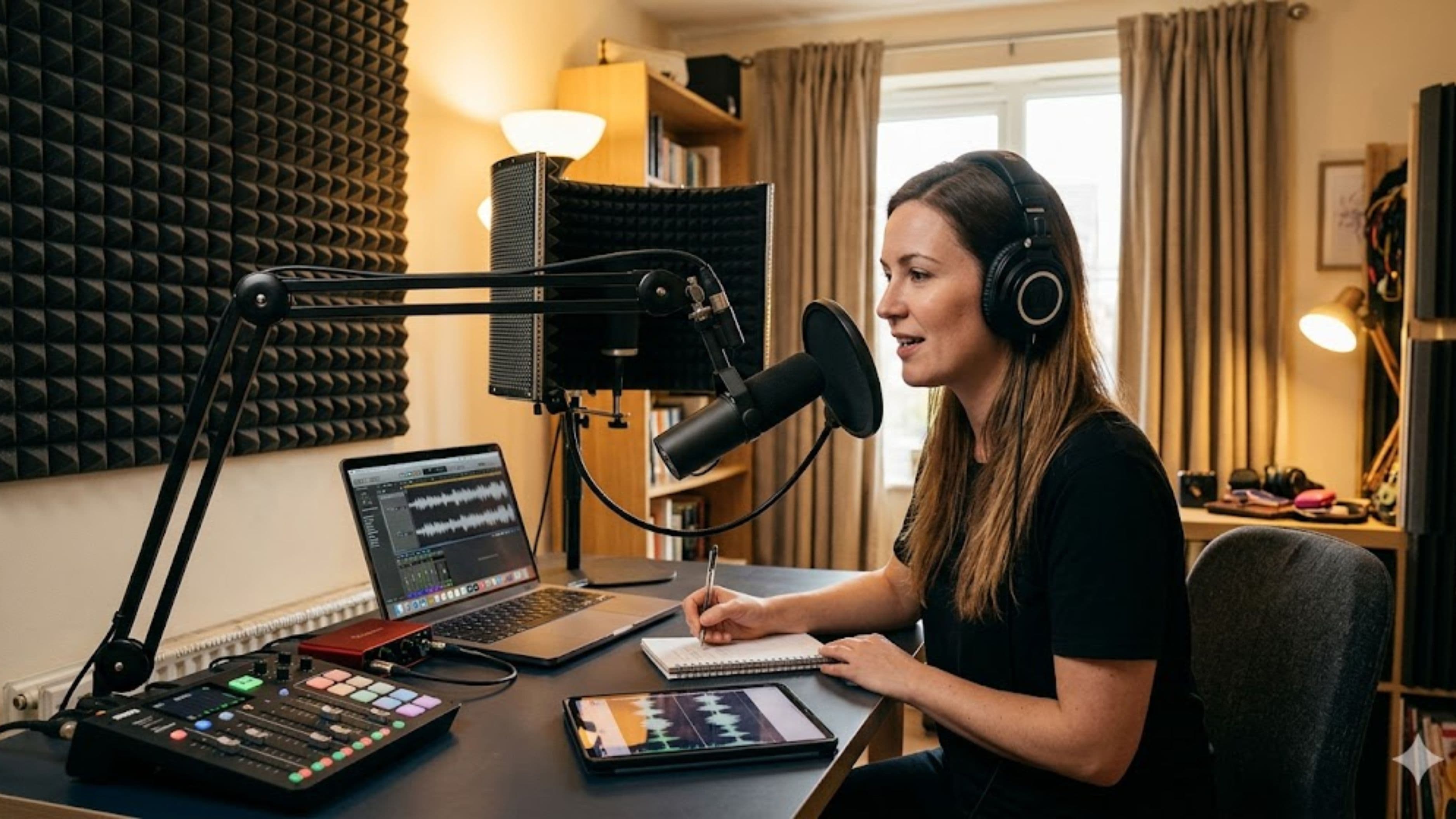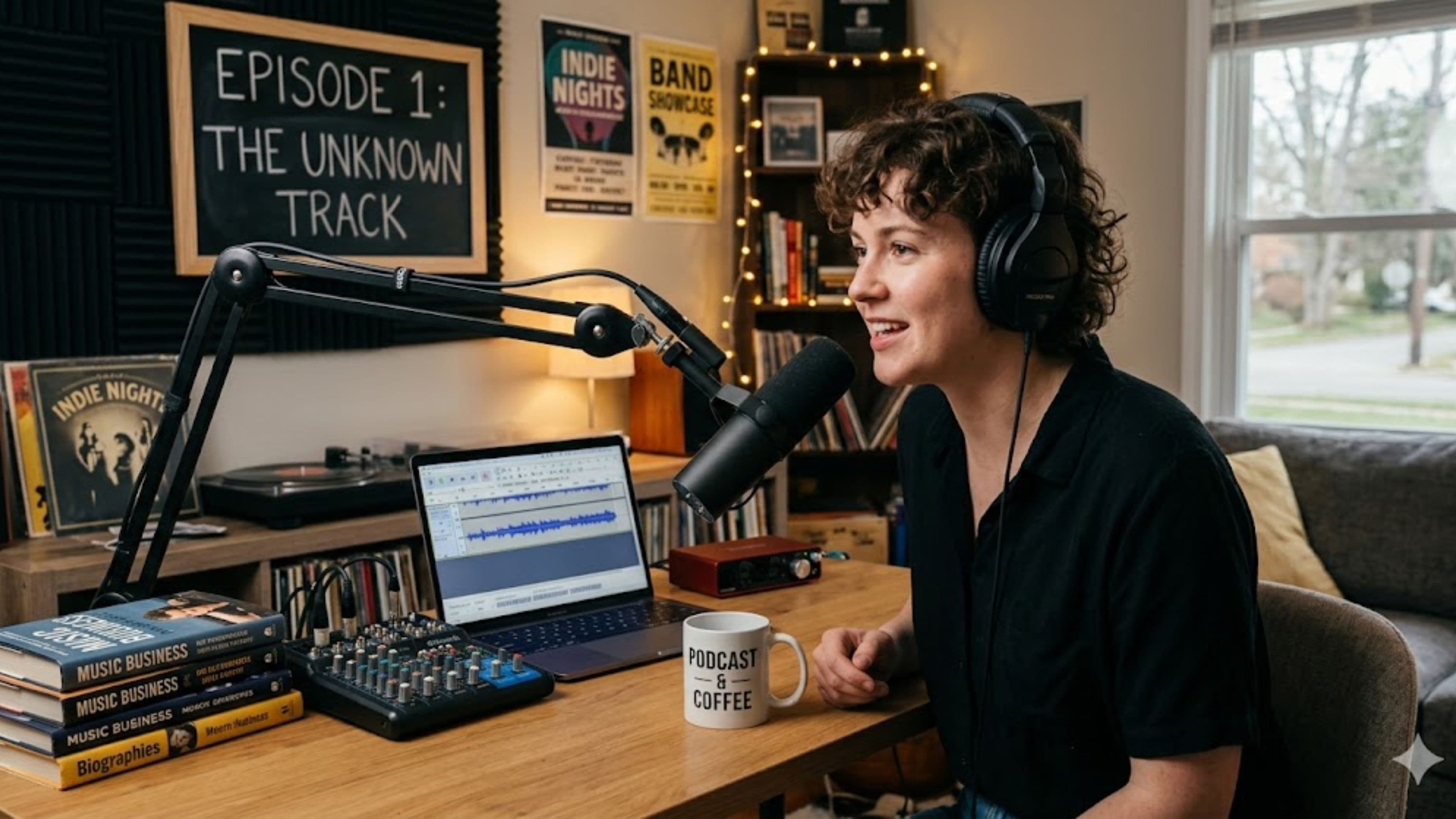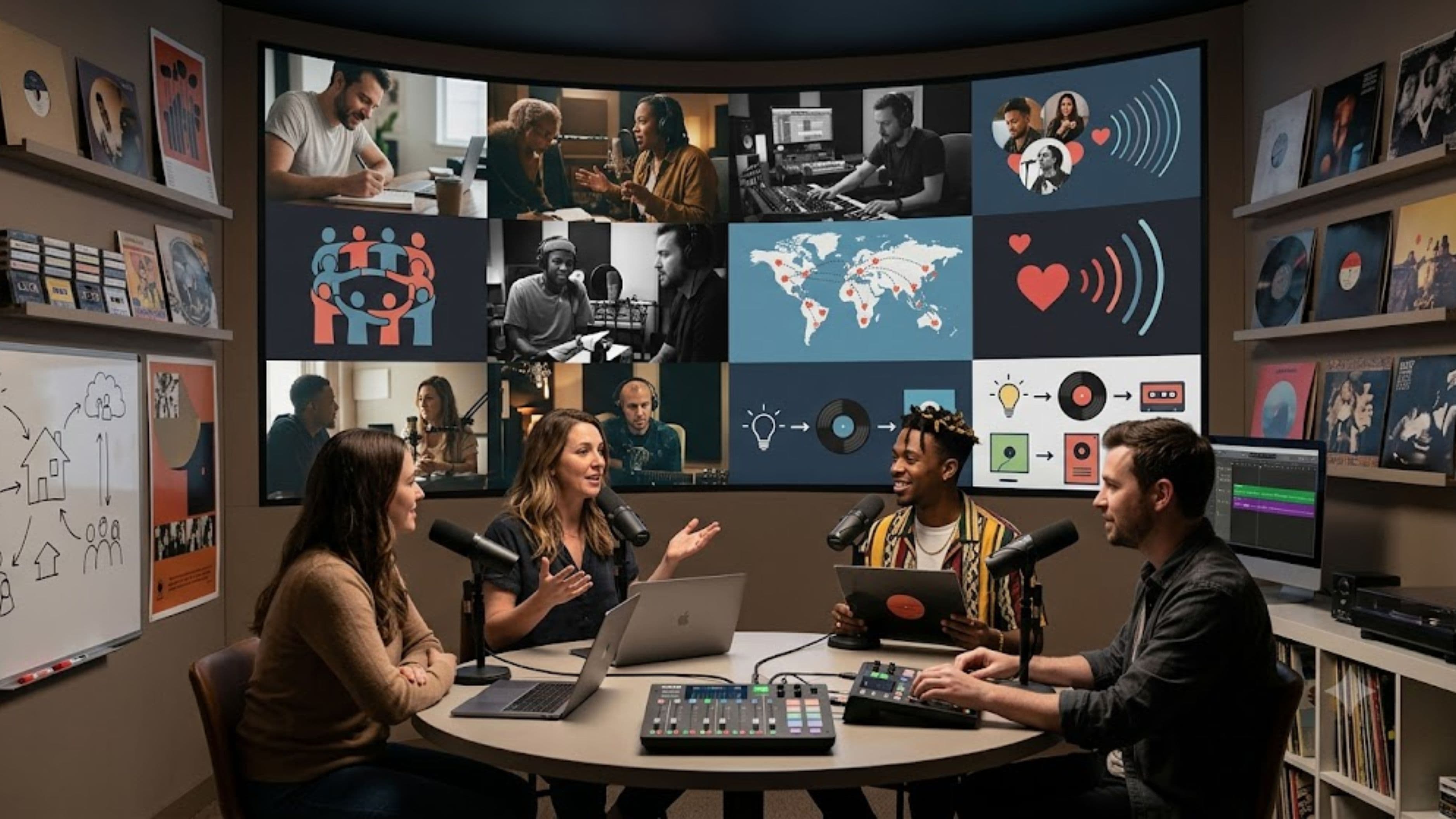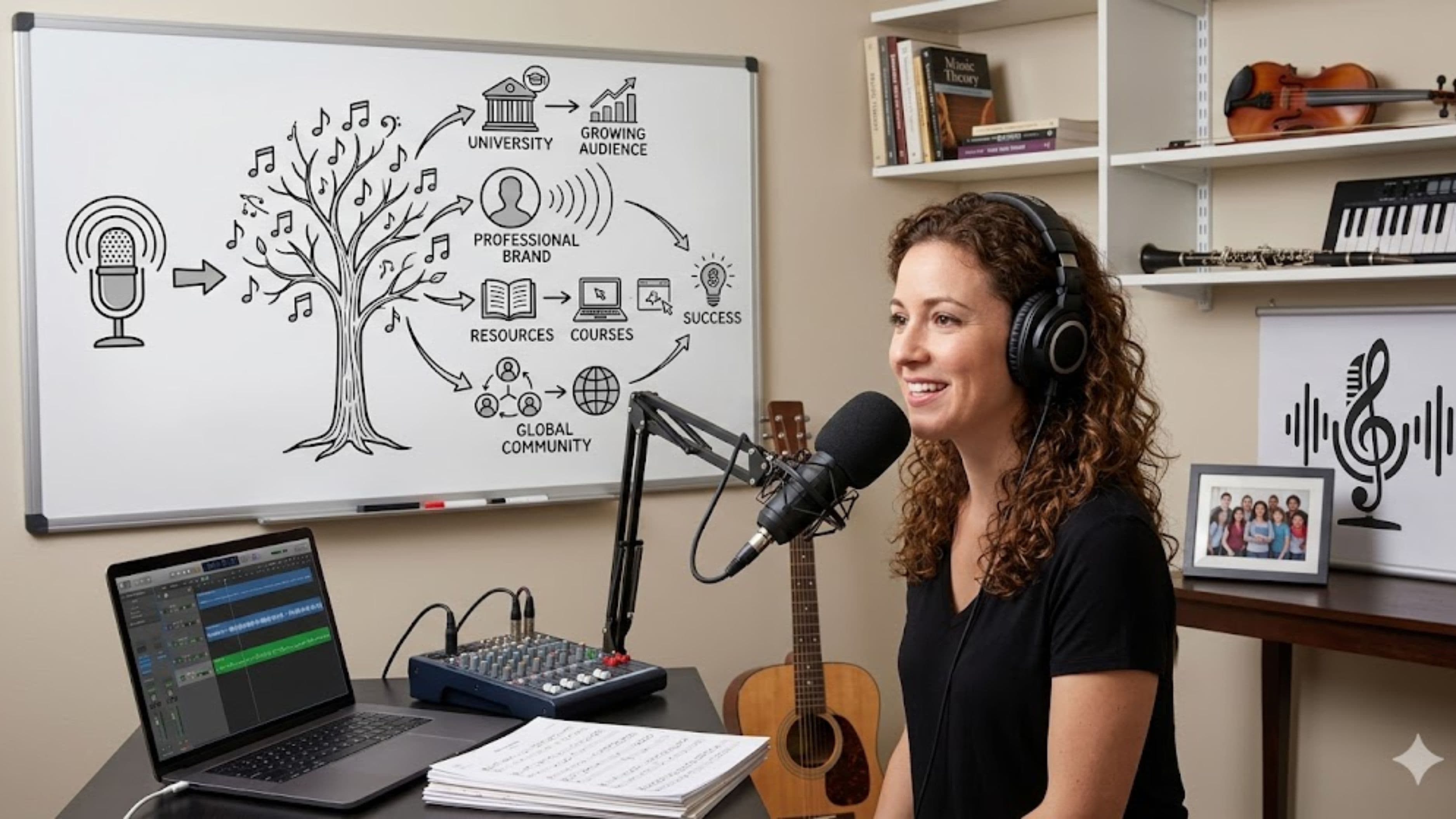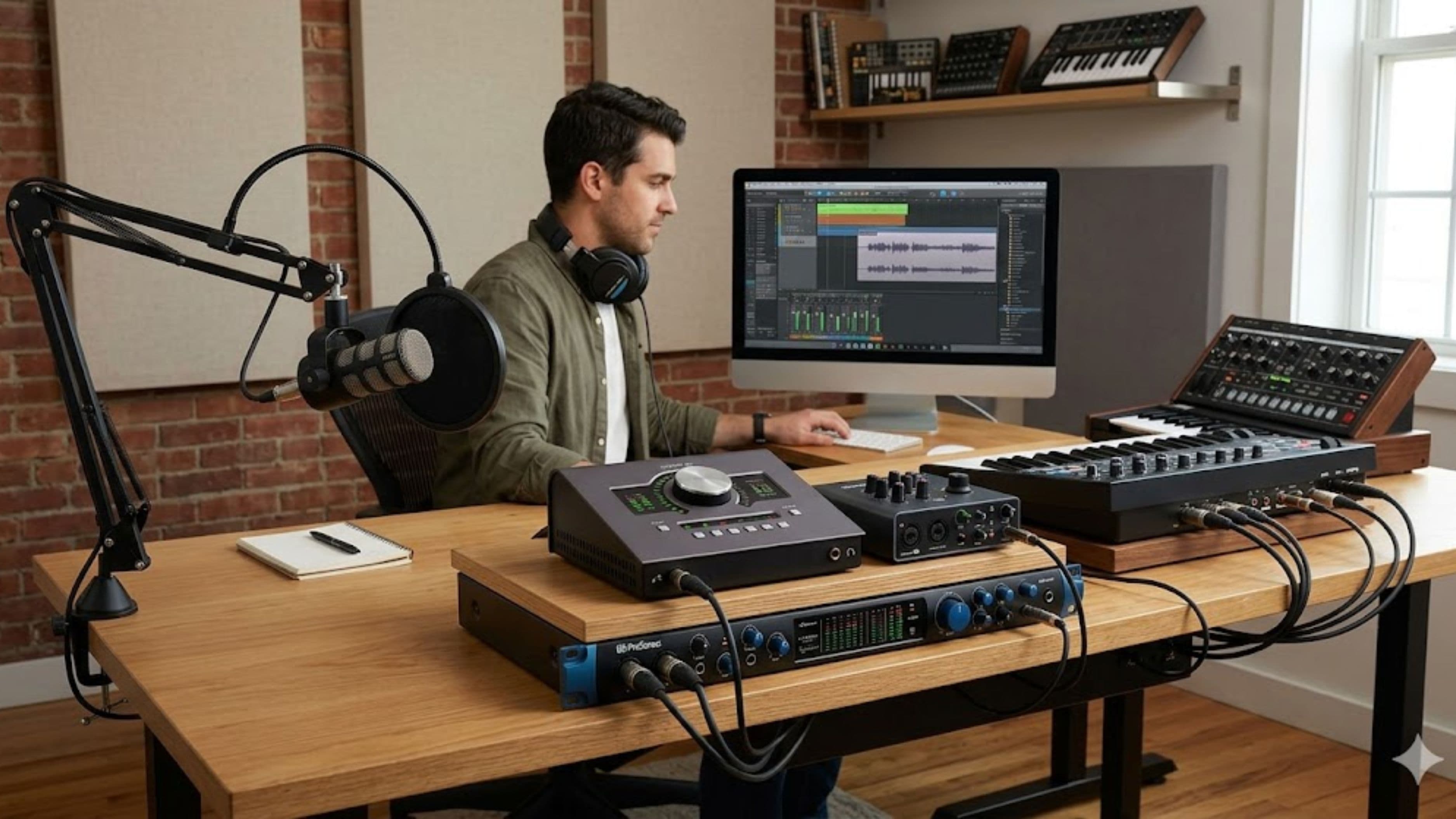
This guide covers interfaces that genuinely serve that dual role, what to look for, and who each one fits. The goal is a single piece of gear that doesn't force you to compromise on either side.
What to Look For in a Dual-Purpose Interface
Before the picks, a few things matter more than the rest when you're covering both jobs. The number of inputs is the big one – podcasting with guests needs multiple mic inputs (XLR with quality preamps), while music production needs instrument (line/Hi-Z) inputs and sometimes more channels for tracking. Low latency matters for music so you can monitor and play in time, and good converters and preamps keep both voice and instruments clean. Solid software bundles and reliable drivers round it out, since both worlds live or die on stable performance.
Match the channel count to your real use, not your dream setup – paying for eight inputs you'll never fill is a common, avoidable mistake.
1. Focusrite Scarlett 2i2 (4th Gen)
The Scarlett 2i2 is the default starting point for good reason – it's the most popular interface in its class, with two combo XLR/line inputs that handle a two-person podcast or vocals-plus-guitar tracking equally well. The preamps are clean, the converters are solid for the price, and the drivers are reliable, which matters more than spec sheets suggest.
Best for: solo or two-person podcasters who also produce music at a home-studio level and want a proven, no-drama interface. Real-world relevance: it's the one most creators land on first because it does both jobs well without overspending.
What to watch out for: two inputs is the ceiling, so if you regularly record three or more people at once, you'll outgrow it.
2. Universal Audio Volt 2 / Volt 276
UA's Volt line targets exactly the creator who wants warmer, more characterful sound on voice and instruments. The Volt 276 adds a built-in analog compressor and a "vintage" preamp mode, which is genuinely useful for podcast vocals (smoother, more consistent levels) and for tracking music with a bit of analog flavor baked in.
Best for: podcaster-producers who want better-sounding voice recordings out of the box and a touch of analog character without external gear. Real-world relevance: the onboard compression solves a common podcast pain point – uneven vocal levels – right at the source.
What to watch out for: you pay a bit more for that character, and like the Scarlett 2i2, the two-input versions cap you at two simultaneous sources.
3. MOTU M2 / M4
The MOTU M2 (and four-input M4) punch above their price on audio quality, with converters often praised as class-leading in this range, plus a clear full-color metering screen that's genuinely handy for setting levels on both voice and instruments. Low latency and stable drivers make it a strong music-tracking choice.
Best for: creators who care most about clean, accurate sound and want excellent converters without jumping to pro-tier pricing. The M4 suits those who need a couple more inputs for a small band setup or extra mics.
What to watch out for: it's a no-frills design – no onboard DSP effects or compression – so what you hear is the raw signal, which is great for accuracy but offers no built-in vocal sweetening.
4. Focusrite Scarlett 4i4 (4th Gen)
When two inputs aren't enough but you don't need a big rig, the Scarlett 4i4 is the natural step up – four inputs, more flexible routing, and the same reliable Focusrite foundation. It comfortably handles a small panel podcast or tracking drums-plus-bass-plus-guitar in stages, while still being simple enough for everyday voice work.
Best for: podcaster-producers who record the occasional three-person episode or want room to grow their music setup without overcommitting. Real-world relevance: it's the sensible middle ground between a starter 2-input and a full studio interface.
What to watch out for: if you almost always record solo, the extra inputs and cost are wasted – the 2i2 would serve you fine.
5. RodeCaster Pro II
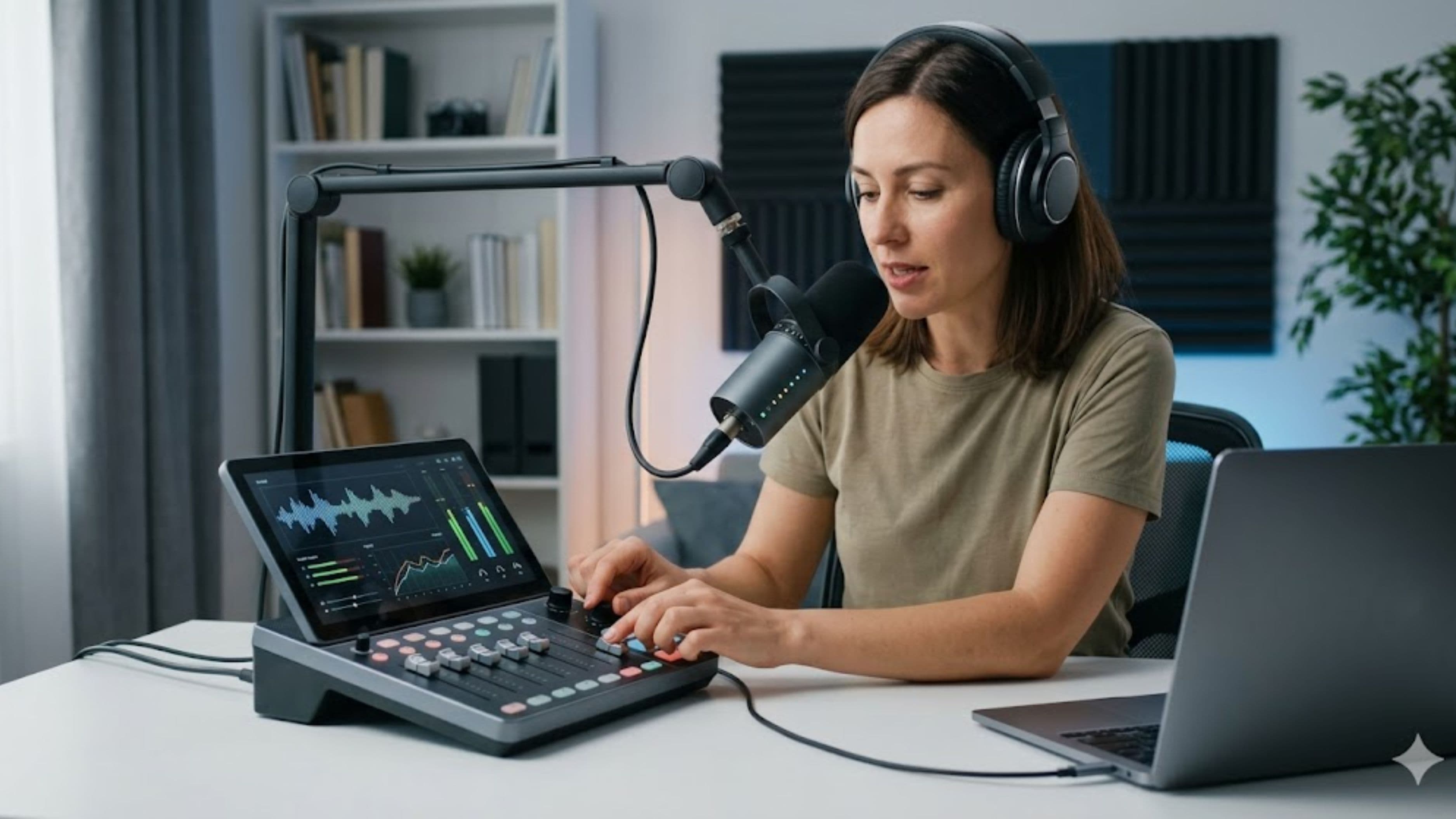
This one's a different animal – it's a podcast production console first, with an interface built in. It offers multiple mic inputs, programmable sound pads, onboard processing tuned for voice, and the ability to run a full multi-person episode without a computer. It also functions as a multitrack USB interface for your DAW, so it crosses into music use.
Best for: creators whose primary focus is podcasting (especially multi-person shows) but who also dabble in music production and want one central hub. Real-world relevance: for a podcast-led workflow, nothing else on this list makes recording a four-person episode this easy.
What to watch out for: it's optimized for voice and podcast workflows, so for serious music production it's less of a pure tracking interface than the dedicated options above – and it's a bigger investment. If music is your main craft, a traditional interface fits better.
6. Audient iD14 / iD4
Audient interfaces are known for preamps and converters that lean toward pro studio quality, drawing on the company's larger console heritage. The iD14 offers a great-sounding two-mic setup with expandability, and the whole line has a reputation for clean, musical-sounding voice and instrument recording.
Best for: the producer-leaning creator who prioritizes audio quality and preamp character, and wants an interface that flatters both vocals and instruments. Real-world relevance: if your music production is serious and your podcast benefits from that same quality, Audient delivers studio-grade sound at a reasonable price.
What to watch out for: the lower-input models still cap multi-person podcasting, so match the model to how many sources you record at once.
How to Choose the Right One for You
The decision mostly comes down to two questions: how many sources do you record at once, and which side – podcast or music – is your priority? If you mostly record solo or with one guest, a quality two-input interface (Scarlett 2i2, Volt, MOTU M2, Audient iD4/iD14) covers both jobs beautifully. If you regularly record three or more people, step up to four inputs (Scarlett 4i4, MOTU M4) or a podcast console (RodeCaster Pro II).
On priority: if music production is your main craft, lean toward the cleaner, more characterful interfaces (MOTU, Audient, UA Volt) and treat podcasting as something they handle easily. If podcasting – especially multi-person – is your main focus, the RodeCaster Pro II's purpose-built workflow may save you more time than marginal audio gains elsewhere.
What to Watch Out For
A few things trip up buyers. Don't overbuy channels you won't use – an eight-input interface is wasted money if you never record more than two sources, and the two-input options here have better resale and simpler workflows. Watch driver stability and compatibility with your computer and DAW, since a great-sounding interface with flaky drivers is a daily frustration; the established brands here are reliable for a reason.
Be wary of marketing that emphasizes bundled plugins over core sound quality – the converters, preamps, and latency matter far more long-term than a pile of trial software. And remember that the interface is only one link; pairing a strong interface with a weak mic, or vice versa, leaves performance on the table, so budget for both.
FAQ
Do I really need an audio interface if I already have a USB mic? If you only ever do solo voice recording, a good USB mic can be enough. But once you add a second person, want to record instruments, or care about higher audio quality and flexibility, an interface with proper XLR mics is the upgrade that serves both podcasting and music.
How many inputs do I actually need? Count the maximum number of sources you record simultaneously. Solo or one guest needs two inputs; three or more people or multi-instrument tracking needs four or more. Buy for your real maximum, not a hypothetical one.
Is the RodeCaster Pro II good for music production? It can multitrack into a DAW, but it's built around podcast workflows. For serious music production, a traditional interface like the MOTU, Audient, or Focusrite options offers a more natural tracking experience.
Does a more expensive interface mean better sound? Up to a point. The converters and preamps on quality mid-range interfaces are excellent and far past "good enough" for both podcasting and home music production. Beyond that, you're often paying for more inputs, build, or features rather than dramatically better sound.
What matters most for podcast voice quality specifically? Clean preamps and consistent levels. Interfaces with onboard compression (like the UA Volt 276 or RodeCaster) help tame uneven vocals at the source, which is one of the most common podcast audio issues.
The Bottom Line
The best audio interface for a podcaster who also produces music is the one that matches your real input needs and leans toward your main craft. For most dual creators, a quality two-input interface – a Scarlett 2i2, UA Volt, MOTU M2, or Audient iD14 – covers both jobs without compromise. Scale up to four inputs or a RodeCaster Pro II only if multi-person recording is part of your routine. Prioritize clean preamps, low latency, and stable drivers over plugin bundles, match the mic to the interface, and you'll have one setup that handles your next episode and your next track equally well.
📚 Sources
Focusrite – Scarlett Range (Official Product Information): https://focusrite.com/scarlett
Universal Audio – Volt USB Audio Interfaces: https://www.uaudio.com/audio-interfaces/volt.html
MOTU – M Series Audio Interfaces: https://motu.com/en-us/products/m-series/
RODE – RODECaster Pro II: https://rode.com/en/interfaces-and-mixers/rodecaster-series/rodecaster-pro-ii
Audient – iD Series Audio Interfaces: https://audient.com/products/audio-interfaces/