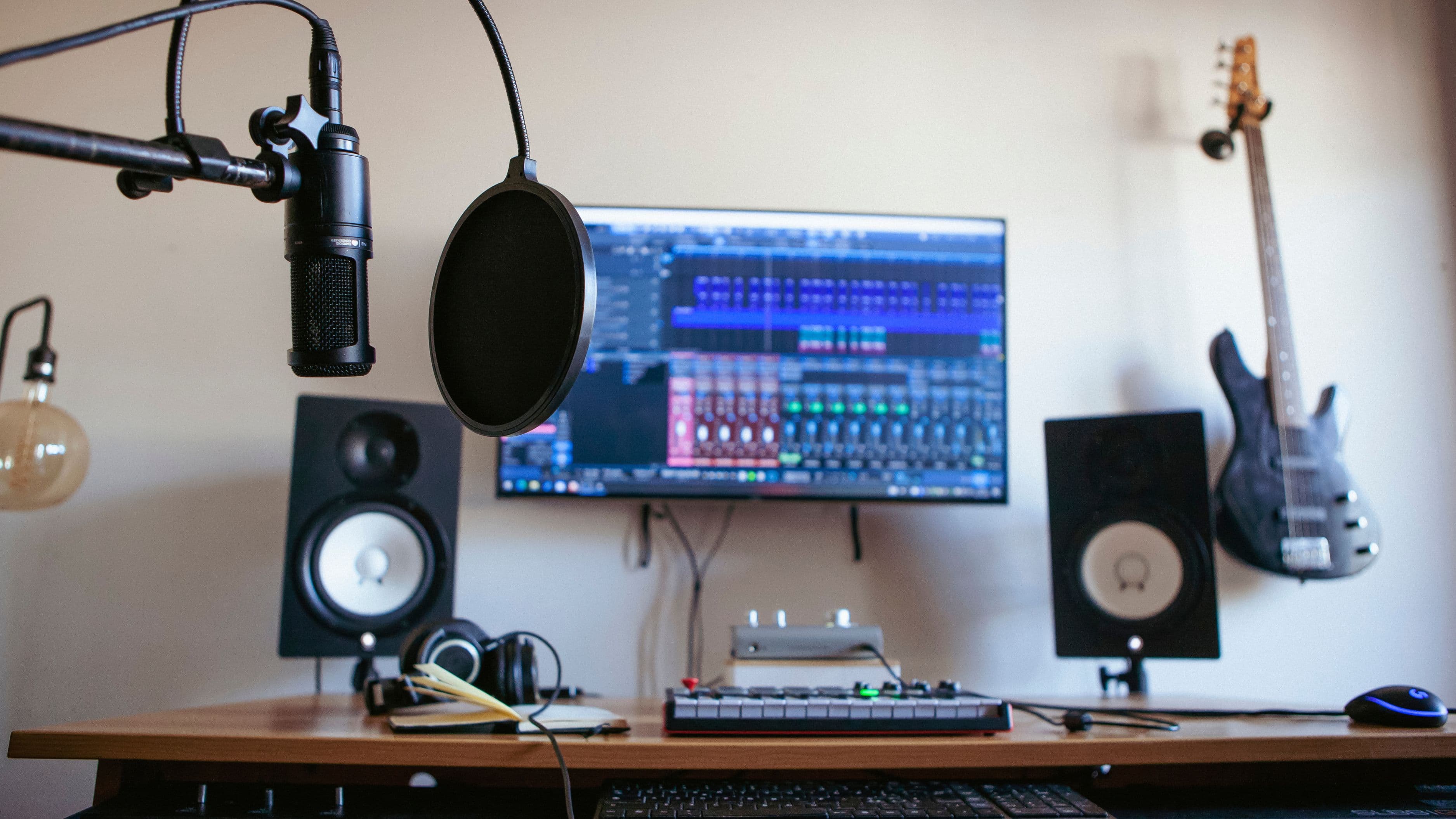
Here are seven budget audio interfaces worth considering, what each does best, and what to watch out for before buying.
Prices are approximate street prices and can vary by region and retailer. Check current pricing and model versions before buying.
What to Look for in a Budget Interface
Before comparing models, focus on your actual needs. Count your inputs – a solo vocalist or producer usually needs one or two. Check for phantom power if you use condenser microphones. Look at connectivity, since most modern interfaces use USB-C, and make sure it works with your computer and DAW.
Pay attention to monitoring features too. Direct monitoring lets you hear yourself without latency, which matters when recording vocals or guitar. Loopback – routing computer audio back into the interface – is useful for podcasting and streaming.
1. Focusrite Scarlett 2i2 (4th Gen)
The Scarlett 2i2 remains one of the most popular home studio interfaces for good reason. The fourth generation improved preamp gain and dynamic range and added Auto Gain and Clip Safe features that help set levels and avoid distortion. It includes two combo inputs, phantom power, and bundled software.
Use case: singer-songwriters and producers recording vocals and one instrument. Real-world relevance: strong resale value and wide support. Watch out for: it's not the cheapest option, and you may not need two inputs if you only record one source.
2. Focusrite Scarlett Solo (4th Gen)
If you only record one mic or instrument at a time, the Scarlett Solo offers much of the 2i2's quality in a smaller, less expensive package. It has one mic input and one instrument input, plus direct monitoring.
Use case: solo producers, podcasters, and beginners on a tight budget. Watch out for: you can't record two mics simultaneously, which limits future flexibility.
3. MOTU M2
The MOTU M2 is known for its clear sound and very low latency performance. It features a helpful LCD level meter on the front panel, loopback functionality, and solid build quality.
Use case: producers who want clean conversion and visual metering. Real-world relevance: its metering makes setting levels easy without looking at your screen. Watch out for: it's slightly larger than some competitors and sits near the upper end of budget pricing.
4. Audient iD4 MkII
Audient's iD4 MkII brings the brand's console-inspired preamp design to a compact interface. It has one mic input, a separate instrument input, dual headphone outputs, and a handy scroll control that can adjust parameters in your DAW.
Use case: vocal recording and home producers who value preamp quality. Watch out for: only one mic input, so it's best for single-source recording.
5. SSL 2 MkII
Solid State Logic's SSL 2 MkII offers two inputs, a "4K" analog enhancement switch that adds a touch of brightness and character, and loopback functionality. It's a strong pick for producers who like a bit of color in their recordings.
Use case: vocalists and producers wanting character and two inputs. Watch out for: the 4K feature is a matter of taste – it's not always right for every source.
6. Universal Audio Volt 2
UA's Volt 2 includes a "Vintage" preamp mode inspired by its classic tube preamps, adding warmth at the push of a button. It's a stylish, compact option with two inputs and bundled software.
Use case: producers who want vintage-flavored sound without plugins. Watch out for: it doesn't include UA's DSP processing found in its higher-end Apollo line, so don't confuse it with those interfaces.
7. Behringer UMC202HD
The UMC202HD is one of the most affordable two-input interfaces from a well-known brand. It includes Midas-designed preamps, phantom power, and direct monitoring.
Use case: absolute beginners or anyone needing a very low-cost starting point. Watch out for: build quality and driver experience aren't as polished as pricier options, and noise performance trails higher-end budget models.
Growth and Monetization Angle
If you're recording content for streaming platforms, podcasts, or client work, a reliable interface is an investment that pays off through better sound quality. Loopback features are especially helpful for streamers and podcasters, while clean preamps can reduce time spent fixing noise in post-production.
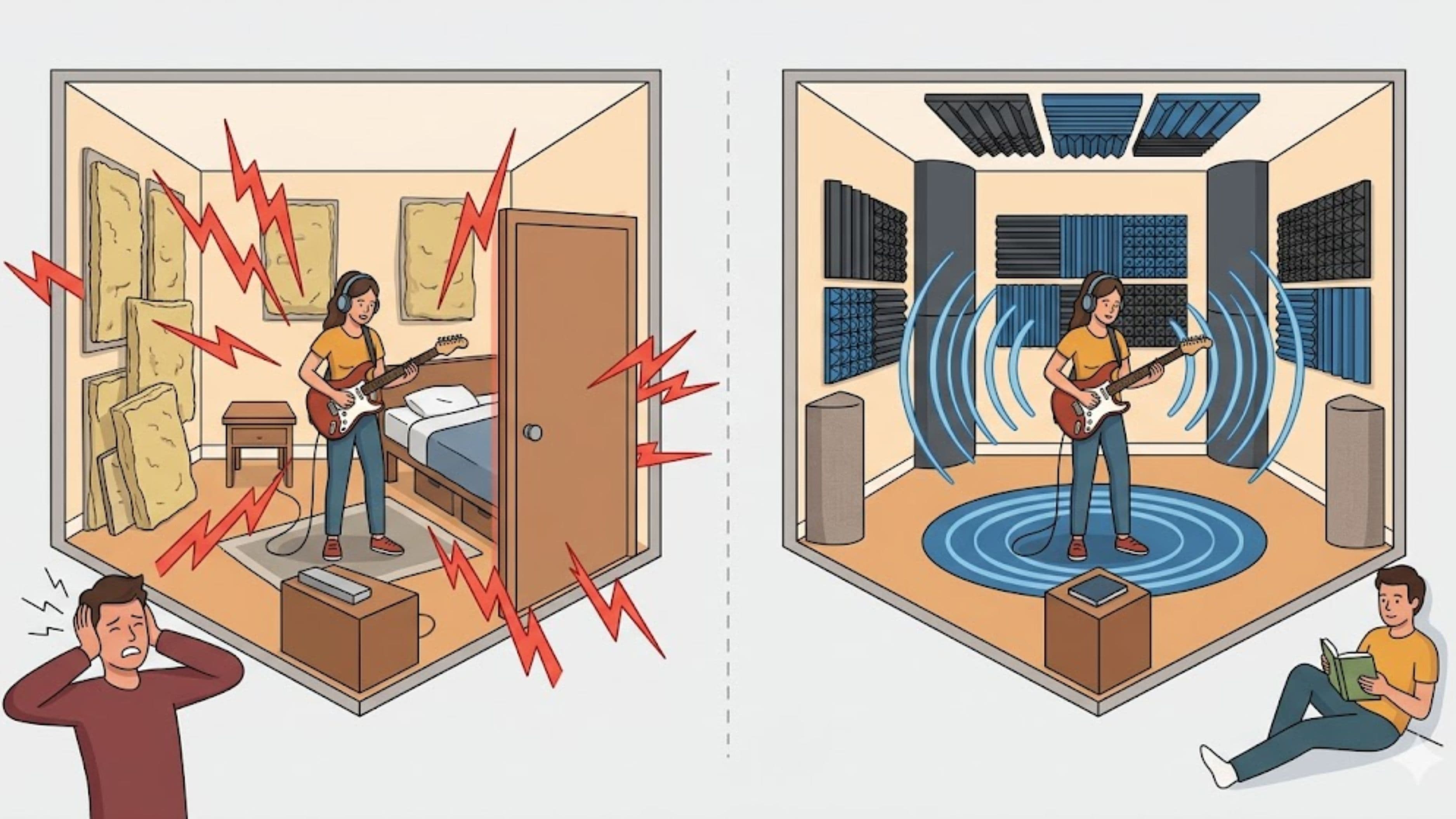
That said, an interface won't transform a weak room or poor microphone technique. Room treatment and good mic placement often matter just as much.
What to Watch Out For
Check driver support for your operating system, especially if you use Windows, since ASIO drivers impact latency. Confirm that USB-C interfaces work with your computer's ports and cables. Be cautious with very cheap unbranded interfaces, which may have noisy preamps and poor driver support.
Also consider your growth path. If you plan to record drums or multiple musicians, a two-input interface may feel limiting soon. Buying slightly above your current needs can save you from upgrading quickly.
Recommendation
For most home producers, the Focusrite Scarlett 2i2 or MOTU M2 are strong all-around choices. If you record only one source, the Scarlett Solo or Audient iD4 MkII offer excellent value. If you want character in your sound, the SSL 2 MkII or UA Volt 2 are worth a look. And if budget is the top priority, the Behringer UMC202HD gets you started.
FAQ
Do I need an audio interface to make music?
Not always. Producers working only with software instruments can start without one, but you'll need an interface to record vocals or instruments with good quality.
Are USB microphones a good alternative?
They're convenient for podcasting and simple recording but less flexible than an interface with an XLR microphone.
What sample rate should I record at?
44.1 kHz or 48 kHz at 24-bit is standard for most music and video work.
Will a more expensive interface improve my sound?
Past a certain point, improvements are subtle. Room acoustics, microphone choice, and technique often have a bigger impact.
Final Thoughts
The best budget audio interface is the one that fits how you actually record. Count your inputs, check your connectivity, and choose based on the features you'll use every session. Any of these seven options can anchor a capable home studio.
Get the basics right, and your interface becomes something you never have to think about.
📚 Sources
Focusrite – Scarlett 4th Gen product information: https://focusrite.com/scarlett
MOTU – M2 product page: https://motu.com/en-us/products/m-series/m2/
Audient – iD4 MkII: https://audient.com/products/audio-interfaces/id4/
Solid State Logic – SSL 2 MkII: https://www.solidstatelogic.com/products/ssl2-mkii
Universal Audio – Volt 2: https://www.uaudio.com/audio-interfaces/volt-2.html