Chapters split a long episode, mix, or video into labeled sections listeners can jump between. They make your content easier to explore, easier to come back to, and easier to share. This guide walks you through how chapter markers work across the main platforms, how to add them, and how to write chapters that actually help people listen longer.
Why Chapter Markers Matter
Long-form audio competes with everything else on your listener's phone. If someone can't quickly find the part they care about, they're more likely to skip the episode entirely. Chapters lower that friction by showing the structure of your content at a glance.
They also help different kinds of listeners. A casual fan might jump straight to the guest interview, while a superfan listens start to finish and uses chapters to rewind a favorite moment. For DJ mixes and long music videos, chapters let listeners find a specific track without scrubbing blindly through an hour of audio.
There's a discovery angle too. On YouTube, chapters can appear in search results and previews, which gives people more reasons to click. Well-labeled chapters essentially act as a table of contents that sells your episode.
How Chapters Work on Major Platforms
Podcast apps with embedded chapters
Many podcast apps read chapters embedded directly in the audio file, typically in MP3 files using ID3 metadata. Apple Podcasts and several third-party apps support these. Embedded chapters can include titles, and in some apps, images and links for each section.
Podcasting 2.0 chapters
The open Podcasting 2.0 namespace supports chapters delivered as a separate JSON file referenced in your RSS feed. This approach lets you update chapters without re-uploading audio, and it's supported by a growing number of independent apps and hosting platforms. Check whether your host offers it.
Spotify and description timestamps
Spotify and some other platforms can create chapters from timestamps listed in your episode description, depending on the platform and your hosting setup. Support and formatting rules change, so check your hosting provider's current documentation.
YouTube video chapters
YouTube creates chapters from timestamps in your video description. According to YouTube's guidelines, the first timestamp needs to start at 00:00, you need at least three timestamps in ascending order, and each chapter needs to be at least 10 seconds long. YouTube can also generate automatic chapters for some videos, which you can turn off if you prefer your own.
Step-by-Step: Adding Chapter Markers
Step 1: Plan chapters while you edit
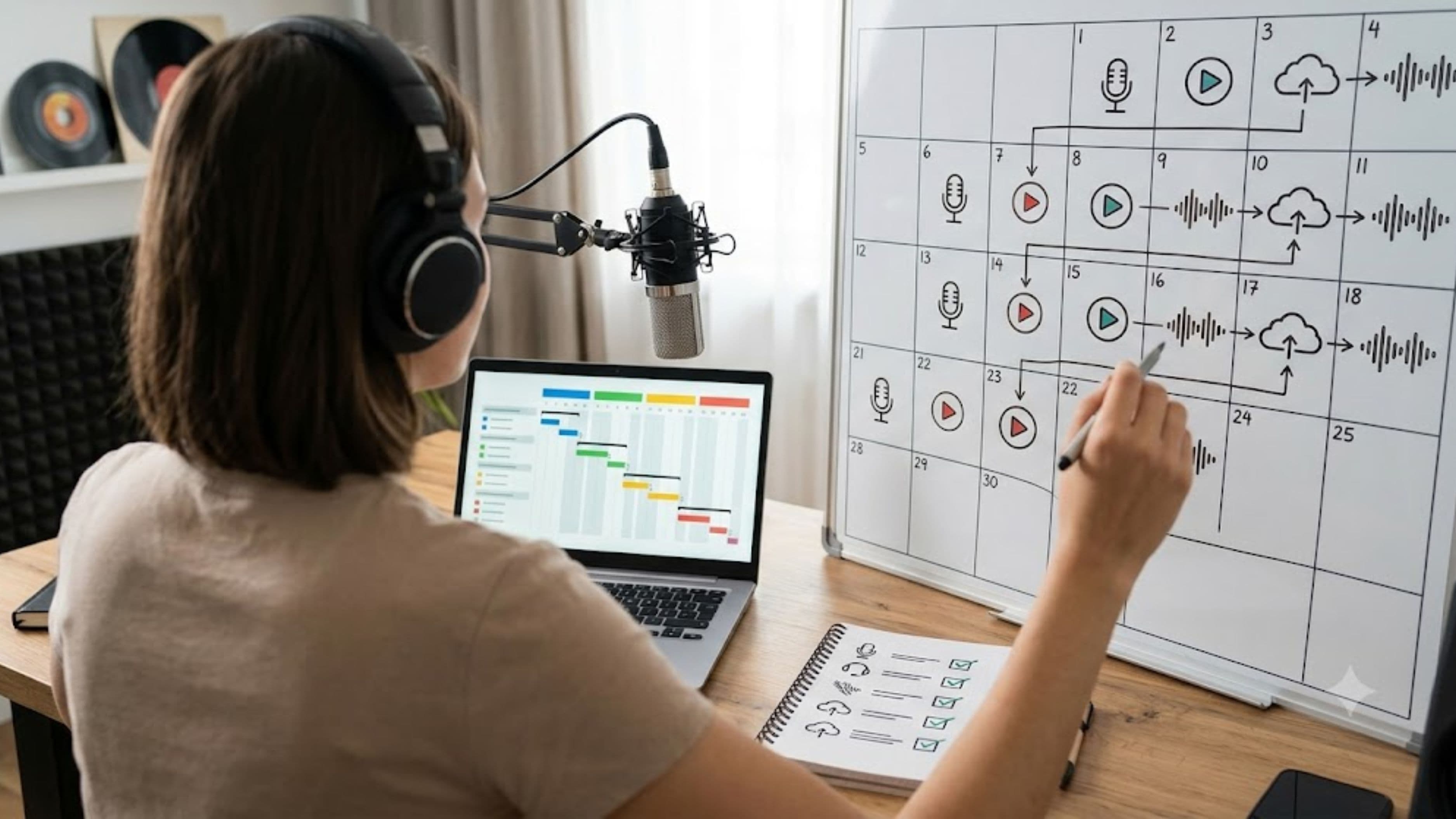
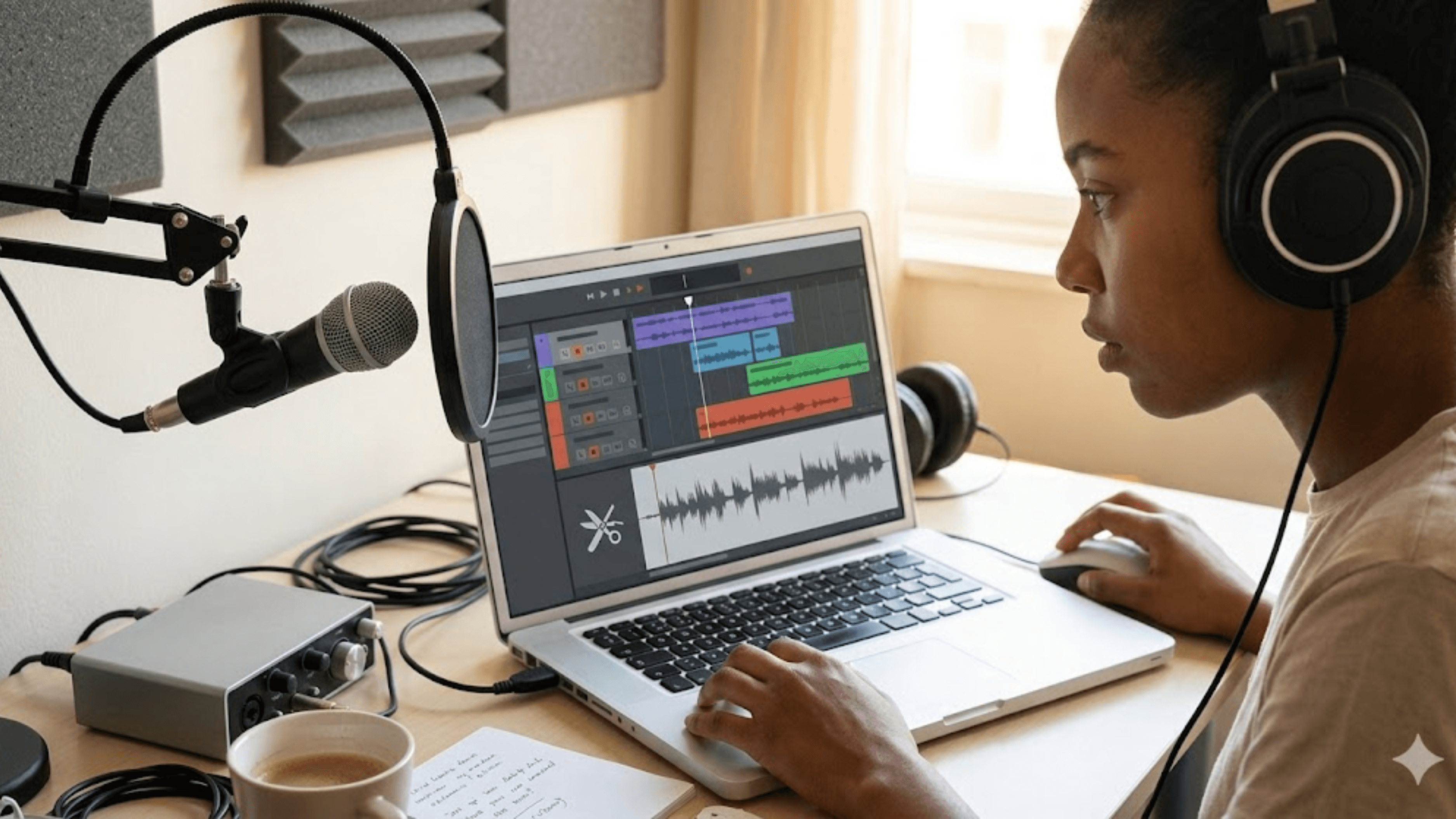
The easiest time to create chapters is during editing, when you already know where segments start and end. Note the timestamp for each natural break, such as the intro, main topic shifts, guest segments, listener questions, and outro.
Step 2: Write clear, specific titles
Chapter titles should tell listeners exactly what they'll get. "Why she left her label" is more useful than "Part 3." Keep titles short enough to read on a phone screen, ideally under 40 to 50 characters.
Step 3: Add chapters in your editing or hosting tool
Many podcast hosts and audio editors let you add chapters directly. Some digital audio workstations and dedicated chapter tools can embed ID3 chapters in MP3 files. If your host supports Podcasting 2.0 chapters, you may be able to add them through its dashboard.
Step 4: Add timestamps to your description
Even if you embed chapters, add a timestamp list to your episode or video description. It covers platforms that read descriptions, and it helps listeners who skim show notes before pressing play.
Here's an example of a simple timestamp format:
00:00 Intro 03:15 How the album started 14:40 Producing on a tiny budget 32:10 Touring lessons 51:00 Listener questions
Step 5: Test on multiple apps
After publishing, open your episode on at least two or three platforms and check that chapters appear and land in the right places. A chapter that starts ten seconds early or late feels sloppy and undermines trust.
Tips for Better Results
Match chapters to listener intent
Think about why people come to your show. If listeners often want gear talk, give it a dedicated chapter. If your guests are the draw, make each guest segment easy to find.
Keep a sensible number
Too few chapters don't help much, while too many make navigation cluttered. For a typical hour-long podcast, somewhere between five and ten chapters usually works well. For DJ mixes, one chapter per track is ideal.
Use chapter art strategically
In apps that support chapter images, adding album art, guest photos, or visuals for each section can make the experience feel polished. Keep images simple and relevant.
Reuse chapters for promotion
Your chapter list is a ready-made menu of clip ideas. Each chapter can become a short social post, a quote graphic, or a highlight video that drives people back to the full episode.
What to Watch Out For
Chapters can reveal where listeners drop off. Some podcast analytics tools show retention alongside timestamps, which can highlight segments that lose people. That's useful feedback, but don't overreact to a single episode. Look for patterns across several releases.
Also be careful with ad placements. If your chapters make it too obvious where ads sit, listeners may skip them, which could affect sponsor performance. Many creators keep ad reads inside a broader chapter rather than labeling them separately.
Common Mistakes
Vague chapter titles. "Segment 2" doesn't tell anyone why they should jump there.
Incorrect timestamps. Misaligned chapters frustrate listeners and look careless.
Forgetting the 00:00 rule on YouTube. Without it, chapters won't appear.
Adding chapters only in one place. Cover both embedded metadata and descriptions for wider support.
Too many tiny chapters. Overly granular chapters create clutter instead of clarity.
FAQ
Do chapter markers help podcast growth?
They improve usability, which can help listeners stay engaged and return. They're not a growth hack on their own, but they make your content more accessible.
Which podcast apps support chapters?
Apple Podcasts and many independent apps support embedded chapters, and several apps support Podcasting 2.0 JSON chapters. Support varies, so test on the apps your audience uses most.
How do I add chapters to YouTube videos?
Add timestamps to your video description starting at 00:00, with at least three timestamps in ascending order and each chapter at least 10 seconds long.
Can I add chapters to music mixes?
Yes. Chapters work well for DJ mixes, live sets, and long music videos, letting listeners jump between tracks.
The Takeaway
Chapter markers are one of the simplest upgrades you can make to long-form audio and video. They help listeners find what they came for, make your episodes easier to revisit, and give you a built-in map for promotion. Plan them during editing, write clear titles, add them in both metadata and descriptions, and test before you move on to the next release.
📚 Sources
YouTube Help – "Video chapters": https://support.google.com/youtube/answer/9884579
Podcast Index – Podcast Namespace, Chapters tag: https://podcastindex.org/namespace/1.0#chapters
Apple Podcasts for Creators – "Podcast requirements": https://podcasters.apple.com/support/823-podcast-requirements