Already have the TuneTrackerNews site prompt from this conversation. This topic fits the How-To Guide structure – a practical decision guide helping creators choose the right tool based on their actual workflow and goals.
How to Choose the Right DAW for Your Production Style
Picking a DAW when you're starting out – or switching after years on one platform – feels bigger than it probably is. But it also matters more than most gear decisions, because your DAW shapes how you think about music. The workflow it imposes, the way it visualizes time and arrangement, and where it puts friction all influence what kind of music you make and how fast you improve.
The problem isn't a shortage of options. It's that most DAW comparisons focus on feature lists rather than workflow fit – and a tool that has every feature you'll ever need still fails you if the way it works doesn't click with how you think.
Here's how to actually make the decision.
Start With Your Production Style, Not the Software
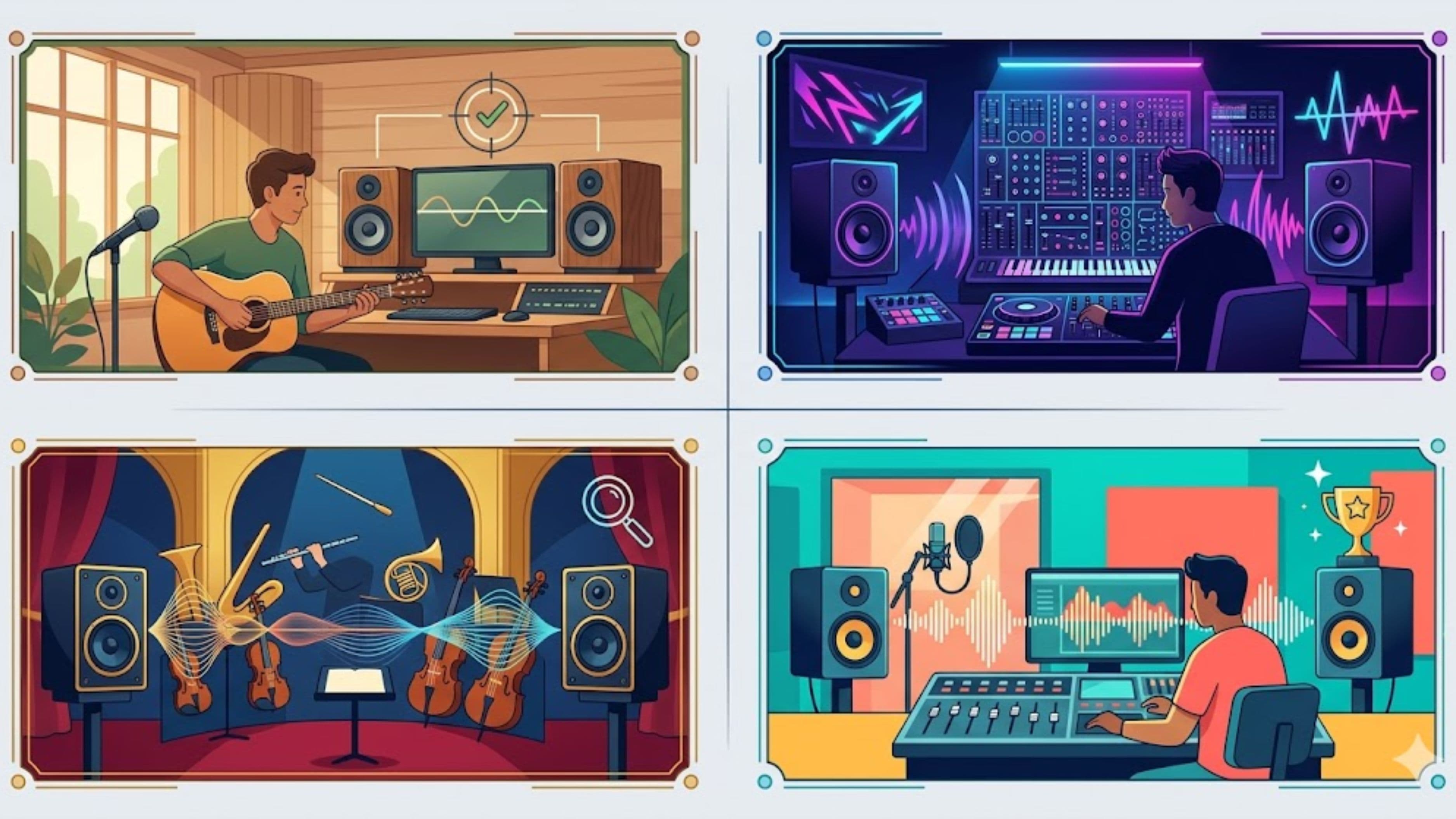
Before you look at a single DAW, be honest about how you produce. Are you primarily building tracks from samples and loops, programming beats, recording live instruments, or some combination? Do you write by improvising and discovering ideas, or by planning arrangement structure in advance? Do you work fast and finish things quickly, or do you spend time deep in sound design and mixing?
These questions matter because different DAWs are built around fundamentally different mental models of production. Some think in linear timelines. Some think in patterns and loops. Some treat the session as a performance environment. The DAW that fits one of these modes naturally can feel almost invisible while you work – it just gets out of the way. The one that doesn't match will create constant small frictions that compound into frustration over weeks and months.
The Major DAWs and Who They're Actually For
Ableton Live – Best for Loop-Based Production and Live Performance
Ableton's Session View is the feature that defines its identity. Instead of a single linear timeline, the Session View gives you a grid of clips – loops, one-shots, MIDI patterns – that you can trigger in any order. It's a non-linear way of working that suits producers who discover music by playing with loops and seeing what combinations feel right, rather than planning a structure before sitting down.
For electronic music, hip-hop, and any genre where loops and pattern repetition drive the track, Ableton's workflow accelerates the creative process in ways other DAWs don't. It's also the clear industry standard for live performance – DJs, live electronic acts, and performers who trigger tracks in real time build their sets in Ableton because nothing else offers the same combination of stability and flexibility on stage.
The Arrangement View is a standard linear timeline that handles traditional recording and arrangement when you need it, so Ableton isn't limited to loop-based work. But if your primary mode is performing or loop-triggering rather than linear composition, it's the strongest option available.
Where Ableton is less dominant: complex audio editing tasks, film and TV scoring, and workflows where notation or traditional DAW conventions matter. Producers who need deep MIDI orchestration or who write to picture often find better-suited tools elsewhere.
Versions: Intro ($99), Standard ($449), Suite ($749). Free 90-day trial available.
FL Studio – Best for Beat Makers and Pattern-Based Production
FL Studio's core workflow centers on its Step Sequencer and Piano Roll. You build patterns – drum patterns, melodic loops, basslines – and arrange them in the Playlist. It's a pattern-first way of thinking that maps well to how hip-hop, trap, and electronic beats are actually constructed: you build the elements, then arrange them.
The Piano Roll in FL Studio is genuinely one of the best in any DAW for detailed MIDI programming. Quantization, humanization, chord tools, and the visual clarity of note editing are all strong. Producers who work heavily in MIDI – programming drum hits, composing melodies, building complex chords – find FL's piano roll faster to work in than most alternatives.
FL Studio is also the one major DAW with a lifetime free updates policy. You pay once and receive every future version at no additional cost. For producers who plan to use the same software for a decade, that policy has real long-term value.
The weaknesses are worth naming: audio recording workflow (for recording live instruments or vocals) is less intuitive than competitors, and the channel rack and mixer routing can feel unintuitive to producers coming from other DAWs. FL is best for producers who work primarily in MIDI and samples rather than recording live sources.
Versions: Fruity ($99), Producer ($199), Signature ($299), All Plugins ($499). All include lifetime updates
.
Logic Pro – Best Professional DAW for Mac Users
Logic Pro is Apple's professional DAW and one of the best values in music software at its price point. For $199.99 – a one-time purchase with free updates – you get a fully professional tool used on commercial releases across every genre, a library of over 10,000 royalty-free loops and samples, and one of the strongest collections of built-in virtual instruments and effects available in any DAW.
Logic's workflow is conventional in the best sense: clear, well-organized, and designed to feel intuitive to anyone who's spent time in a recording environment. It handles recording live instruments and vocals gracefully, its MIDI programming tools are strong, and the built-in mastering tools mean you can take a track from initial idea through final delivery without leaving the software. For producers who want a home base they can stay in for years, Logic's depth-to-price ratio is difficult to beat.
The limitation is hard: Logic is Mac only. If you work on Windows, it's simply not available.
Price: $199.99 one-time, with free 90-day trial. Mac only.
Pro Tools – Best for Recording, Mixing, and Industry-Standard Workflow
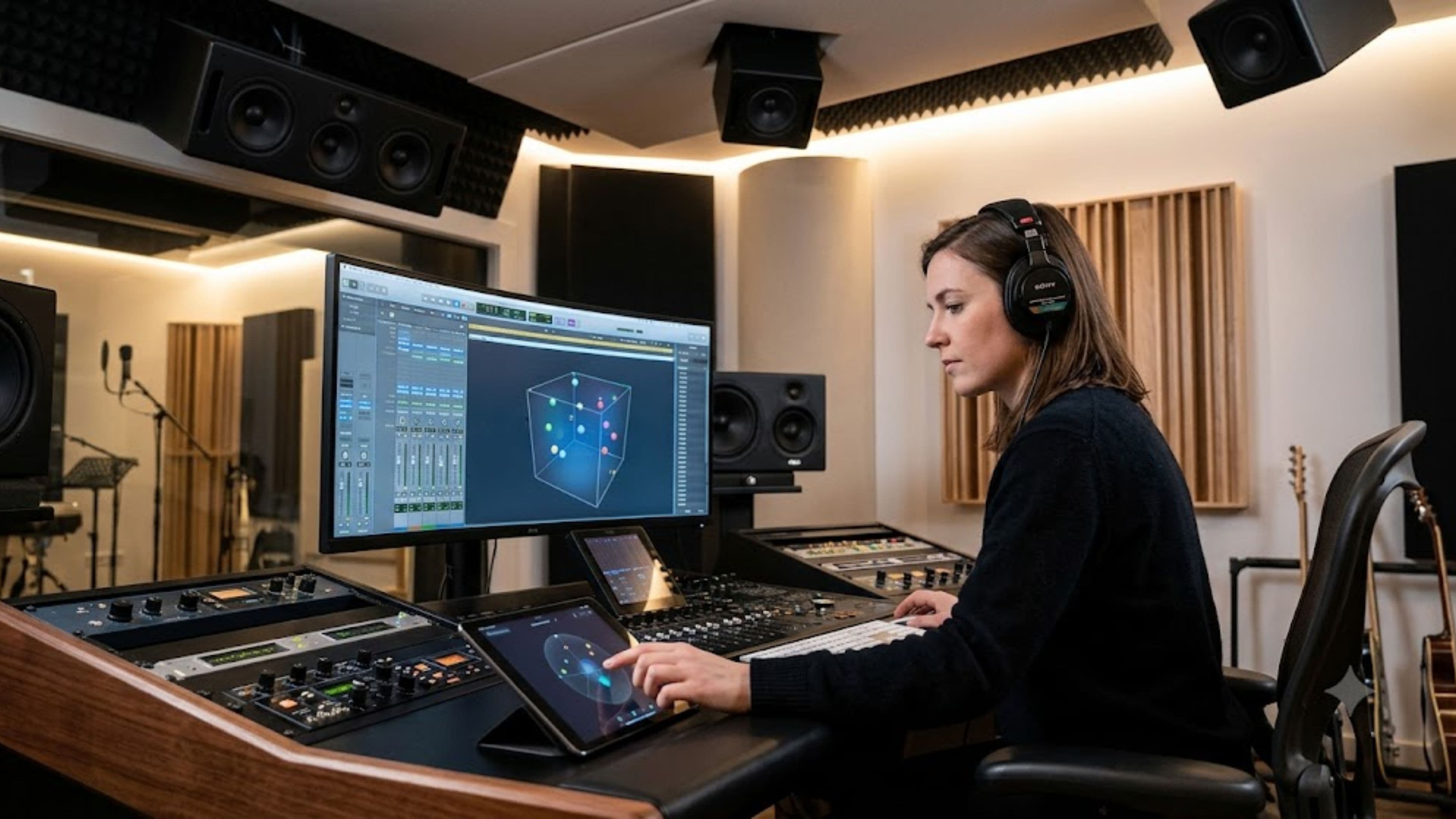
Pro Tools is the recording studio industry standard, full stop. If you expect to work professionally in a studio environment, collaborate with engineers and producers across sessions, or work in audio post-production for film and television, Pro Tools is the tool the industry runs on. Session compatibility, the mixing console model, and the deep audio editing capabilities are all designed around professional production workflows.
For independent producers primarily making beats or electronic music at home, Pro Tools is rarely the right starting point. Its strength is audio – recording, editing, and mixing recorded performances – more than MIDI and electronic production. The subscription model ($9.99/month for the entry tier) also means ongoing cost rather than a one-time purchase.
Where Pro Tools earns its reputation: recording bands and live instruments, editing spoken word and podcast audio, and any workflow where compatibility with professional studios and post-production facilities matters.
Price: Artist plan from $9.99/month. Studio plan at $39.99/month. Perpetual license options available.
Ableton Alternative: Bitwig Studio – Best for Experimental and Modular-Minded Producers
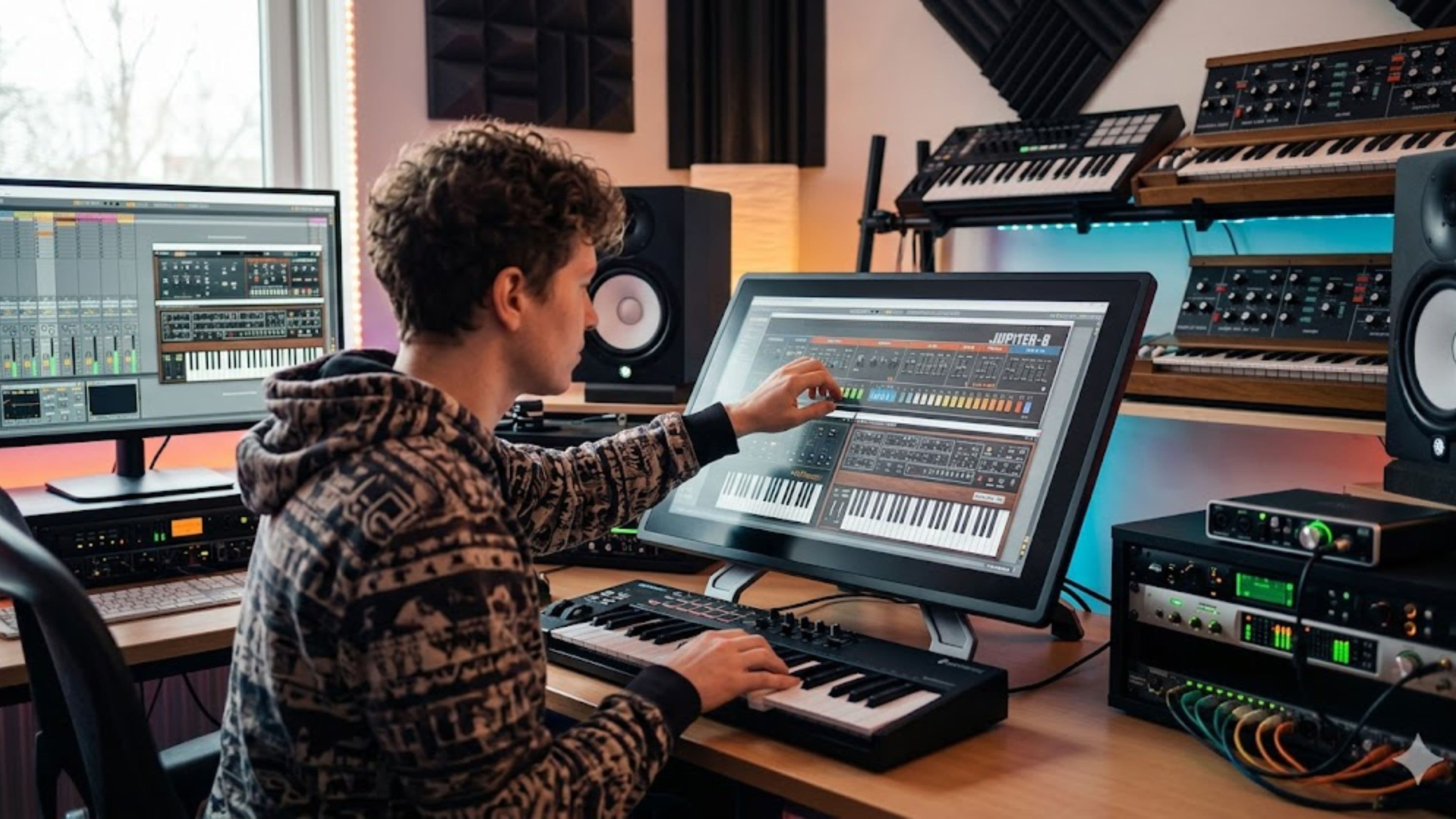
Bitwig occupies a specific niche between Ableton and a modular synthesis environment. Its clip-based workflow is similar enough to Ableton's Session View that producers familiar with one can navigate the other, but Bitwig's modulation system – where almost any parameter can be modulated by almost any source with drag-and-drop connections – pushes into territory that suits producers who think in terms of signal flow and generative systems rather than traditional arrangement.
Bitwig's cross-platform support (Windows, Mac, Linux) and its modular modulation architecture make it a strong choice for electronic producers who want deeper sound design capabilities built into the DAW itself. It's less common in professional studio environments than Ableton but has a devoted community among experimental and electronic producers.
Price: $399 (one-time, includes 12 months of updates). Free 30-day trial.
GarageBand – Best Free Starting Point for Mac and iOS Users
GarageBand is free, ships on every Apple device, and is genuinely capable enough that many hobbyist and early-stage producers never need to leave it. The skills built in GarageBand transfer almost directly to Logic Pro, making it a logical on-ramp to Apple's professional ecosystem. For producers starting out on Mac or iOS who aren't ready to invest in paid software, GarageBand is the right beginning.
Its ceiling is real – there's no surround sound, limited track count compared to professional tools, and no advanced modular routing. But for recording ideas, producing demos, and learning DAW fundamentals, it's a serious tool at a price of zero.
The Workflow Questions That Actually Determine the Right Fit
Beyond genre and platform, a few practical questions narrow down the decision more than any feature comparison.
How do you start a track? If you start by playing something live and capturing it, Ableton, Logic, and Pro Tools are all strong. If you start by building a beat pattern, FL Studio and Ableton both suit this well. If you start by exploring sounds and letting the music emerge from what you discover, Bitwig and Ableton's Session View both support that exploratory mode better than linear-first DAWs.
Do you record live instruments or vocals? If yes, Logic and Pro Tools handle recording workflow more gracefully than FL Studio, which wasn't designed around live tracking as a primary use case. Ableton handles recording adequately but its recording workflow is less streamlined than Logic for traditional recording sessions.
How much do you care about built-in sounds? Logic Pro has the deepest built-in instrument and sample library of any DAW at its price point. FL Studio's default plugin collection is strong for synthesis and beat production. Ableton's included sounds are decent but less deep – many Ableton users buy or download additional packs and third-party instruments. If budget limits you to working with what's included, Logic or FL Studio offer more out of the box for their respective use cases.
Do you work across platforms? Logic is Mac only. FL Studio and Ableton work on both Mac and Windows. Bitwig is the only major DAW with strong Linux support. If you work across operating systems or might switch platforms in the future, cross-platform availability matters.
Tips for Making the Final Decision
Use free trials properly rather than clicking through the interface looking for problems. Build an actual track – your kind of track, with your typical workflow – during the trial period. How did the initial idea-capture go? Where did you get stuck? What felt fast? Those specific experiences tell you more than any feature comparison.
Don't over-index on what your favorite producers use. Production style varies enough that the DAW someone else swears by may genuinely be the wrong fit for your workflow. The producer who lives in Ableton and builds everything from loops has different needs than the producer who records a live band and does post-production mixing. Both have strong opinions about their tools.
Give any new DAW 60–90 days of committed use before evaluating. The initial learning curve of a new interface skews your perception of whether the tool fits. Many producers who switch DAWs report feeling slower and less creative for the first month, then significantly more capable once the interface becomes automatic. Judge the tool after the learning curve, not during it.
Finally, one DAW is enough. The pattern of collecting DAWs and using each one for a different purpose sounds appealing but almost always produces fragmentation and shallow expertise rather than depth in any one tool. Pick one, learn it deeply, and reserve energy for making music rather than managing software.
What to Avoid
Choosing based on your favorite producer's gear list is the most common mistake. The DAW someone uses is usually a product of when they started and what they learned first, not an objective endorsement of that tool's superiority for your situation.
Choosing the most expensive or most "professional" option because it feels more serious is another trap. Logic at $199 and GarageBand at free have been used on commercially released music. Pro Tools' studio-grade credentials don't make it better for home beat production than FL Studio – in that context it's likely worse. Match the tool to the actual work, not the aspiration.
Switching DAWs every time you hit a creative plateau is a pattern worth naming because it's genuinely common and genuinely counterproductive. Switching feels like progress but is usually avoidance. Creative plateaus are about production skills and musical knowledge, not about which software you're using.
FAQ
Is there one DAW that's best overall? No. Ableton is often cited as the most versatile for independent producers, but that's a function of its wide adoption and strong community rather than objective superiority across all use cases. Logic is better value for Mac users who need deep built-in sounds. FL Studio is the stronger choice for pattern-based beat production. The right answer depends entirely on what you're making and how you work.
Can you produce professional music in a free DAW? Yes. GarageBand has been used on commercially released tracks. LMMS is a free, open-source option that's capable for electronic and MIDI-heavy production. The limiting factor for professional music isn't the DAW – it's production skill, sound quality, and mix quality, all of which are achievable in free tools.
Does switching DAWs make you a better producer? Rarely, and usually not in the way you expect. Learning a new DAW takes time that isn't going toward making music. The producers who improve fastest tend to go deep on one tool rather than broad across many. Switch when there's a specific, concrete limitation your current DAW genuinely can't address – not when you're frustrated with your music.
How long does it take to learn a DAW properly? Expect 2–4 weeks to feel functional in basic tasks, 2–3 months to feel comfortable with your typical workflow, and 6–12 months before the interface becomes automatic enough that it stops interfering with creativity. The learning curve is steeper for more complex DAWs like Ableton and Pro Tools, shallower for Logic and FL Studio which have more conventional interfaces.
Should I learn multiple DAWs? If you're working professionally in studios, being comfortable in both Pro Tools and at least one creative DAW (Logic, Ableton) is genuinely useful. For independent producers, developing deep expertise in one tool almost always produces better musical results than moderate familiarity with several.
The right DAW is the one that gets out of your way fast enough that your focus stays on the music. That's the whole test. Pick based on how you actually produce, use the trial period for real work, and commit long enough to get past the learning curve before deciding. After that, the software stops being the interesting part.
📚 Sources
Ableton Live Feature Overview and Editions – Ableton: https://www.ableton.com/en/packs/live-versions
FL Studio Editions Comparison – Image-Line: https://www.image-line.com/fl-studio-learning/fl-studio-online-manual/html/app_editions.htm
Logic Pro Overview – Apple: https://www.apple.com/logic-pro
Pro Tools Plans and Pricing – Avid: https://www.avid.com/pro-tools/whats-new
Bitwig Studio Features and Pricing: https://www.bitwig.com/studio
GarageBand for Mac – Apple Support: https://support.apple.com/garageband
Independent Music Production and DAW Usage Survey – Berklee Online: https://online.berklee.edu/takenote/beginners-guide-to-music-production