Why Repurposing Matters More Than Creating New Content
Podcast discovery still relies heavily on people encountering a clip or a quote somewhere they already spend time, whether that's a short video platform, a feed-based app, or a link shared in a group chat. Most listeners aren't actively browsing podcast directories looking for new shows; they're finding them through a compelling piece of content that leads back to the full episode. This means the highest-leverage promotional work isn't creating brand new material, it's extracting the moments that already exist in an episode you've already recorded.
Step 1: Identify Your Highlight Moments While Recording, Not After
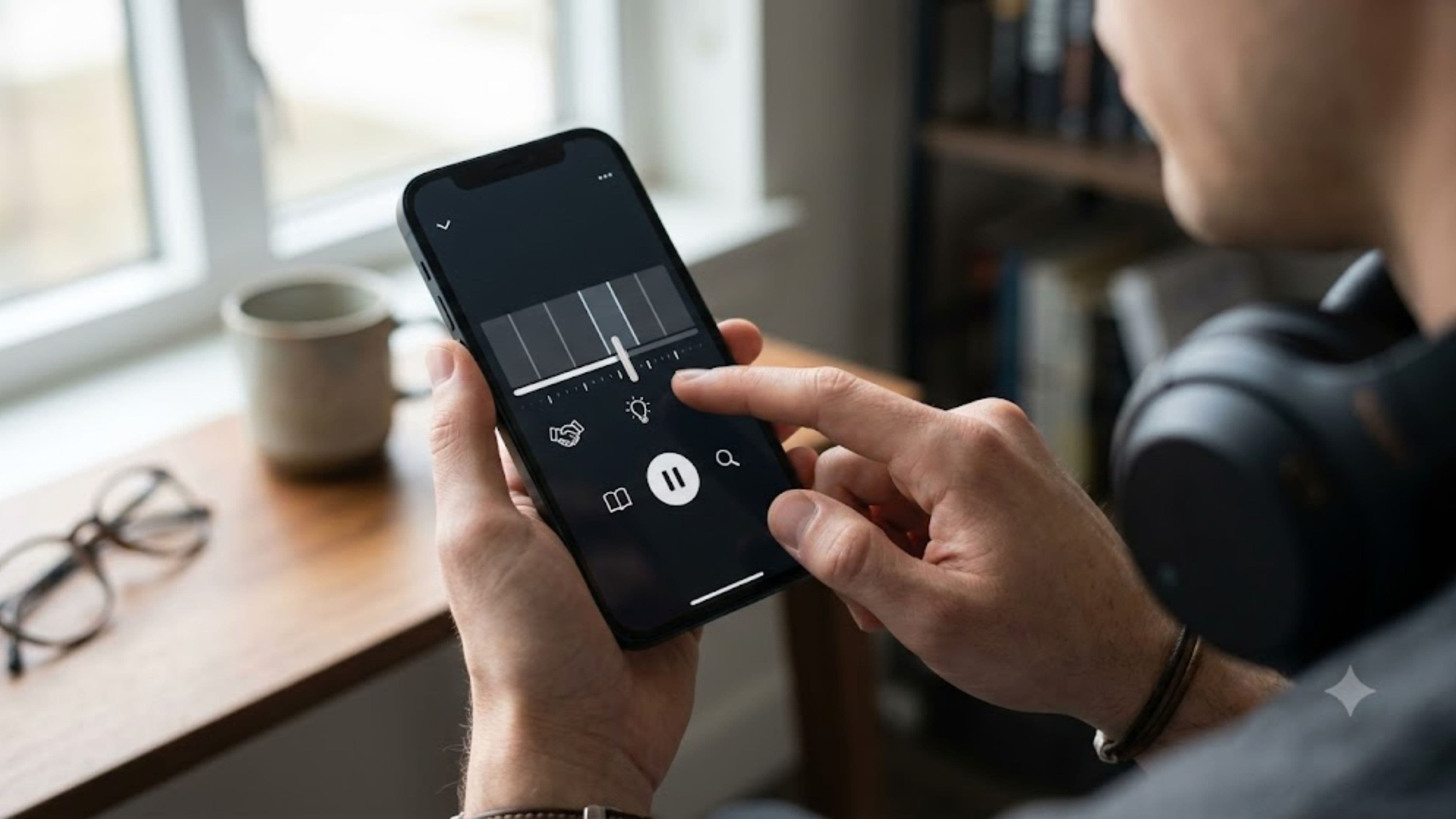
The biggest time sink in repurposing usually comes from having to relisten to an entire episode after the fact to find good clips. A simpler approach is noting timestamps for strong moments as they happen during recording or shortly after, whether that's a surprising guest answer, a genuinely funny exchange, or a clearly stated, quotable insight. Keeping a running note during or immediately after recording turns what would be a lengthy post-production scavenger hunt into a quick reference list.
This single habit shift, from finding highlights after the fact to flagging them in real time, is often the biggest time saver in the entire repurposing process, since it eliminates the need to relisten to hour-long content just to locate a thirty-second moment worth sharing.
Step 2: Use Automated Transcription and Clip Tools
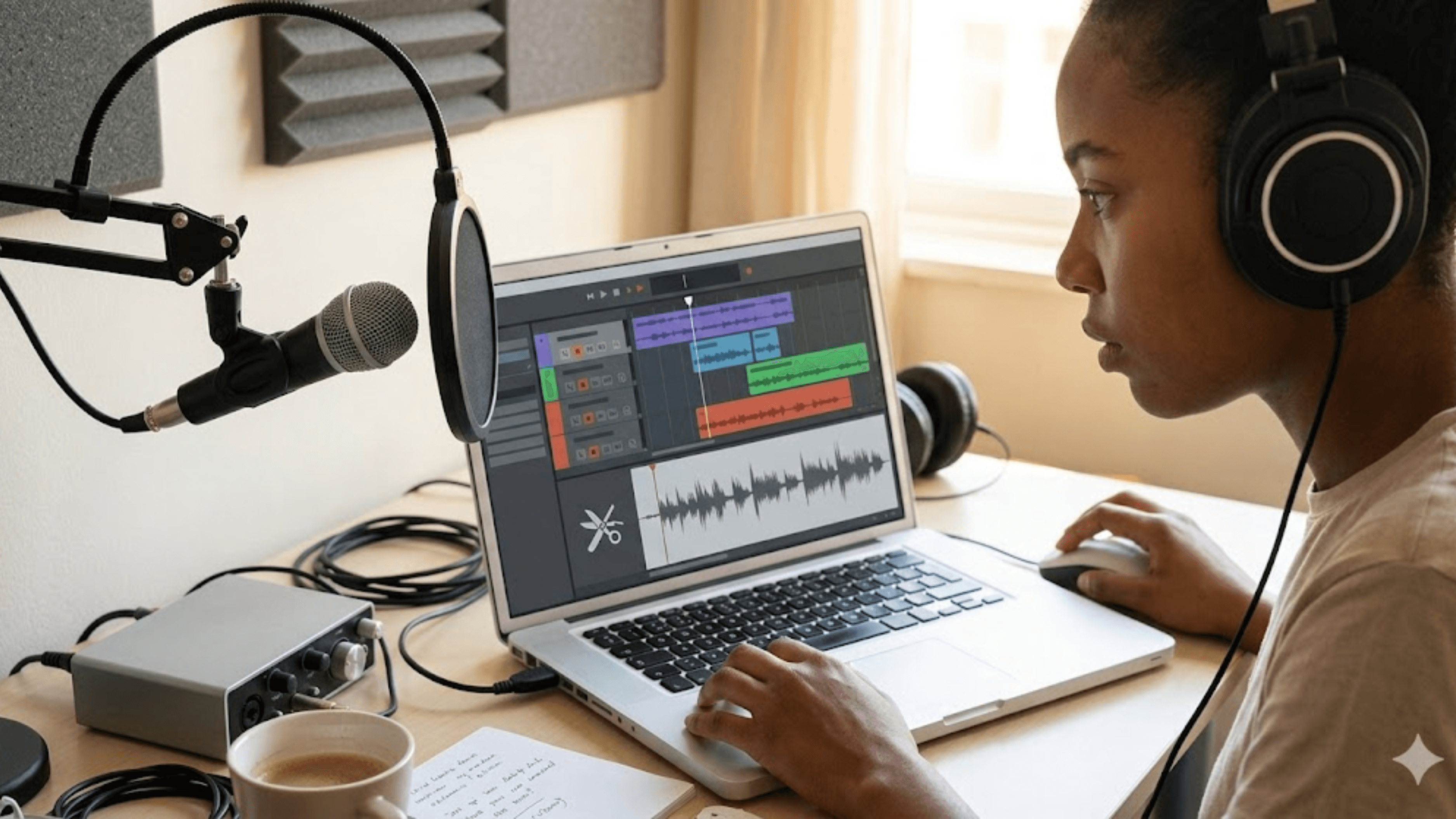
Modern podcast editing and repurposing tools can automatically transcribe an episode and, in many cases, identify likely highlight-worthy moments based on speech patterns, audience engagement signals from previous episodes, or your own flagged timestamps. This removes a significant chunk of manual editing time, since you're no longer scrubbing through a waveform manually looking for exact clip boundaries.
Many of these tools can also automatically generate captioned video clips formatted for vertical, social-first viewing directly from an audio or video recording, which used to require separate manual editing software and design work to accomplish.
Step 3: Build a Simple, Repeatable Template System
Rather than designing a new graphic or caption format for every single piece of repurposed content, build two or three simple templates you reuse consistently: one for short video clips, one for text-based quote graphics, and one for episode announcement posts. Consistency here does double duty, since it saves you design time on every single post while also building visual recognition for your show across whichever platforms you're active on.
A consistent template also means once you've set it up, dropping in a new clip or quote each week becomes a five-minute task rather than a from-scratch design project every time.
Step 4: Batch Your Repurposing Work Immediately After Recording
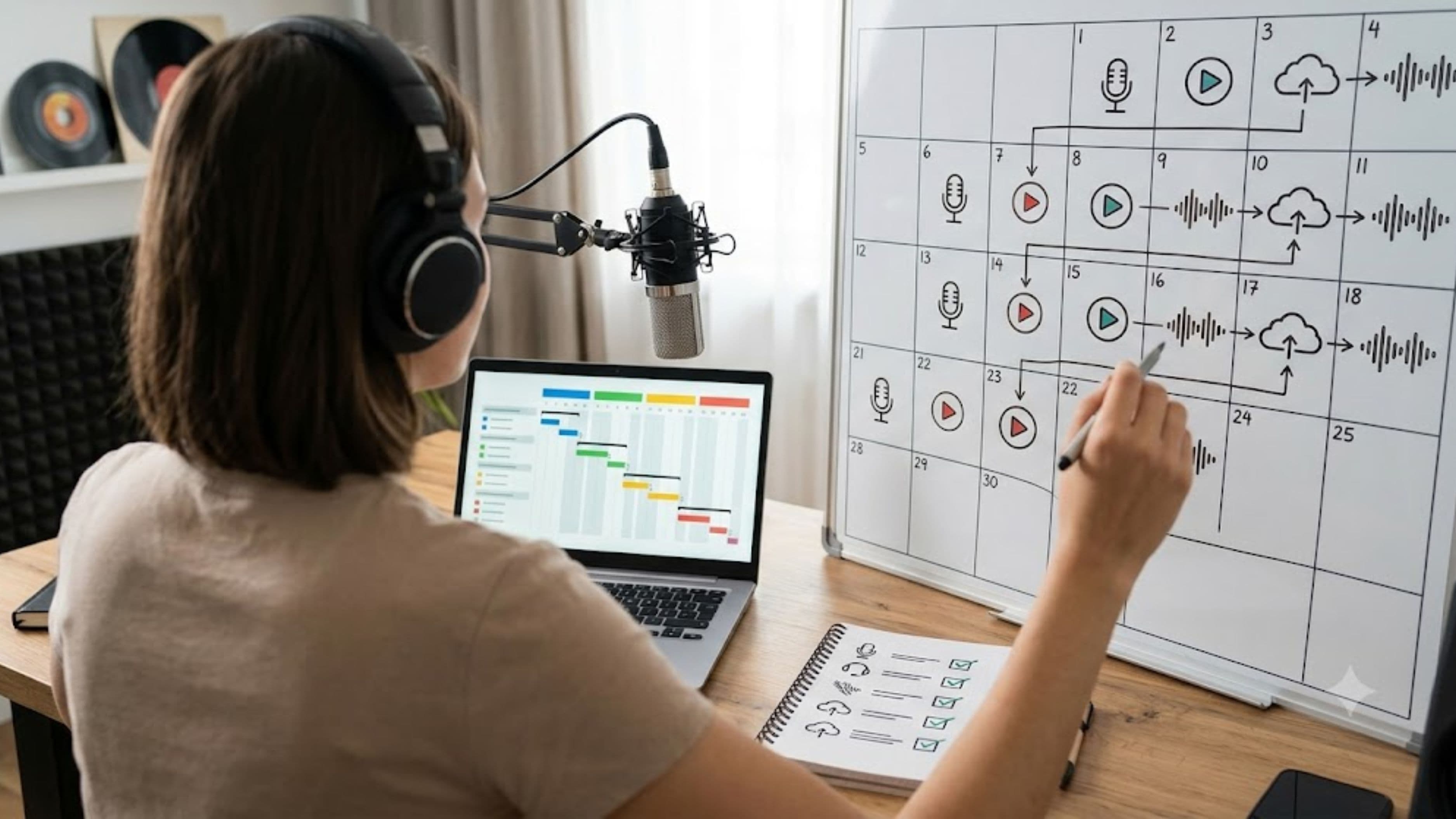
Doing your repurposing work in a single focused session right after recording, rather than spreading it out over several days, tends to be significantly more efficient, since the episode content is still fresh in your memory and you're not mentally re-engaging with it multiple separate times. Set aside a defined block of time, often 30 to 45 minutes with the right tools in place, immediately following your recording session specifically for pulling clips, writing captions, and scheduling posts.
This batching approach also naturally creates a consistent posting rhythm, since you're producing a full set of promotional content on the same schedule as your episode releases rather than scrambling to create individual posts throughout the week.
Step 5: Repurpose Into Multiple Content Formats From the Same Source Material
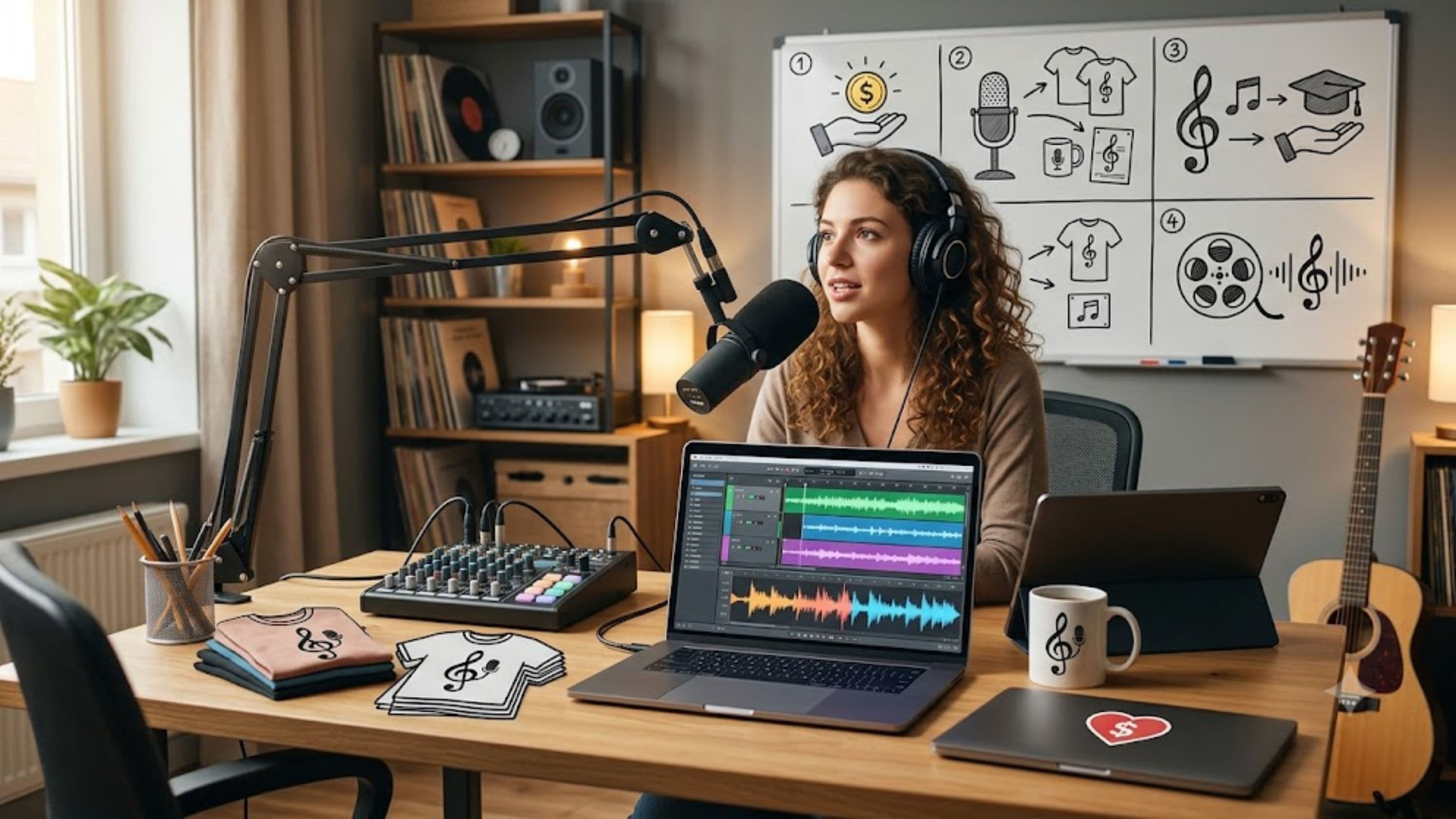
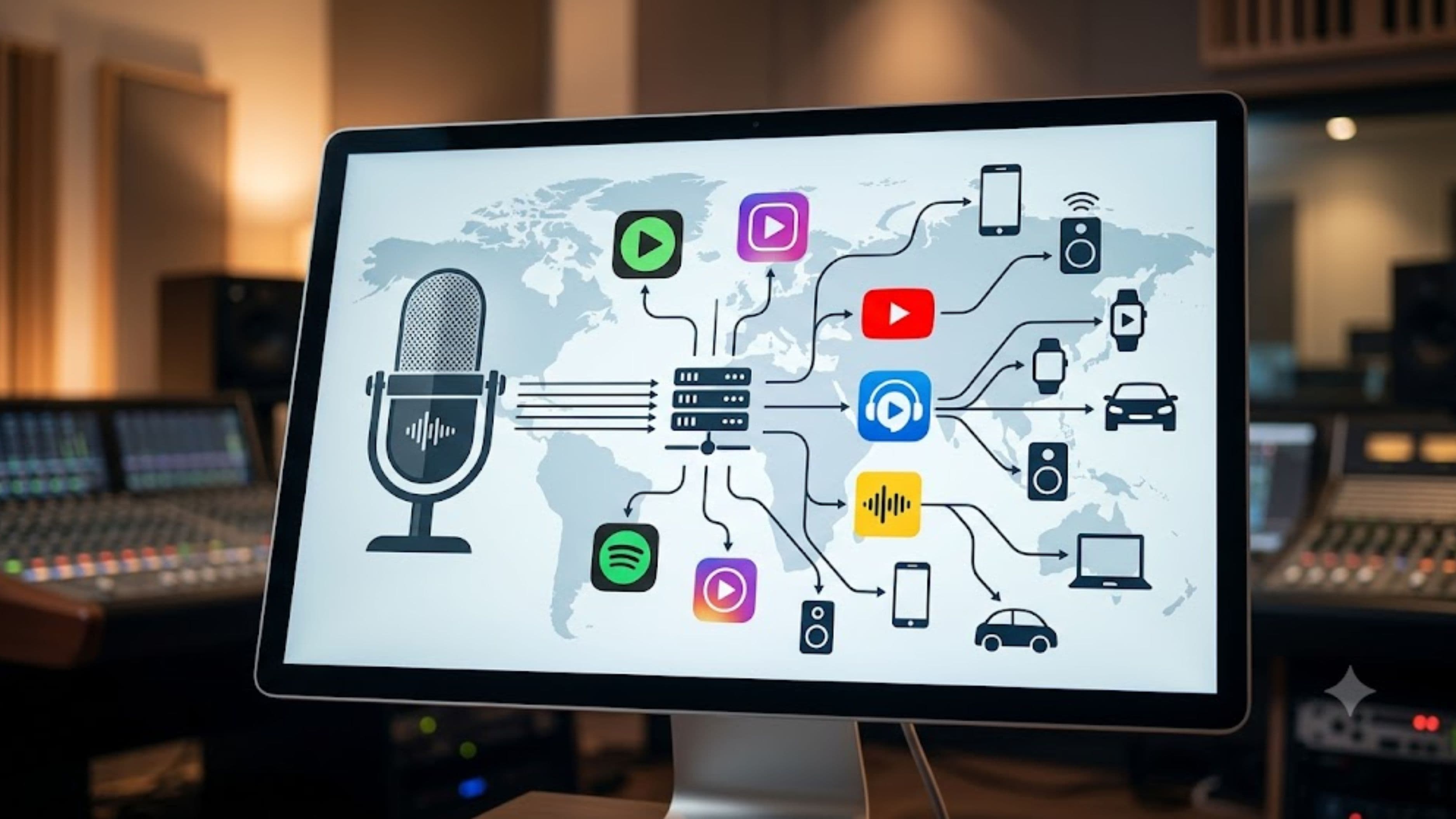
A single strong moment from an episode can typically become three or four different pieces of content without requiring additional editing effort: a short video clip for platforms favoring that format, a text quote graphic pulling the same statement, a longer-form written post expanding on the context for platforms that favor text, and a simple audio-only clip for platforms or communities that prefer that format.
Since all of these draw from the same source moment, the actual creative decision-making has already been done once, and the remaining work is largely format adaptation rather than new content creation.
This approach maximizes the value extracted from your highlight moments without requiring you to identify new content for each individual platform separately.
What to Watch Out For
Automated highlight-detection tools are a genuine time saver, but they're not perfect, and blindly trusting a tool's suggested clips without a quick manual review can result in posting content that's technically accurate but misses the moments that would actually resonate with your specific audience. A quick human review pass, even just skimming the tool's suggested clips for a minute or two, meaningfully improves output quality without adding much time back into the process.
It's also worth watching for over-automation at the expense of authenticity, since captions and posts that feel too generic or templated can undercut engagement even when the underlying clip is strong. A brief personal touch added to an otherwise automated caption often performs meaningfully better than a fully automated, generic version.
Realistic Expectations
Even with a well-built repurposing workflow, expect the process to take some real time investment, typically somewhere in the range of 30 minutes to an hour per episode once your system is established, rather than the multiple hours a fully manual process would require.
Building the initial templates and testing which tools fit your workflow best does require an upfront time investment before things start feeling genuinely fast and repeatable.
Growth from consistent repurposing tends to be gradual rather than immediate, building over weeks and months of consistent posting rather than producing an overnight surge in listenership from any single piece of repurposed content.
Common Mistakes to Avoid
A common mistake is trying to repurpose every single moment from an episode instead of being selective about genuinely strong highlights, which spreads effort thin across mediocre clips instead of concentrating it on the moments most likely to actually resonate.
Another is skipping the batching step and instead trying to create promotional content throughout the week in small, disconnected sessions, which tends to take significantly more total time than one focused session. And a frequent oversight is neglecting to build reusable templates, which means recreating design and formatting decisions from scratch every single week.
FAQ
Do I need expensive software to repurpose podcast content effectively? No. Many transcription and clip-generation tools offer free or low-cost tiers that are sufficient for a podcast just starting to build a repurposing workflow, and template-based graphic tools are similarly accessible without significant cost.
How many pieces of social content should I aim to create per episode? There's no universal number, but a common approach is producing three to five pieces of repurposed content per episode, spread across the days following release, rather than posting everything at once.
Should I repurpose content myself or hire someone to do it? This depends on your available time and budget. Many creators start by building their own repurposing workflow to understand what works for their specific audience before considering outsourcing the process as their show grows.
📚 Sources
Edison Research, "The Podcast Consumer" – https://www.edisonresearch.com/
Riverside.fm, "Podcast Repurposing Guide" – https://riverside.fm/blog