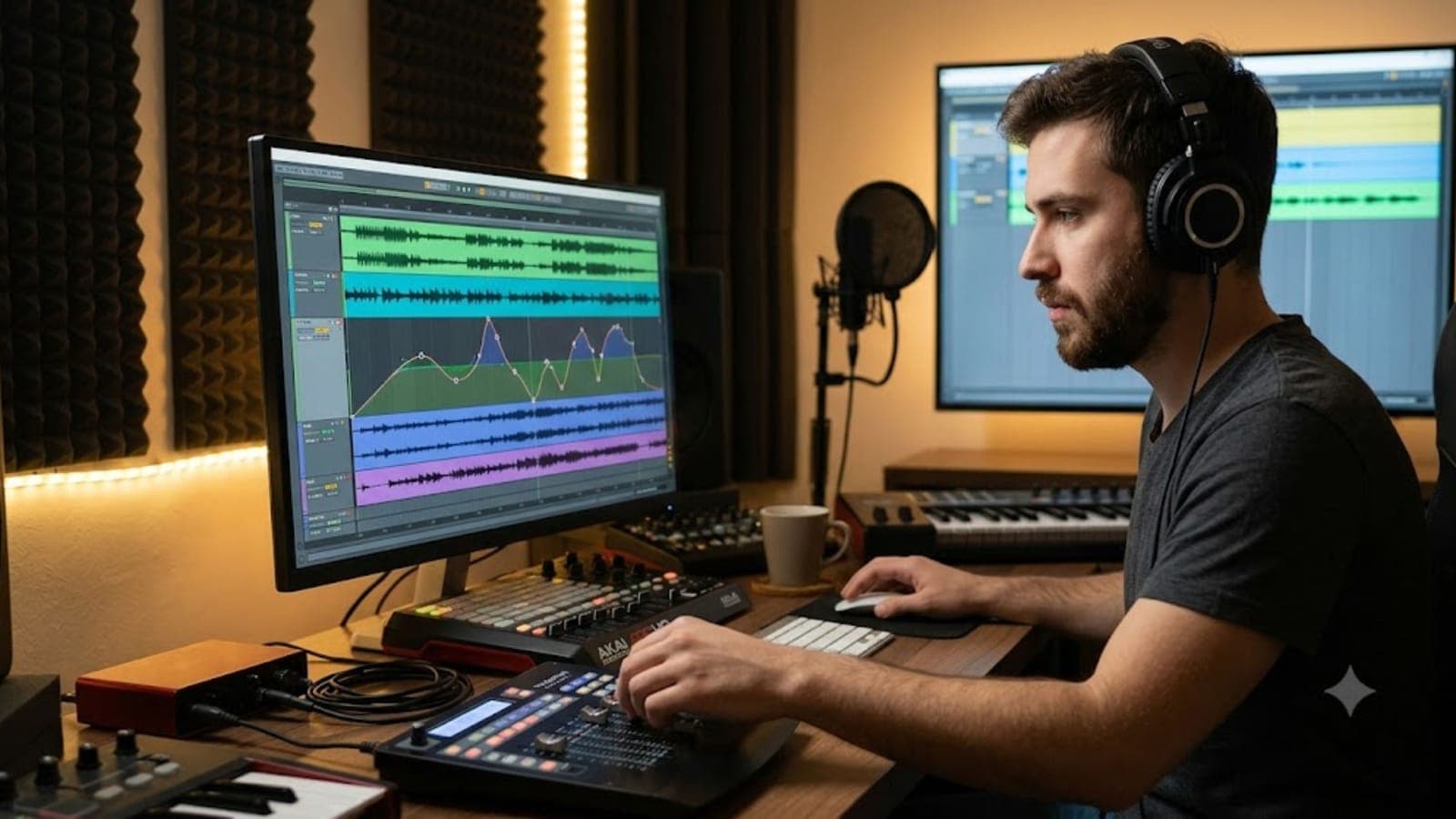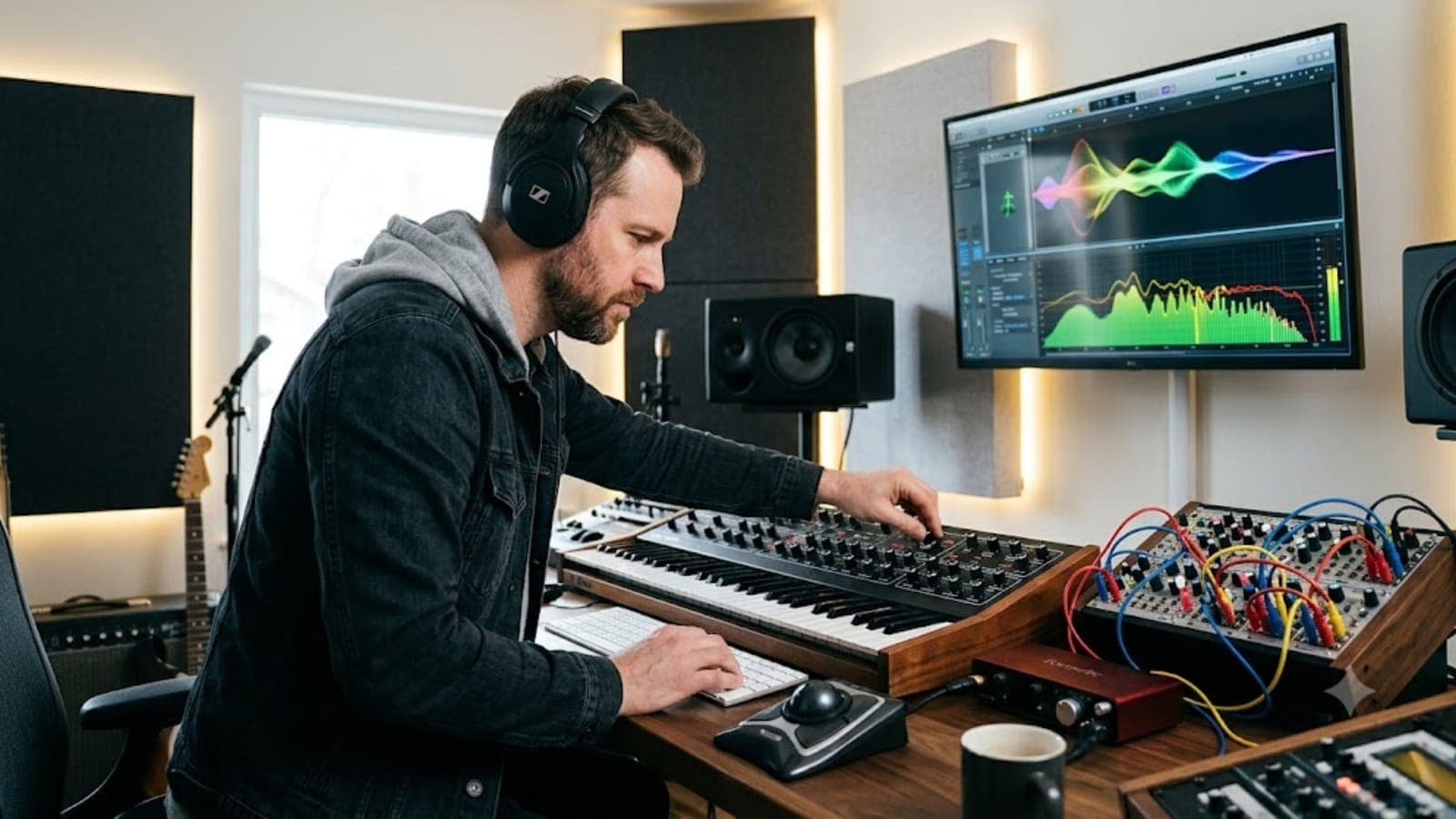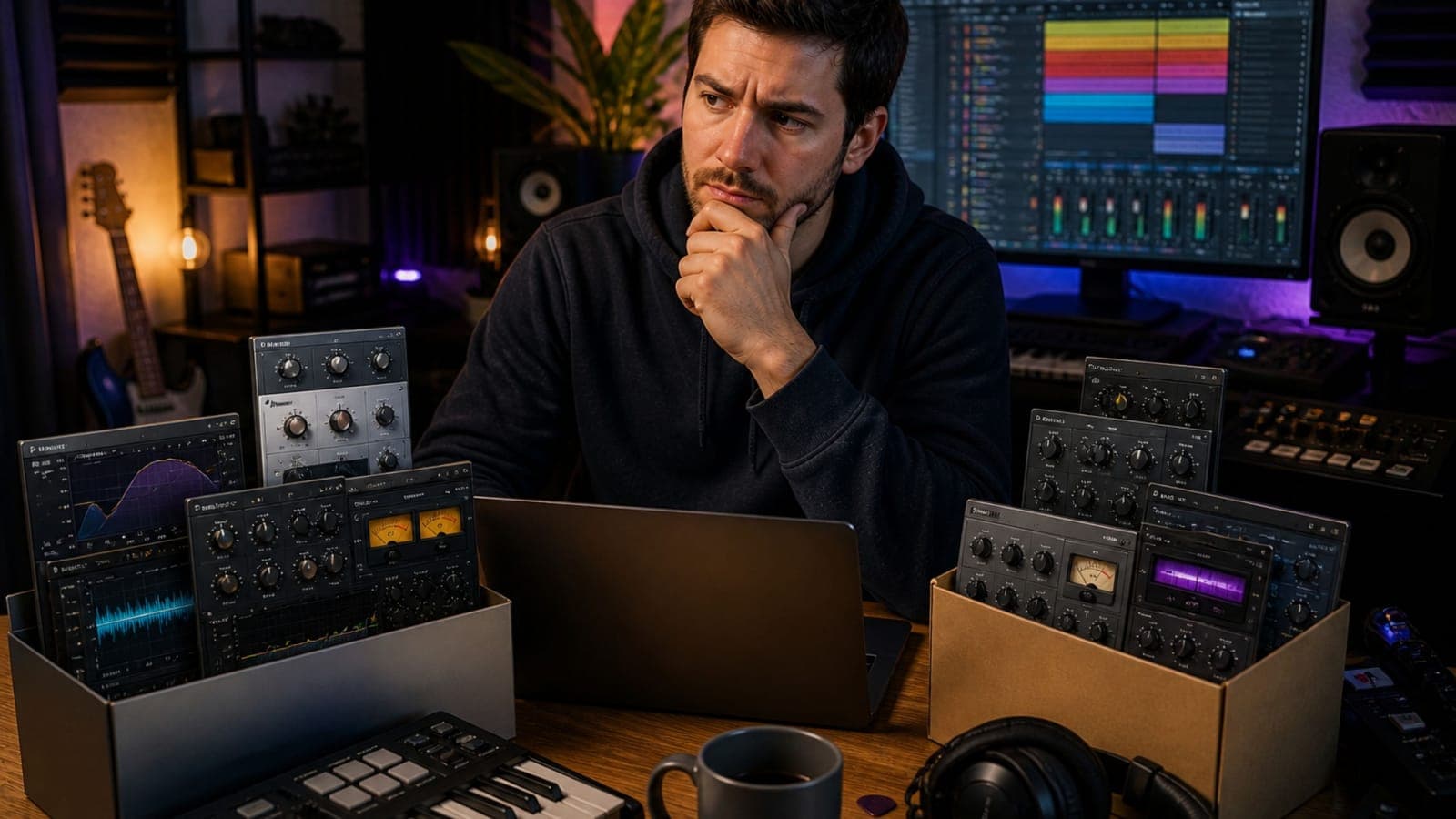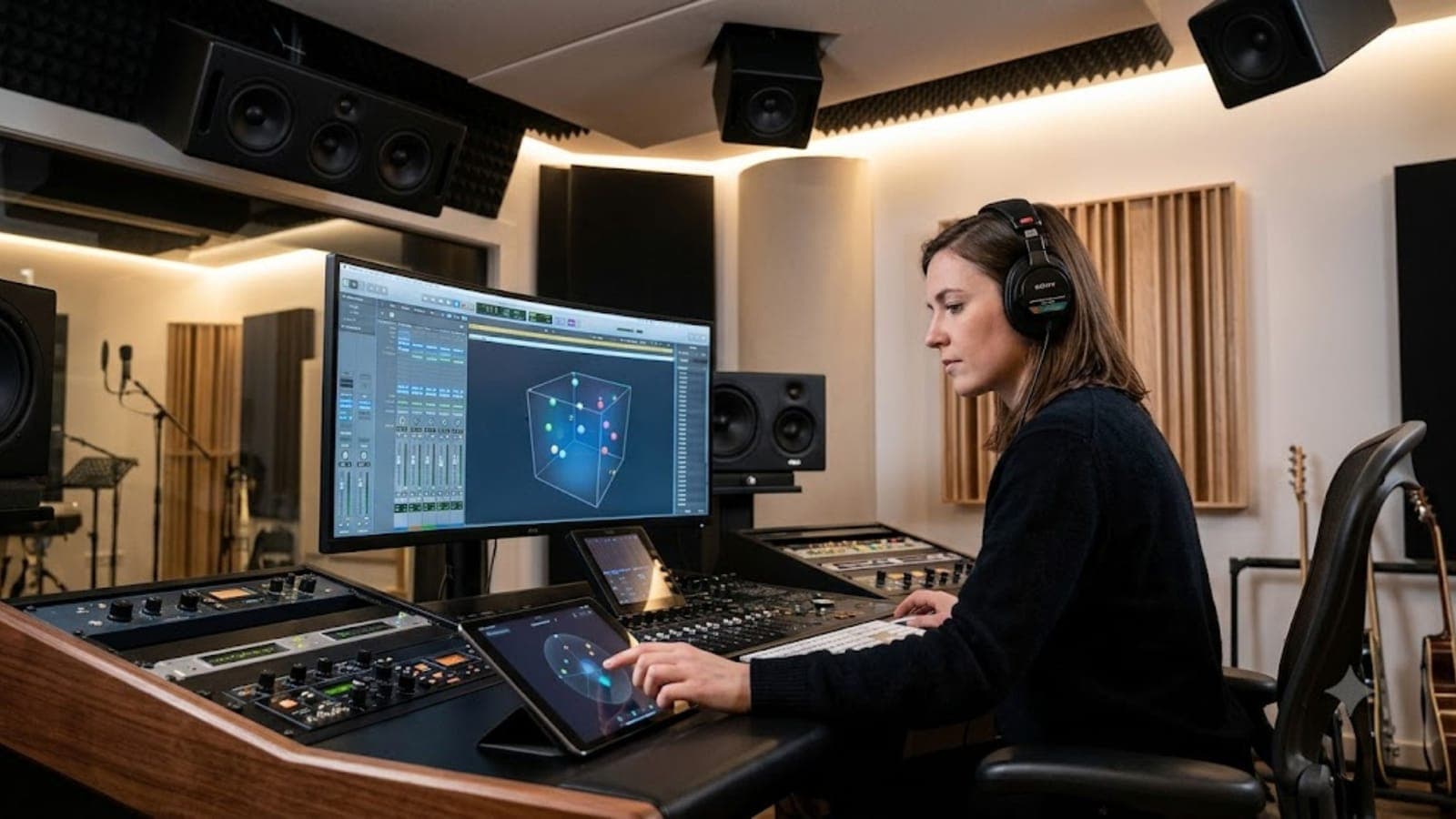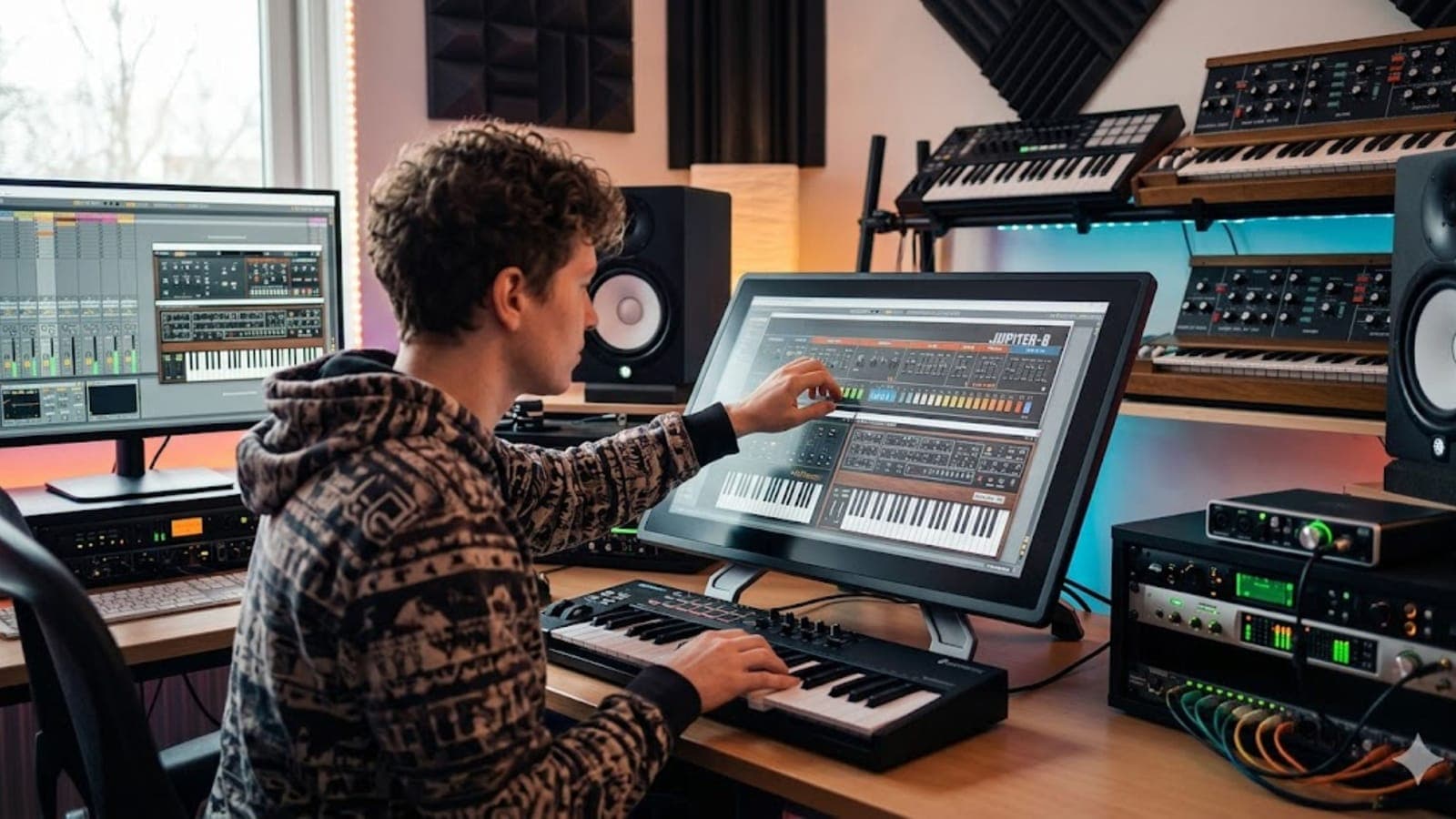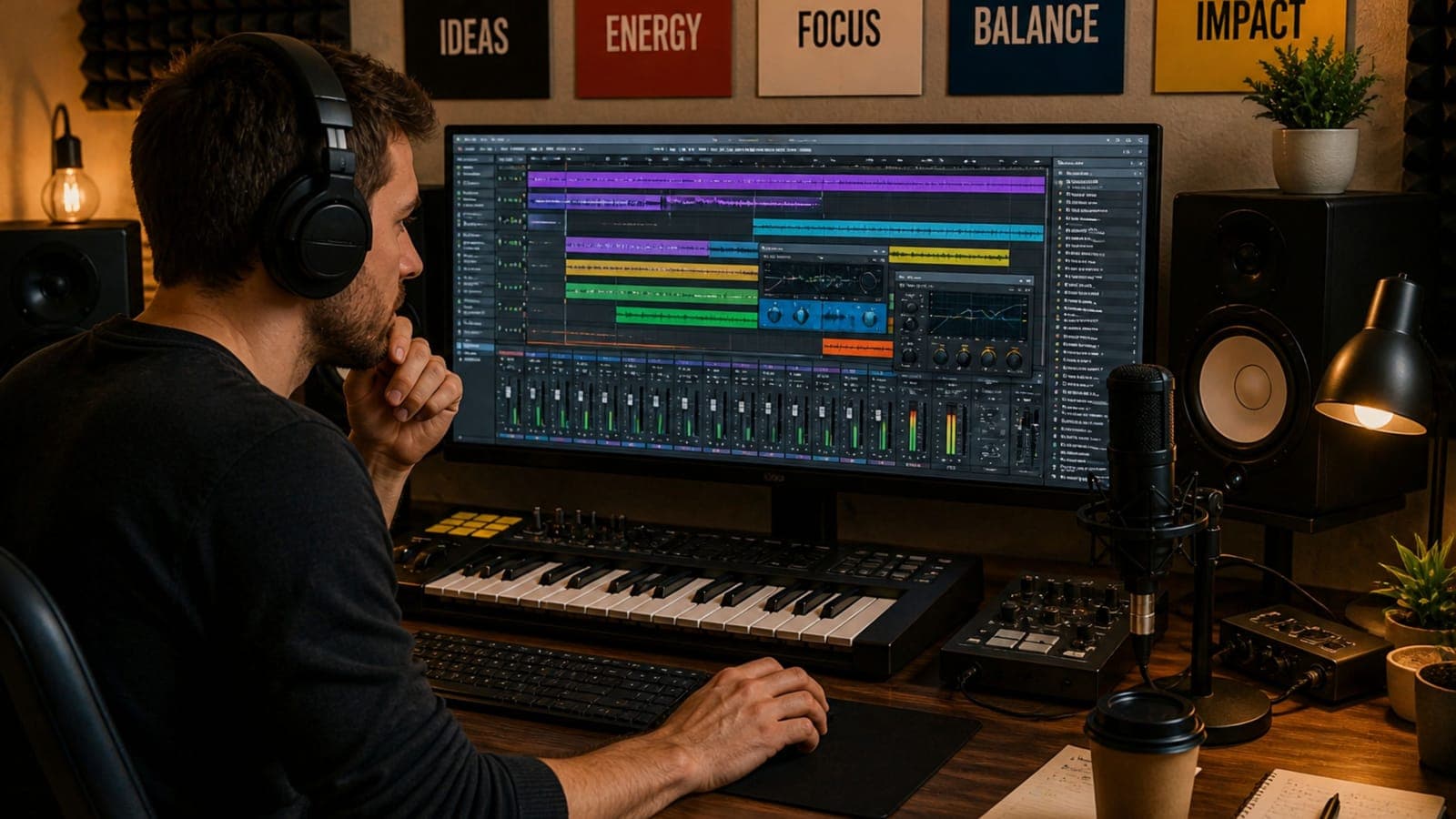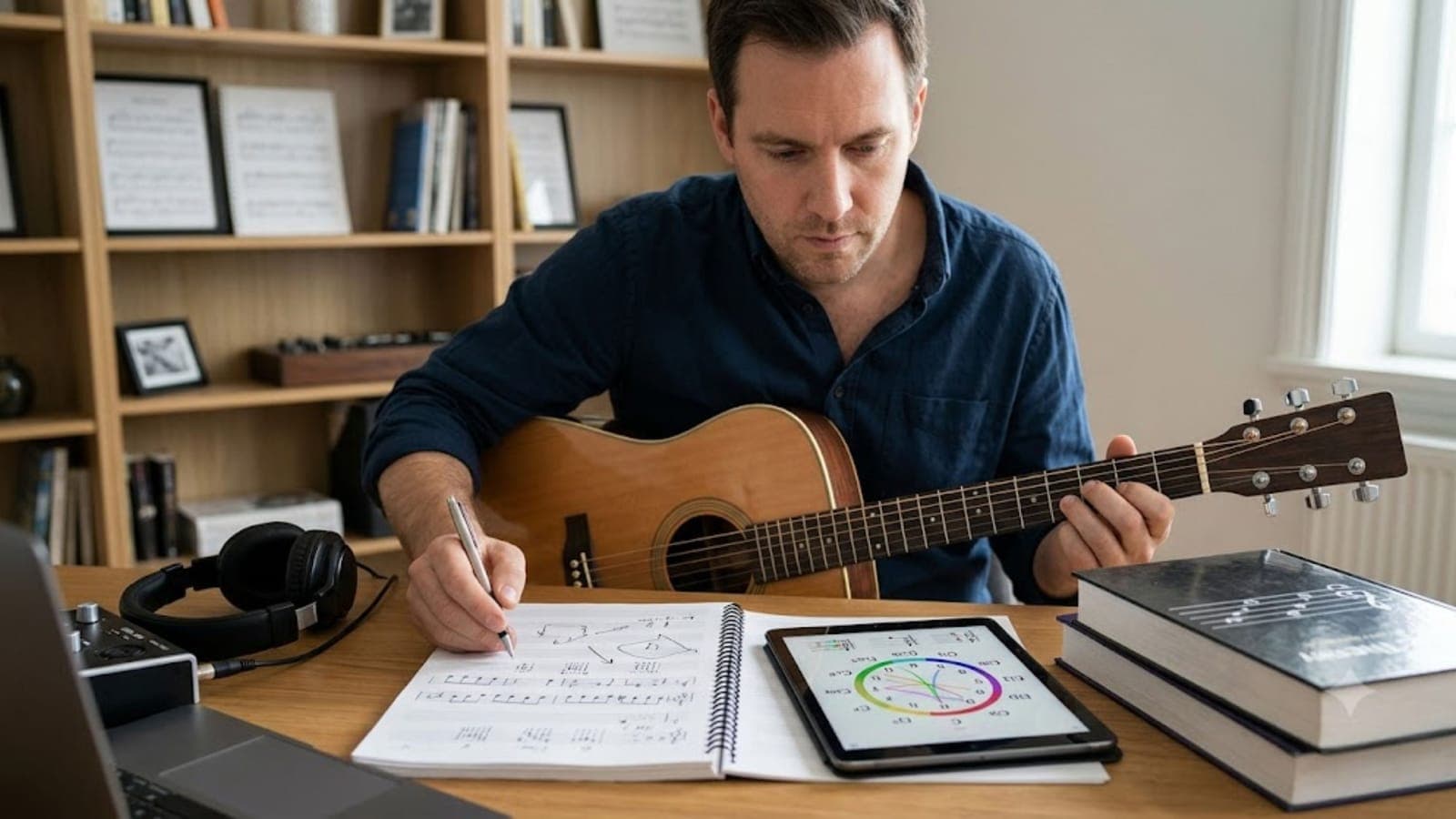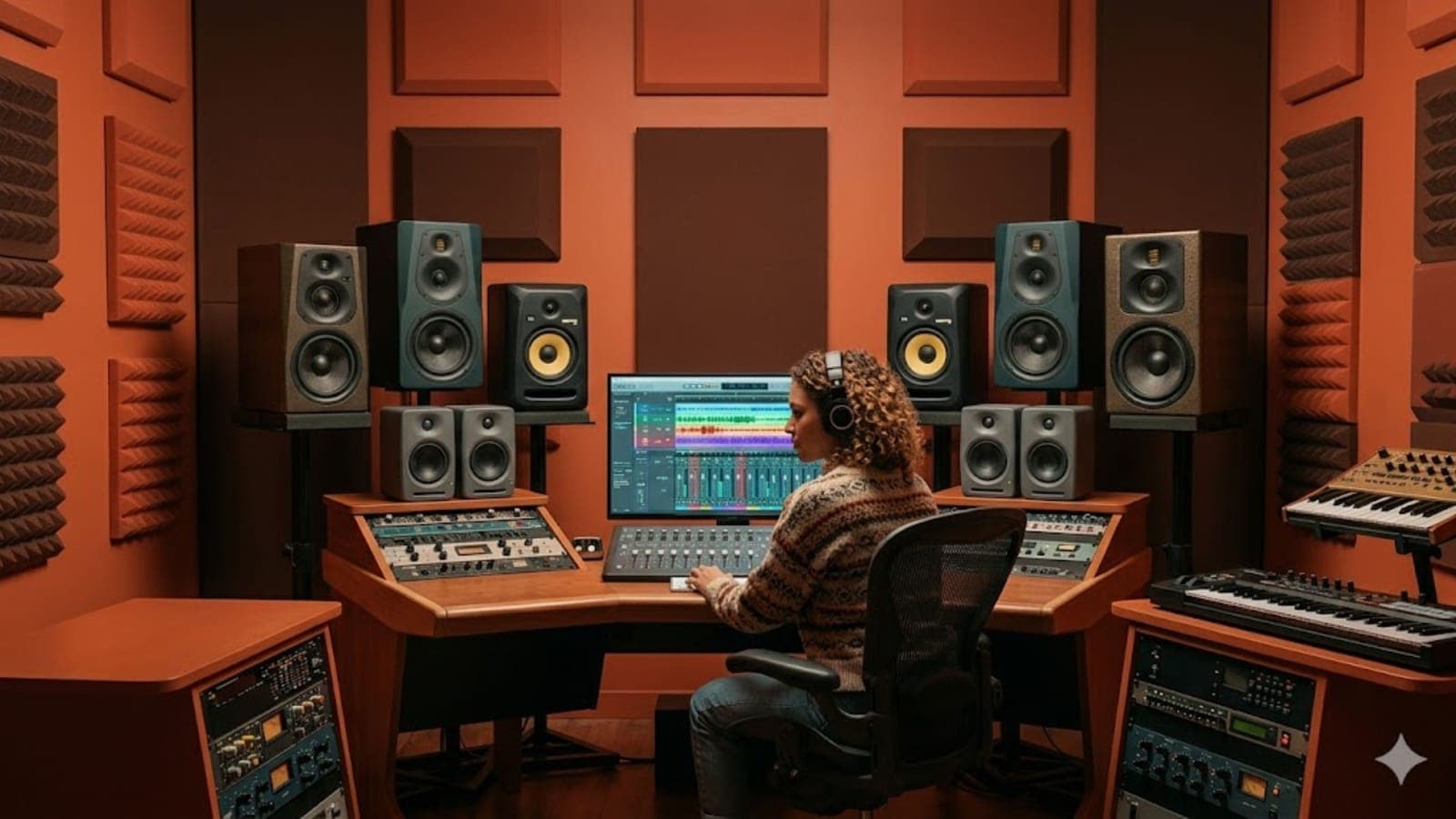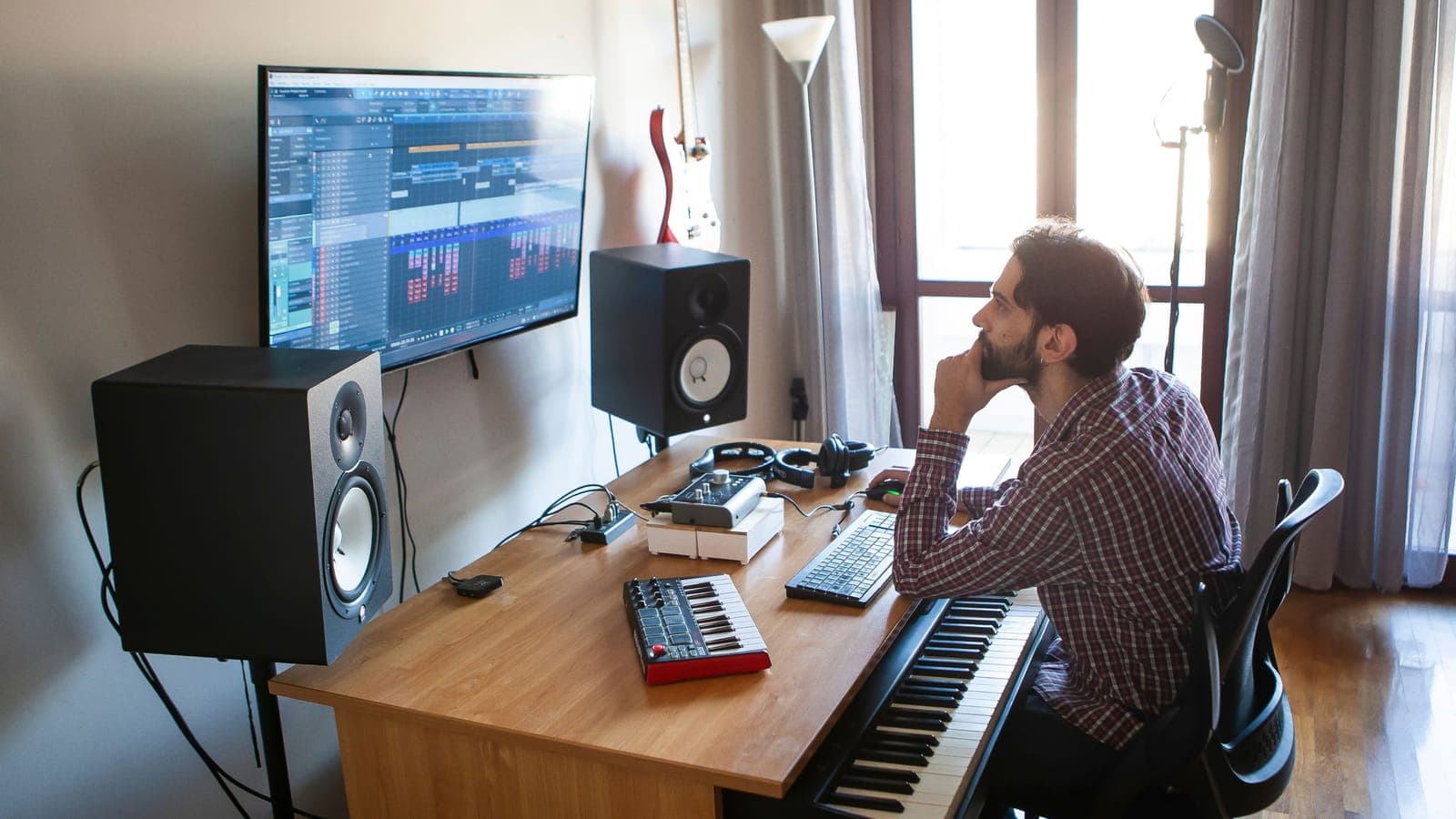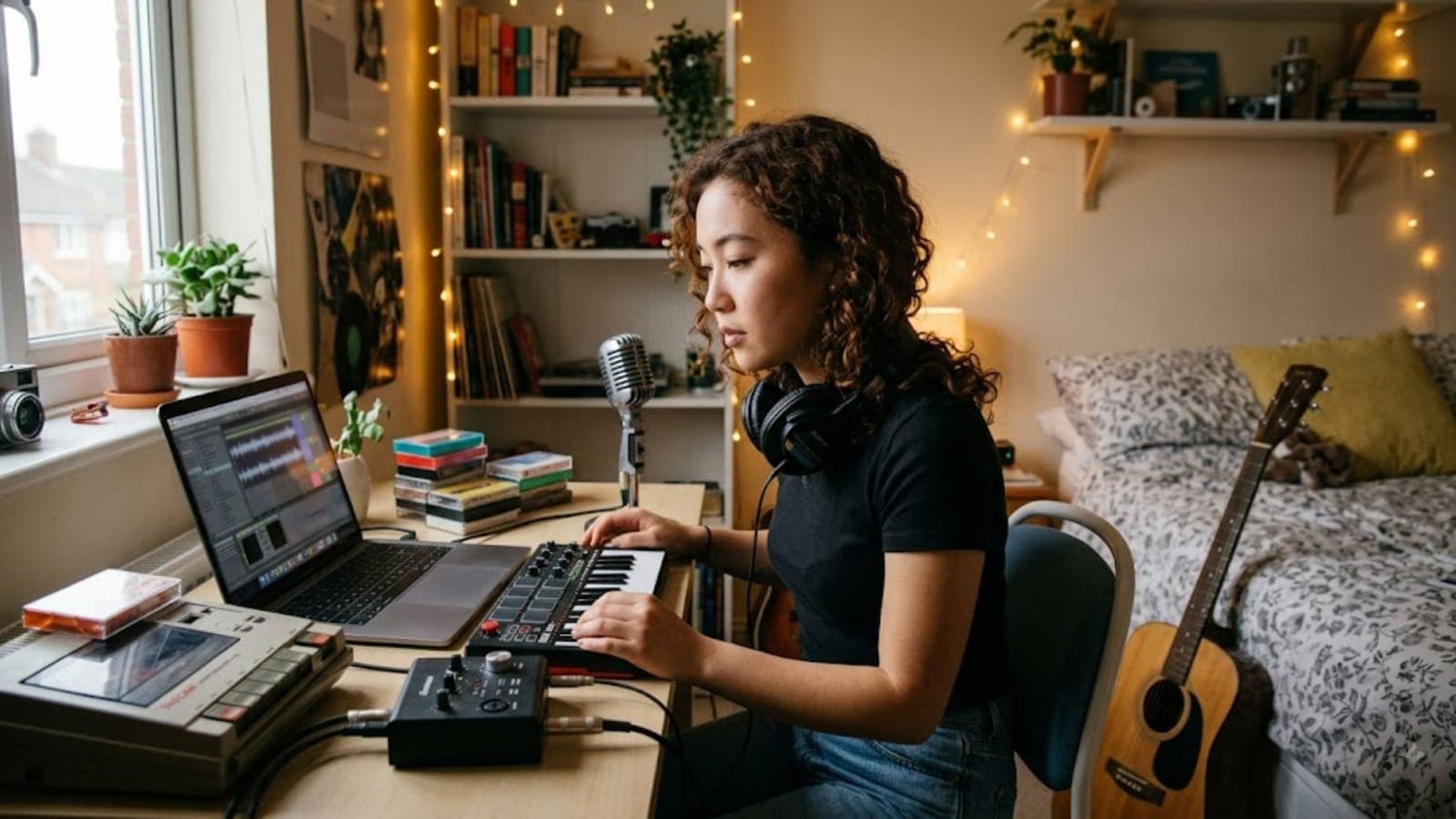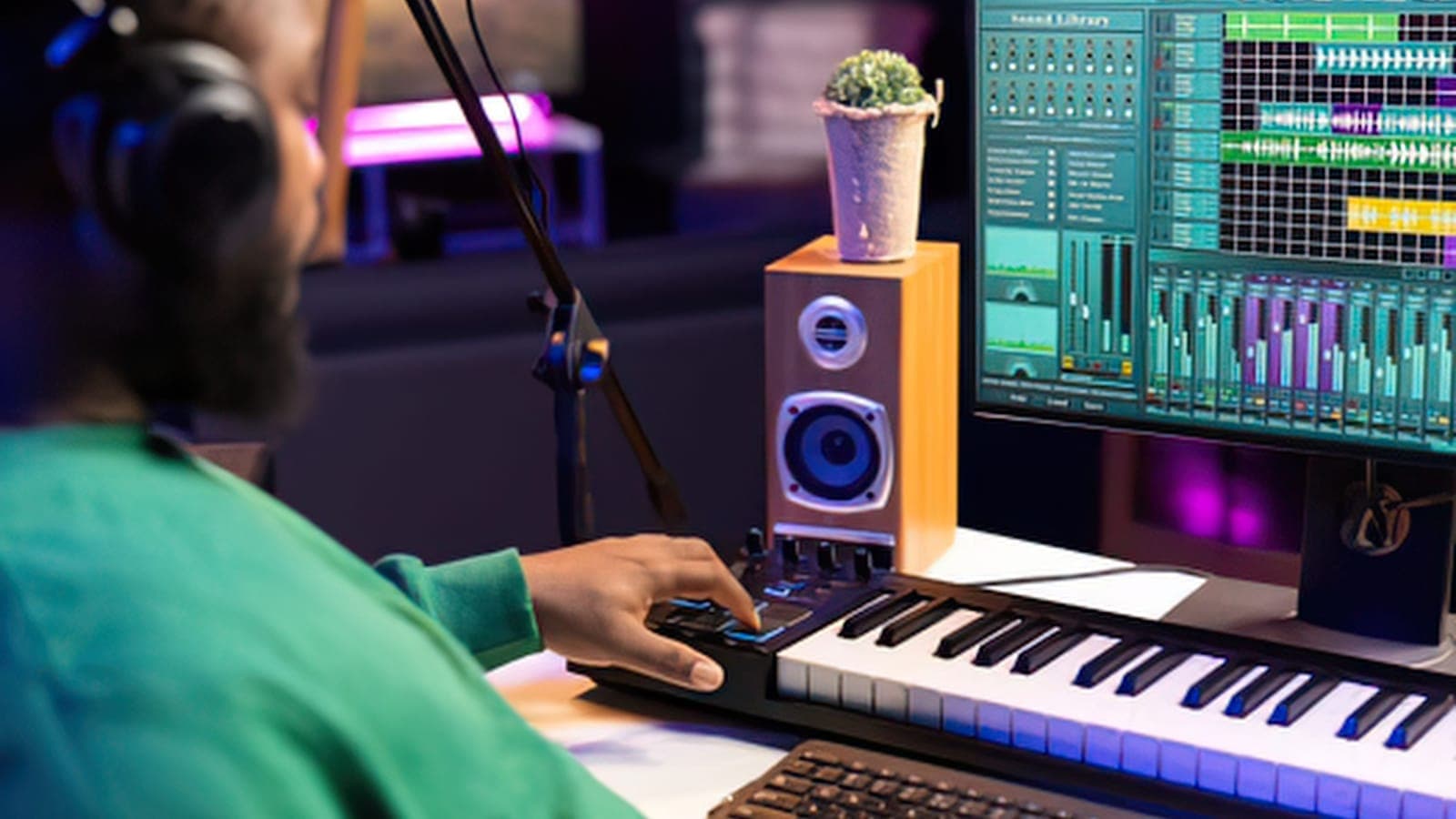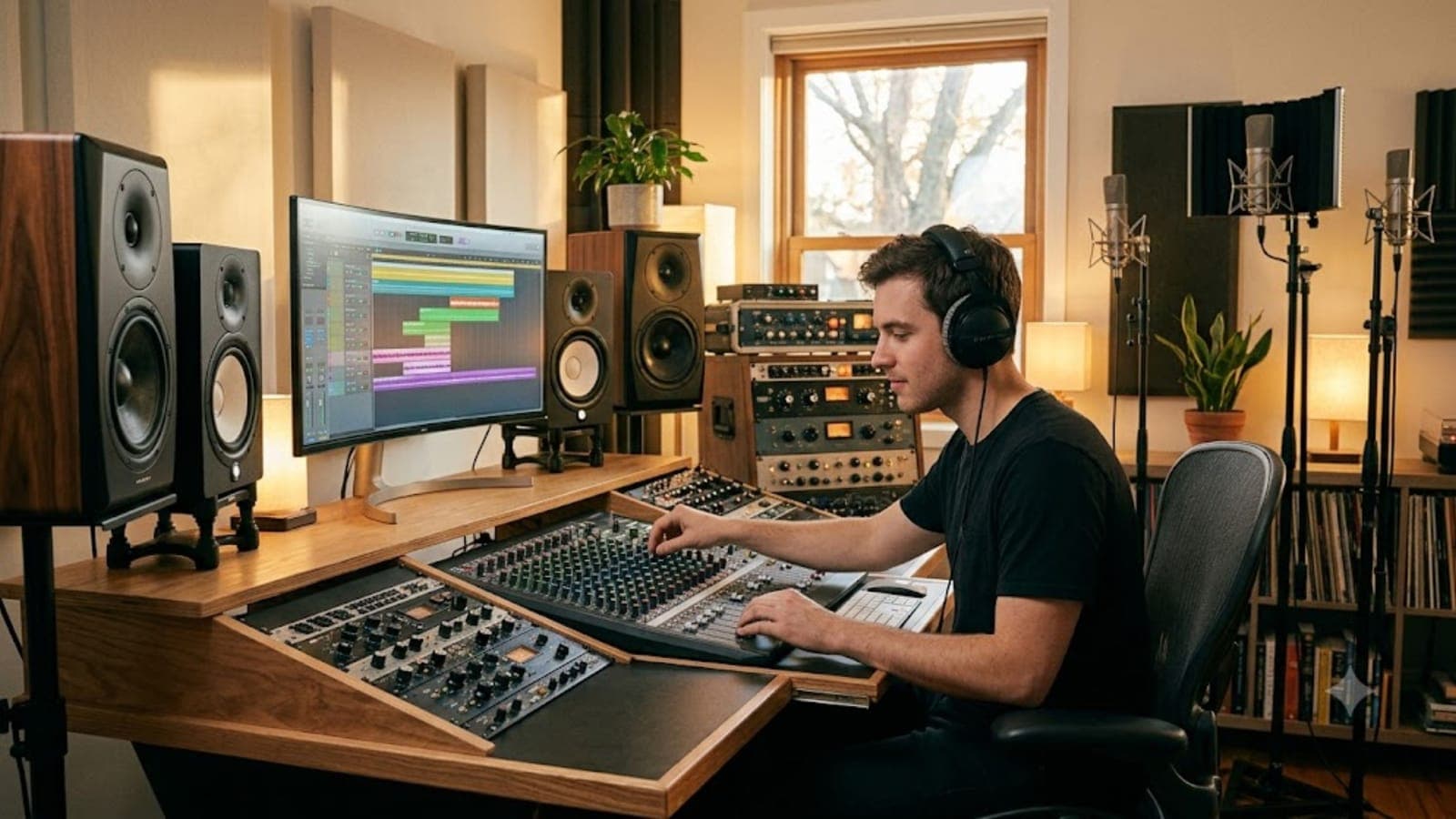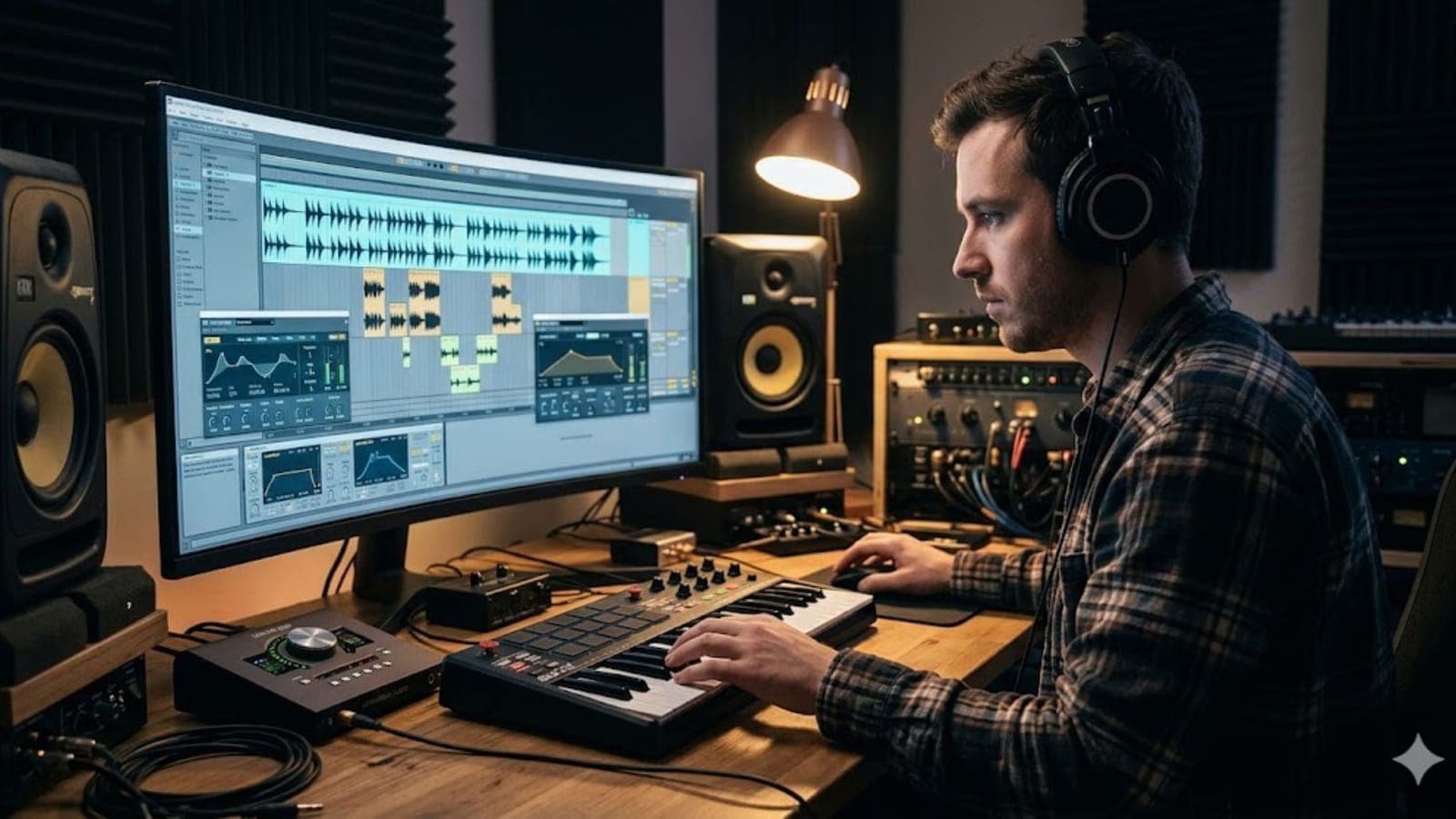
The issue isn't the samples themselves. It's how they're used. Producers who make sample packs sound like their own tend to treat them as raw material rather than finished elements. They process, layer, rearrange, pitch-shift, and restructure until the sample connection becomes invisible. Here's how to do that.
Start With the Right Sample Pack Mindset
Most producers open a sample pack looking for something that already sounds like what they want. That approach almost guarantees a generic result, because if the sample sounds finished to you, it probably sounds finished to the 50,000 other people who downloaded the same pack.
Flip the mindset. Look for samples with interesting texture, rhythm, or character that you can reshape rather than samples that are already polished and ready to drop in. A lo-fi drum loop that sounds a bit rough, a pad with unusual movement, a bass stab with an interesting envelope – these are starting points, not final answers. The more work a sample needs before it fits your track, the less likely it is that someone else is using it the same way.
Pitch and Tune Everything to Your Key
This sounds obvious, but a surprising number of producers skip it or do it sloppily. If the samples in your track are even slightly out of tune with each other or with your melodic elements, the track will feel vague and ungrounded without the listener being able to identify why.
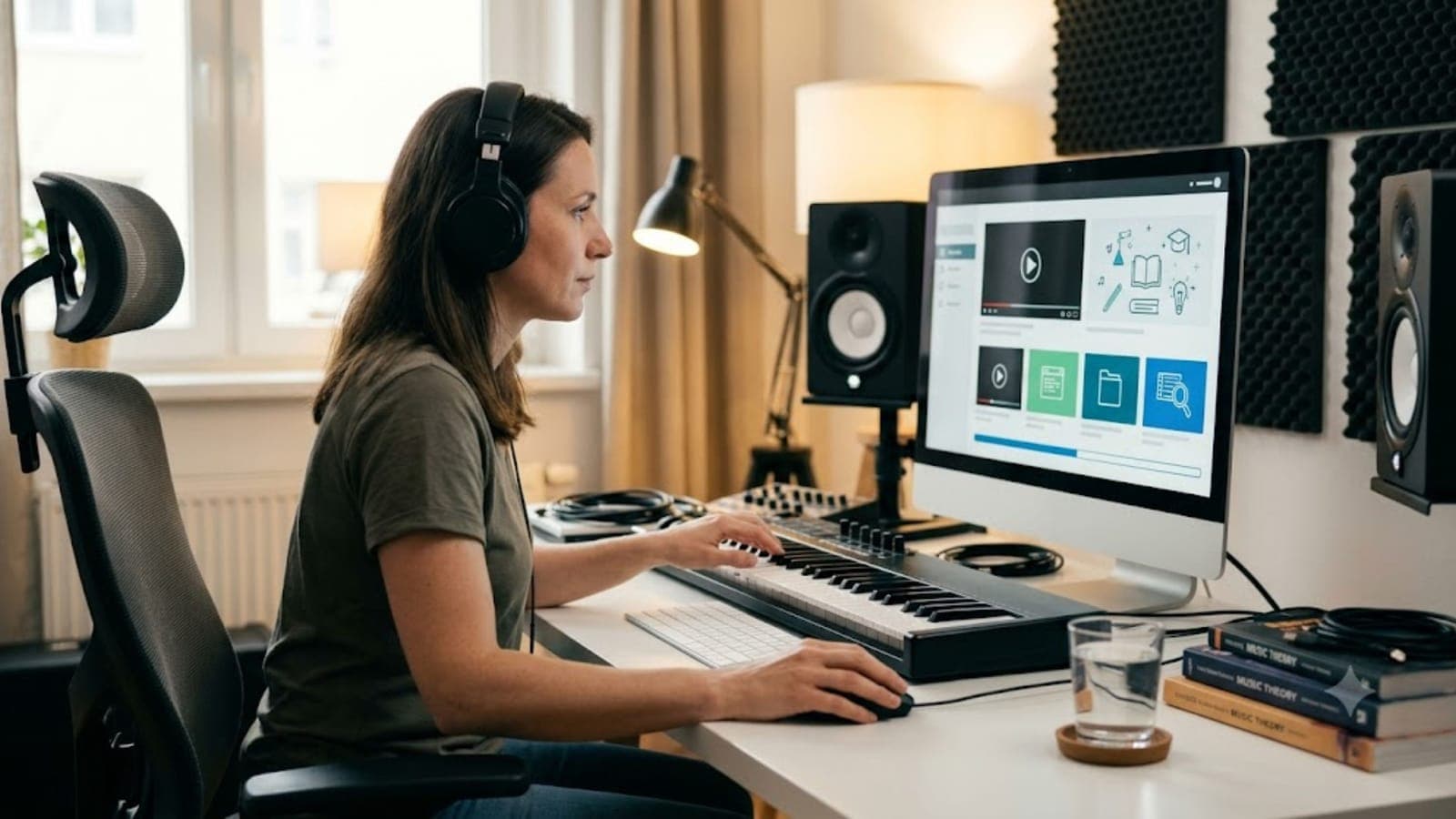
Tune every tonal sample to your key before doing anything else. Most DAWs have a built-in pitch correction tool, and plugins like Melodyne or Auto-Tune can handle more complex pitch adjustment. For drums, tune the tonal elements like kicks and melodic percussion – a kick tuned to the root note of your track sits significantly better in a mix than one dropped in raw.
Once everything is in tune, you can start using pitch creatively. Take a vocal chop from the pack and pitch it up or down an octave. Slow-pitch a string sample to create an unsettling pad. Stack the same sample at different pitches to build a chord that didn't exist in the original. Tuning is the foundation, but pitch is a creative tool.
Layer Samples Rather Than Using Them Solo
One of the clearest markers of a generic production is relying on individual samples without layering. A sample pack kick used on its own sounds like a sample pack kick. The same kick layered with a tight transient from a different source, a sub frequency you've synthesized, and a brief tail from a third sound starts to feel like your own.
Layering applies to every element, not just drums. Take a pad from a sample pack and layer it with a simple synthesizer pad playing the same notes – even a basic one from a stock plugin. The combination creates something neither source has on its own. Take a guitar loop and layer it under a synthesizer arpeggio at a lower volume. The blending of textures is where character comes from.
When layering, pay attention to how the frequency ranges of each layer interact. Two samples with similar midrange energy will fight each other; EQ one to emphasize the low-mids and the other to emphasize the high-mids, and they'll complement rather than clash. This kind of conscious layering is what separates a textured production from a flat one.
Process Every Sample Before It Hits Your Mix
Unprocessed samples from a pack sound like samples from a pack. A few minutes of processing per element makes a significant difference to how much the source material shows through.
EQ: Remove frequency ranges that don't serve the sample's role in your track. A full-spectrum pad doesn't need everything below 200Hz if your bass and kick are handling that range. Cut aggressively to make space and the sample will sit better and sound more intentional.
Saturation and distortion: A gentle pass of saturation on a clean sample adds harmonic content that makes it feel more alive and less sterile. On drums, saturation can add the crunch and bite that pack samples often lack. On pads and synths, it adds warmth. You don't need much – a subtle pass at low drive can transform the feel.
Reverb and space: Put samples in the same room and they start to feel like they belong together. Use reverb deliberately to place elements in a shared acoustic space. Avoid using the preset reverb that comes with the pack, which many other producers will also use. Create your own reverb sends and dial in the settings manually.
Chopping and rearranging: If you're using a loop, don't use it straight. Import it, chop it up, rearrange the sections, remove bars, flip pieces backward, or trigger individual hits rather than the full loop. Even a simple chop-and-rearrange creates something the original pack doesn't contain.
Use One-Shots More Than Loops
Full loops are the riskiest element in a sample pack because they carry the most musical information – rhythm, swing, pitch, and often chord progressions – and they're the hardest to disguise if someone else is using the same one. One-shots (individual drum hits, stabs, impacts, textures) are the opposite: flexible, easy to process, and infinitely recombineable.
If you want to use a loop from a pack, commit to chopping it. Don't let it play through for eight bars uninterrupted. Extract the individual elements – the kick, the snare, the hi-hat, the percussion hits – and rebuild the groove from scratch in your DAW's drum sequencer or step sequencer. You keep the sonic character of the pack's sounds while creating a rhythm that doesn't exist in the original. No one can recognize a loop that no longer loops.
Blend Samples From Multiple Packs
Using samples from a single pack creates an internal consistency that can also work against you – many producers recognize the sonic fingerprint of popular packs even when individual samples are processed, because the overall color and texture of the pack is distinctive.
Mixing samples from three or four different packs – even across very different genres – breaks that fingerprint. A percussion element from a Latin percussion pack, a pad from an ambient pack, and a bass stab from a hip-hop pack create a combination that doesn't sound like any of its source material. The collision is where your sound lives.
Genre-crossing is particularly useful here. A drum loop from a reggaeton pack processed and slowed down can work in lo-fi hip-hop. An orchestral hit from a cinematic pack can anchor a pop drop. A field recording from an experimental pack can add texture to an electronic track. The less expected the combination, the more your own the result sounds.
Add Live Elements to Anchor the Track
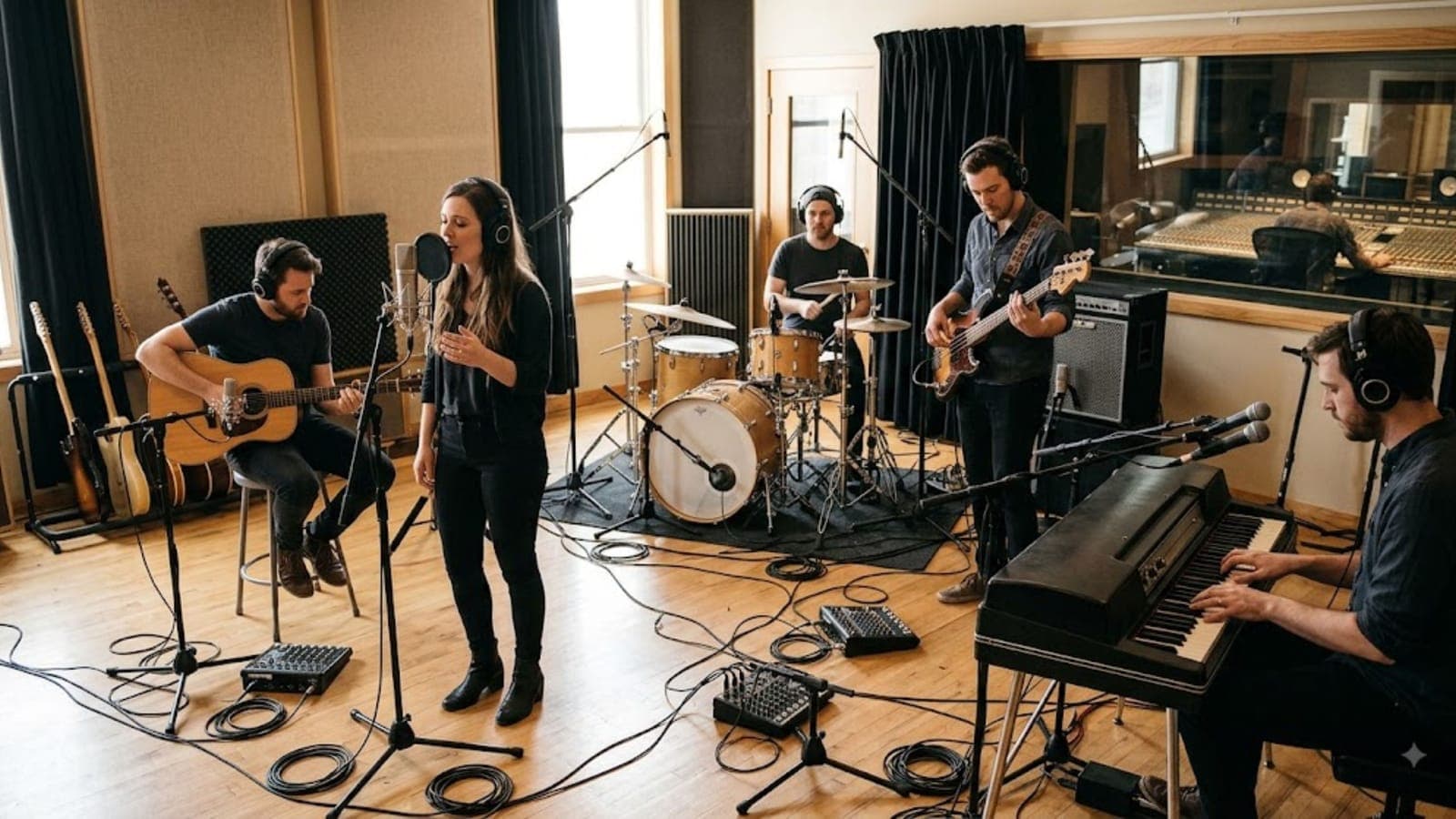
Nothing removes the sample-pack feeling from a track faster than adding something played or recorded in real time. Even a simple melodic line played on a MIDI keyboard, a rhythm strummed on an acoustic guitar, or a vocal hum recorded into your phone creates an anchor of human timing and tone that no sample pack can replicate.
You don't need to be technically proficient to do this. A two-note bass line played with slight timing inconsistencies sounds more human than a programmed bassline at perfect quantization. A simple melody played slowly on a piano, with pedal and dynamics, adds warmth that a programmed MIDI equivalent at the same notes won't have.
If live playing isn't an option, humanizing your programmed elements achieves something similar. Slightly randomize the velocity and timing of your MIDI notes, add subtle pitch variation to long synth notes, and give your drums a slight groove offset rather than placing everything perfectly on the grid. These imperfections are where feel comes from.
Common Mistakes to Watch Out For
Using samples at their default pitch and tempo without adjustment is the biggest tell. Always check the BPM of loops and stretch or slice to match your project rather than building your track around what the sample already does.
Stacking samples on top of each other without EQ creates mud that makes the track feel heavy and unclear. Every element needs its frequency space defined before layering starts.
Relying on effects as a cover for weak source material. Heavy reverb or heavy distortion on a sample that doesn't fit the track just makes it a bad fit with extra character. Start with a sample that has potential, then process.
Ignoring the transient. The attack phase of a sample is often what makes it identifiable. Processing the transient – either sharpening it or softening it with a transient shaper – changes how a sound lands without changing its tone, and it's one of the fastest ways to reshape a recognizable sample.
FAQ
Does using sample packs affect copyright or royalties? It depends on the license. Most commercial sample packs (Splice, Loopmasters, Native Instruments, Sounds.com) grant royalty-free licenses for use in commercial music releases, meaning you can release music commercially without paying additional fees. Always read the specific license agreement for any pack you use, especially if you're releasing on streaming platforms or licensing for sync. Some packs have restrictions on sample flipping or reselling the sounds.
Can I release music on Spotify or Apple Music using sample pack sounds? Yes, in almost all cases – commercial sample packs are specifically licensed for commercial release. The exception is if a pack explicitly restricts streaming distribution, which is rare and should be disclosed clearly in the license. If you've processed and layered the samples significantly, the resulting track is your original composition regardless of the underlying sample source.
What are the best free sample packs for producers who are just starting out? Splice offers free samples through its "Sounds" library with a free account tier. LANDR, Cymatics, and Samplephonics all offer free pack downloads on their websites. Free packs from established labels and producers (often distributed through producer communities or newsletters) tend to be higher quality than anonymous free downloads. As with paid packs, the quality of what you do with the samples matters more than the price you paid for them.
How many sample packs is too many? There's no hard limit, but the productive constraint is time, not quantity. Spending hours browsing packs looking for the perfect sound is time not spent making music. Many producers find that limiting themselves to a small selection of high-quality packs – and learning them deeply rather than constantly adding new ones – produces better results than a library of thousands of sounds they've never really explored.
What's the best DAW for working with sample packs? All major DAWs handle sample packs well: Ableton Live, FL Studio, Logic Pro, and Studio One are all strong choices and each has native drag-and-drop sample integration. Ableton's warping engine is particularly useful for tempo-syncing loops without artifacts. The best DAW is whichever one you know well enough to move quickly – workflow fluency matters more than feature differences at this level.
📚 Sources
Splice – Sample Licensing Terms and FAQ: https://splice.com/legal/samples
Loopmasters – Royalty Free Sample License Information: https://www.loopmasters.com/pages/faq
Point Blank Music School – How to Make Sample Packs Sound Unique: https://www.pointblankmusicschool.com/courses/online/music-production/
Berklee Online – Music Production: Using Samples Creatively: https://online.berklee.edu/courses/music-production-theory-and-techniques
MusicTech – How to Flip Samples Like a Pro: https://www.musictech.net/tutorials/sampling-techniques-how-to-flip-samples/
Native Instruments – The Producer's Guide to Sampling: https://www.native-instruments.com/en/specials/the-producers-guide-to-sampling/
Sounds.com – Sample Licensing for Commercial Use: https://sounds.com/legal
Attack Magazine – Advanced Sampling Techniques: https://www.attackmagazine.com/technique/tutorials/sampling-techniques/
LANDR – Free Samples and Sound Kits: https://www.landr.com/samples/
Cymatics – Free Sample Packs for Music Producers: https://cymatics.fm/pages/free-download-vault