Software: Where the Real Entry Point Actually Is
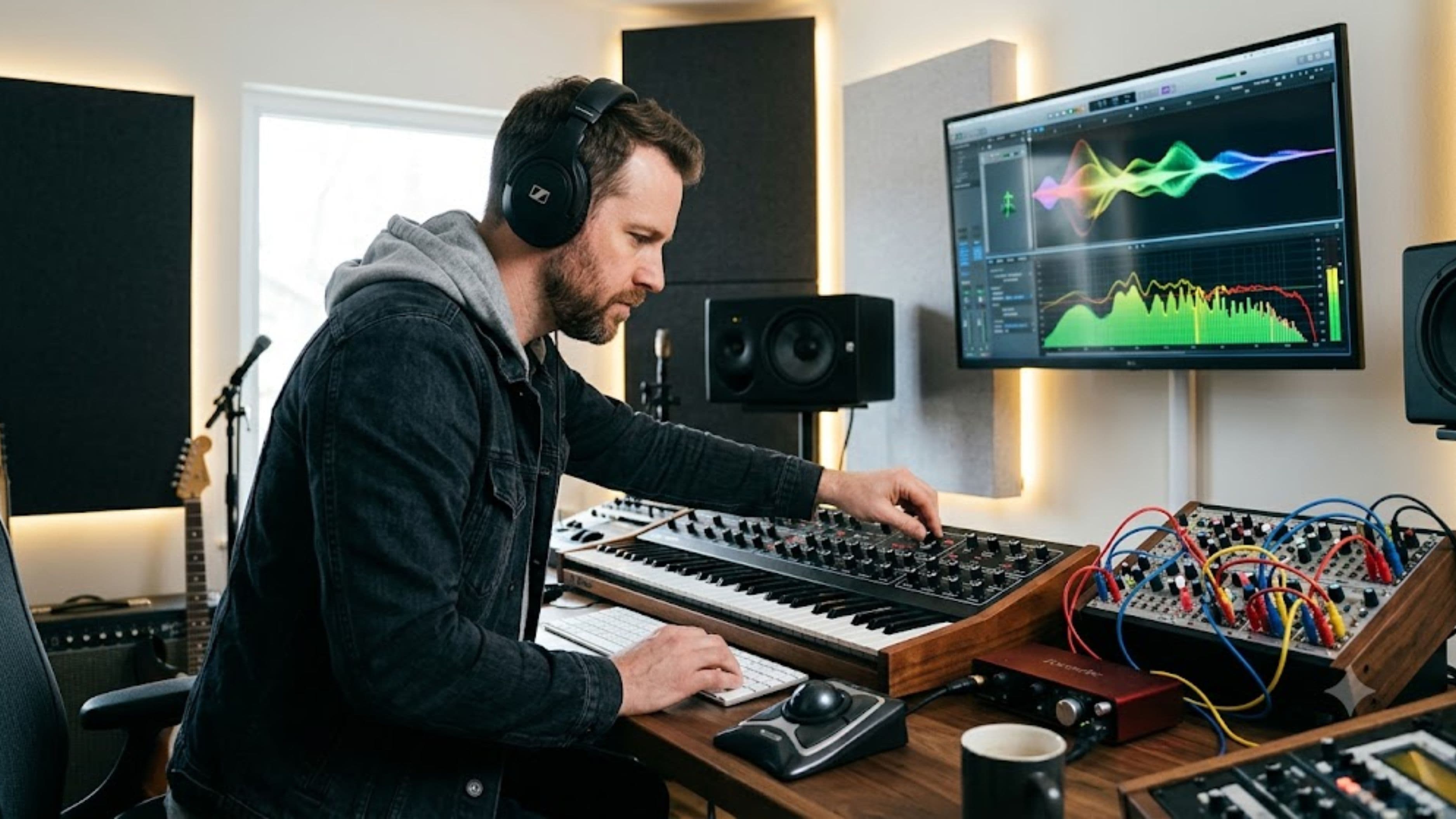
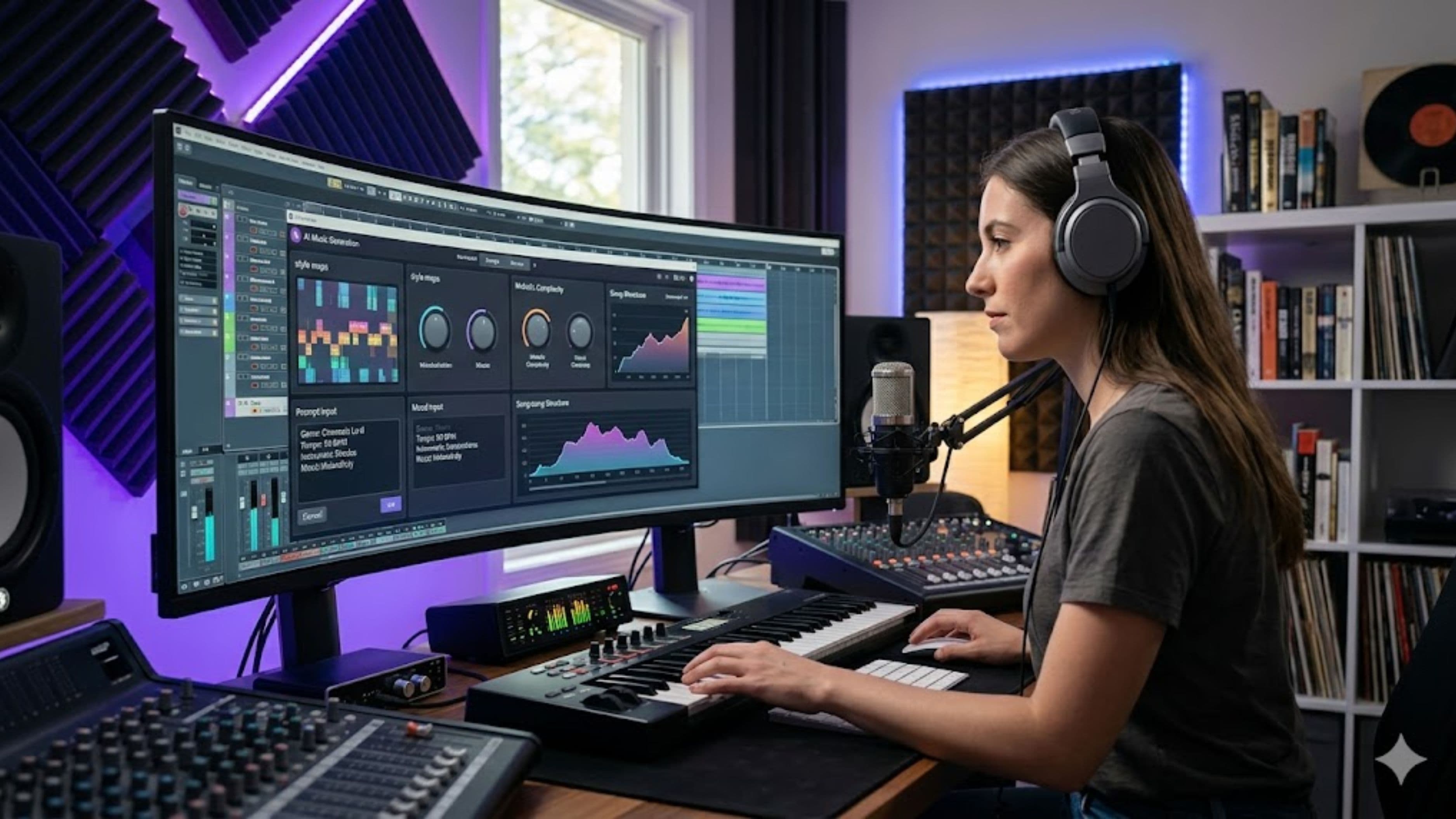
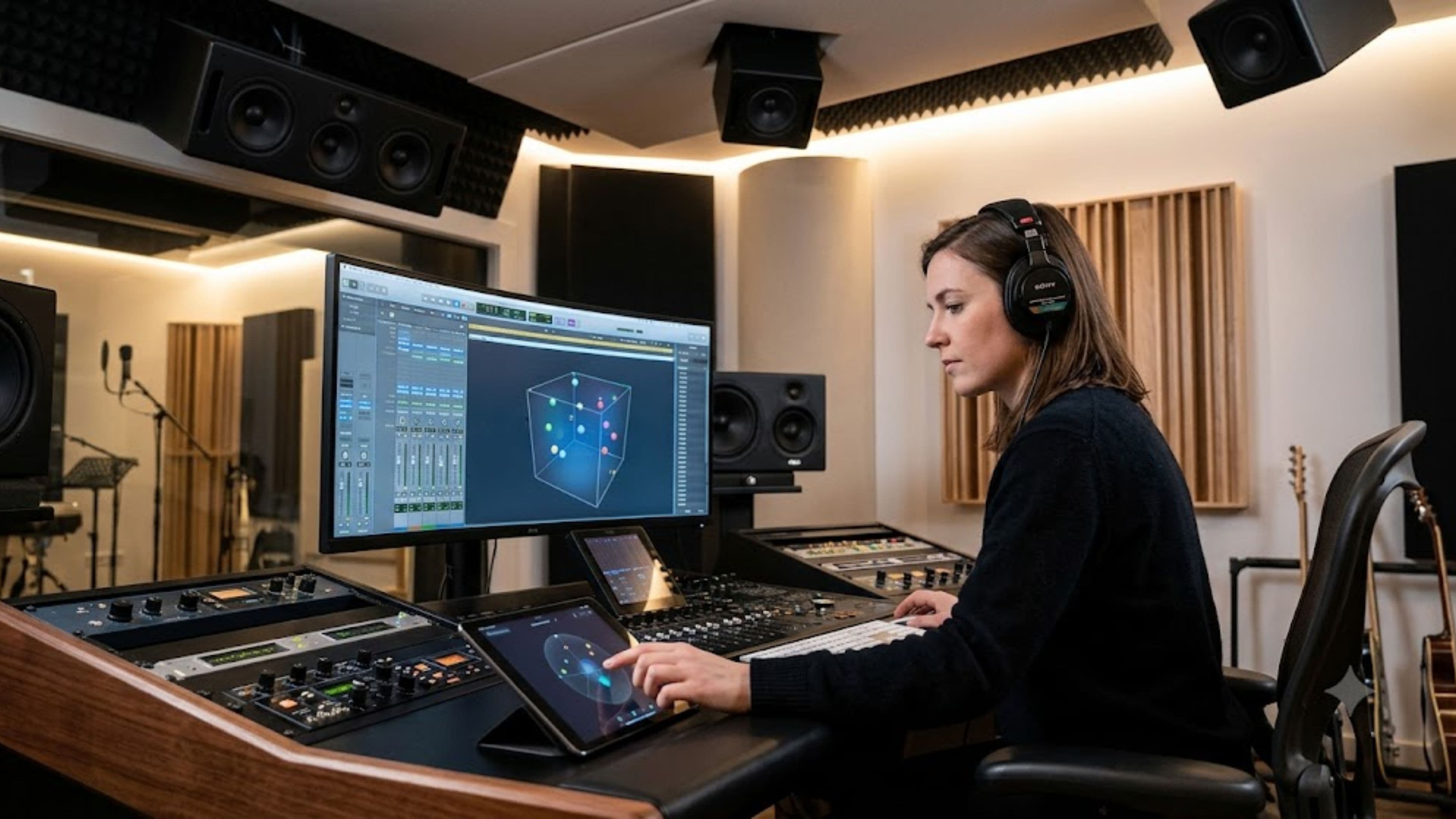
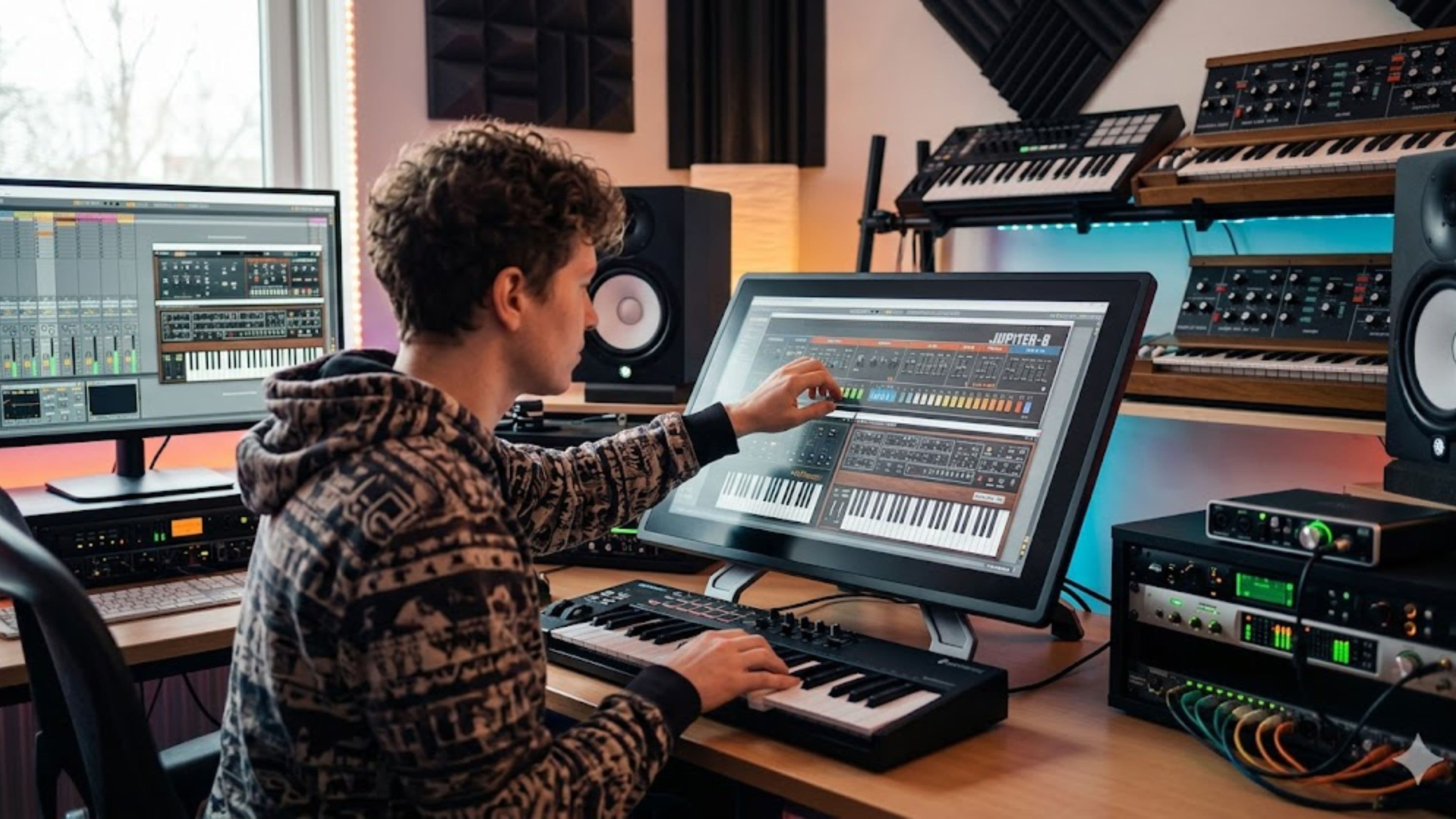
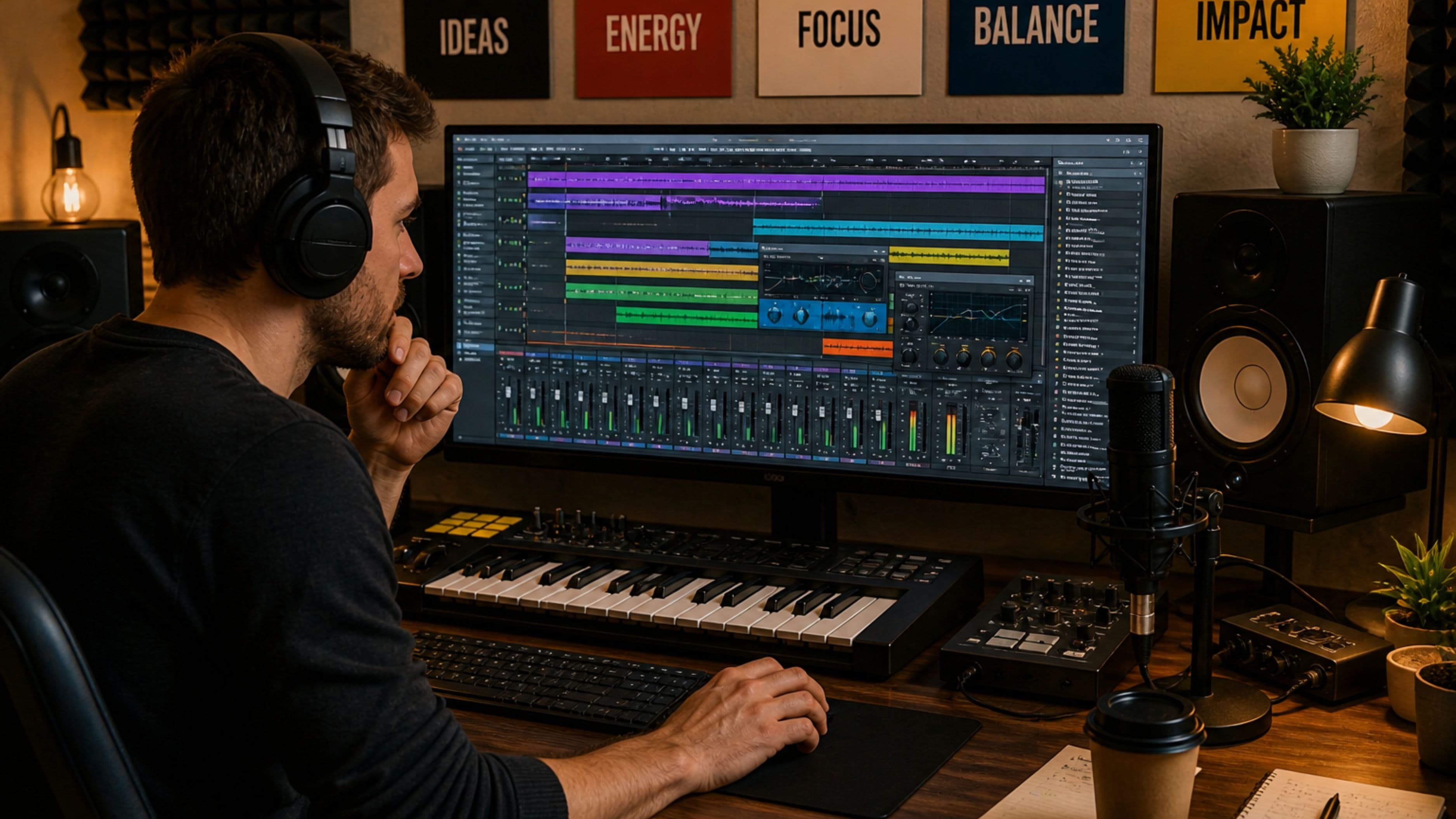
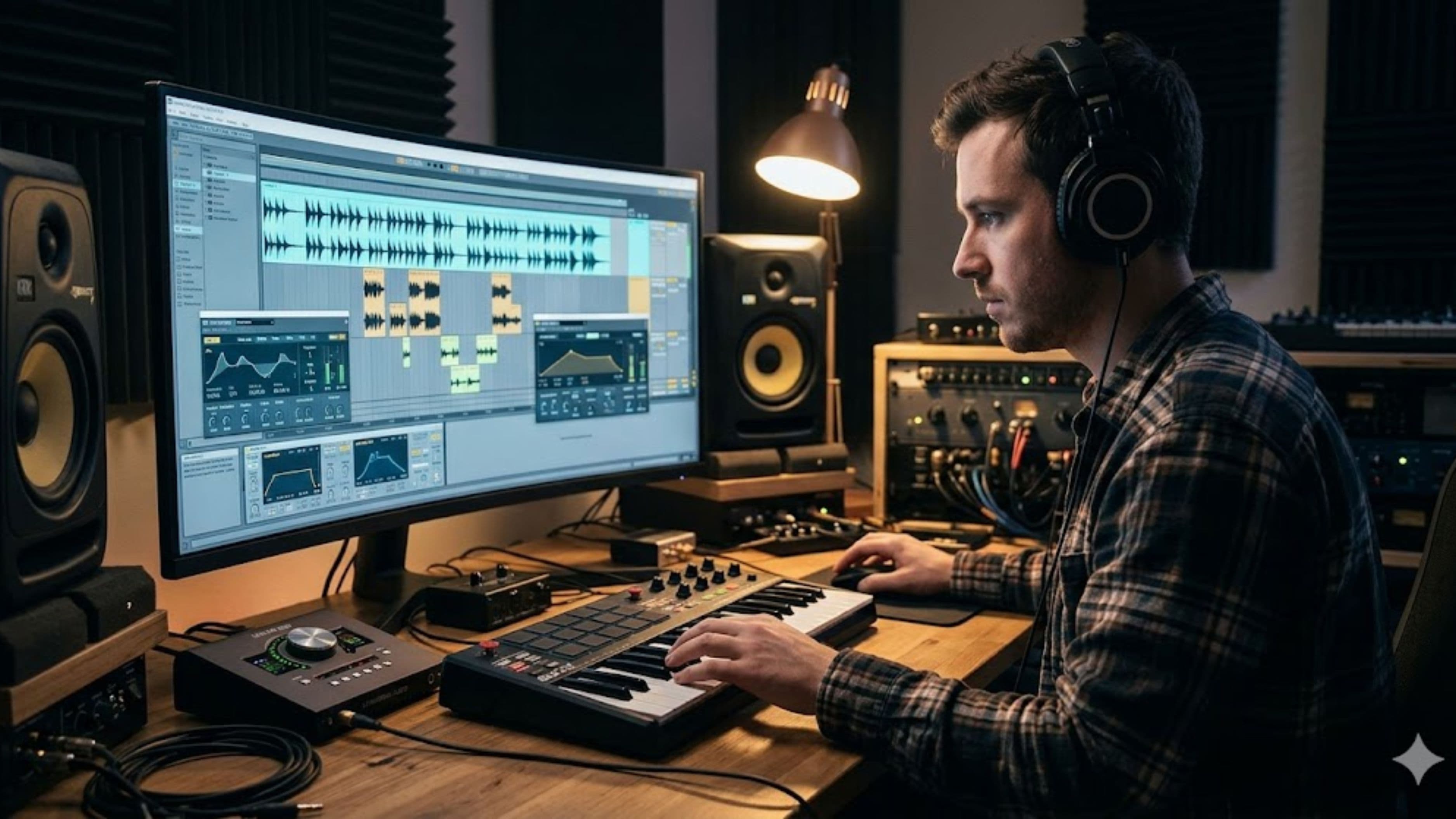
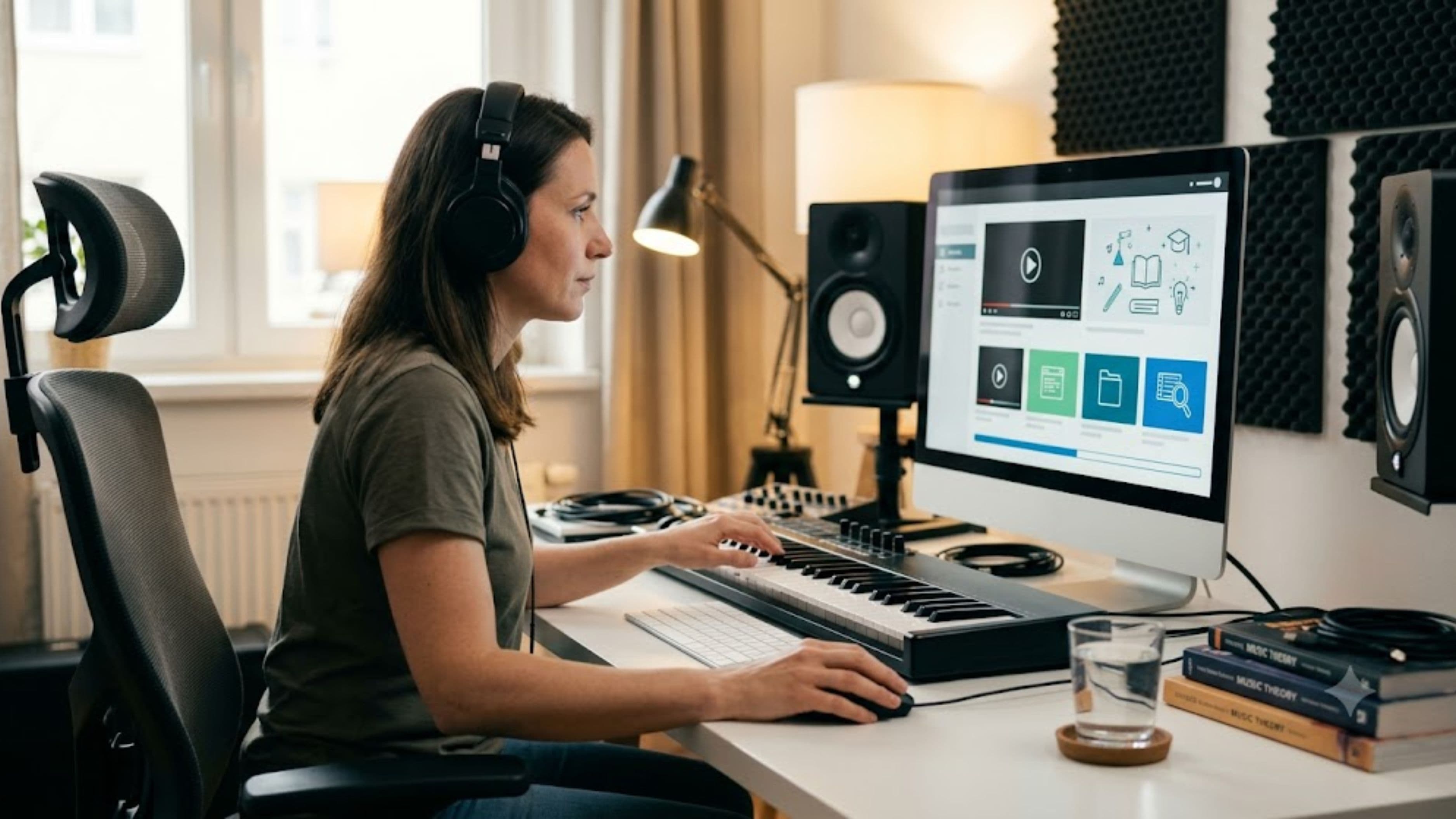
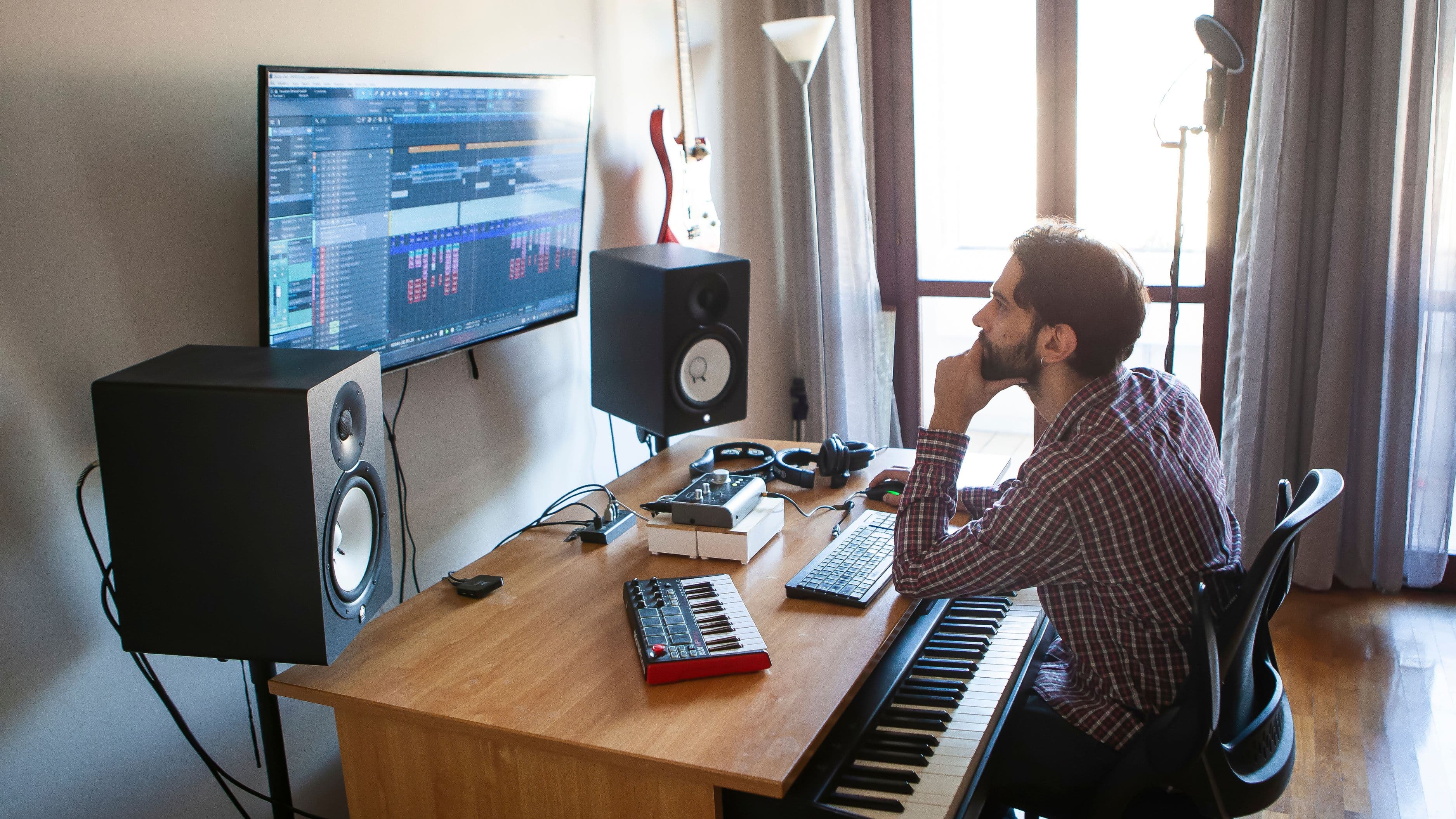
Before considering any hardware, the software layer is where spatial audio production genuinely starts, since you need a digital audio workstation with object-based mixing support, or a compatible plugin that adds this capability. Several major DAWs, including Logic Pro and Pro Tools, have added native or plugin-supported Dolby Atmos mixing tools, which is a meaningful shift from when spatial mixing required much more specialized, expensive setups exclusive to professional studios.
For producers already working in one of these DAWs, exploring the built-in or available spatial mixing tools is a far more accessible starting point than assuming you need to invest heavily in new hardware first. Understanding the software workflow, including how to position individual audio objects in three-dimensional space and render a compatible spatial mix, is the foundational skill this entire format depends on, regardless of what speakers or headphones you're using to monitor.
Monitoring: The Honest Tradeoffs Between Speakers and Headphones
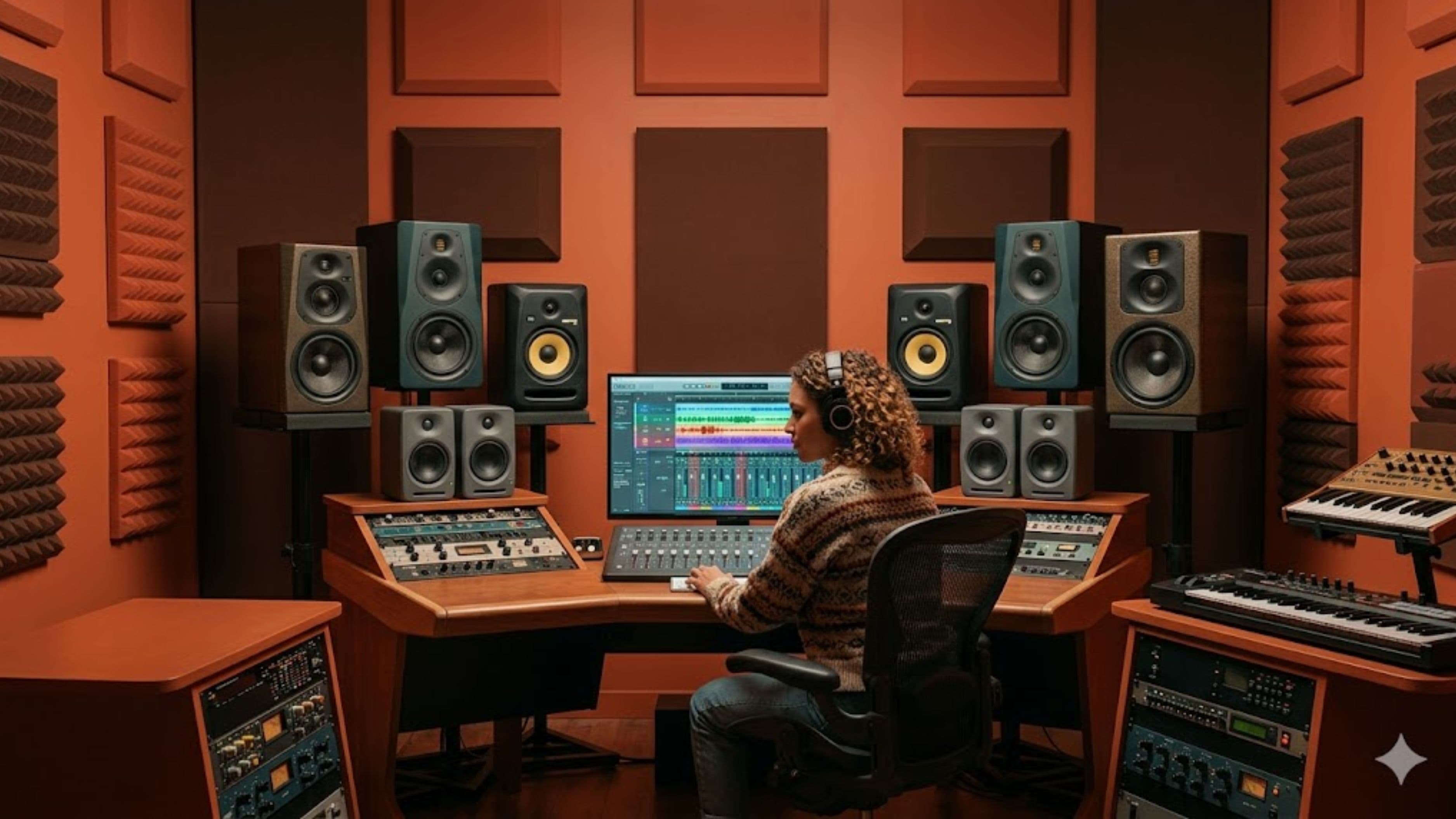
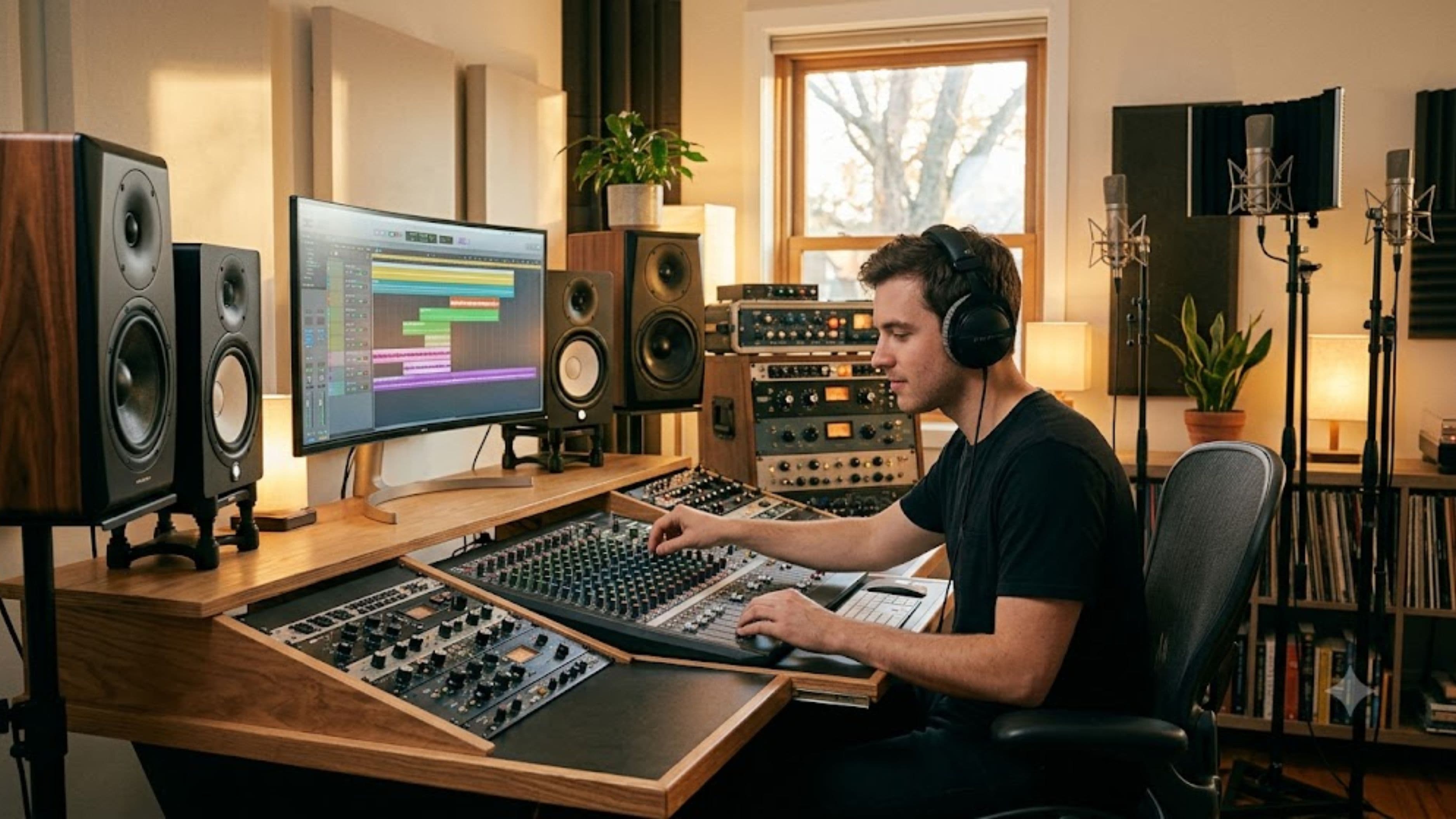
A full dedicated Atmos speaker setup, involving overhead or height channel speakers in addition to a standard surround configuration, delivers the most accurate representation of how a spatial mix will translate to a proper home theater or dedicated listening environment. For most home producers, though, building out this kind of multi-speaker setup represents a significant investment in both cost and physical space that isn't practical for a typical home studio room.
Binaural rendering through quality headphones offers a genuinely viable alternative for most home producers, using processing that simulates three-dimensional sound placement over a standard two-channel headphone signal. This isn't identical to hearing a mix through a dedicated speaker array, but it's become accurate enough that a significant portion of professional spatial mixing work happens this way, particularly at the independent and home studio level.
Headphones Worth Considering for Spatial Work
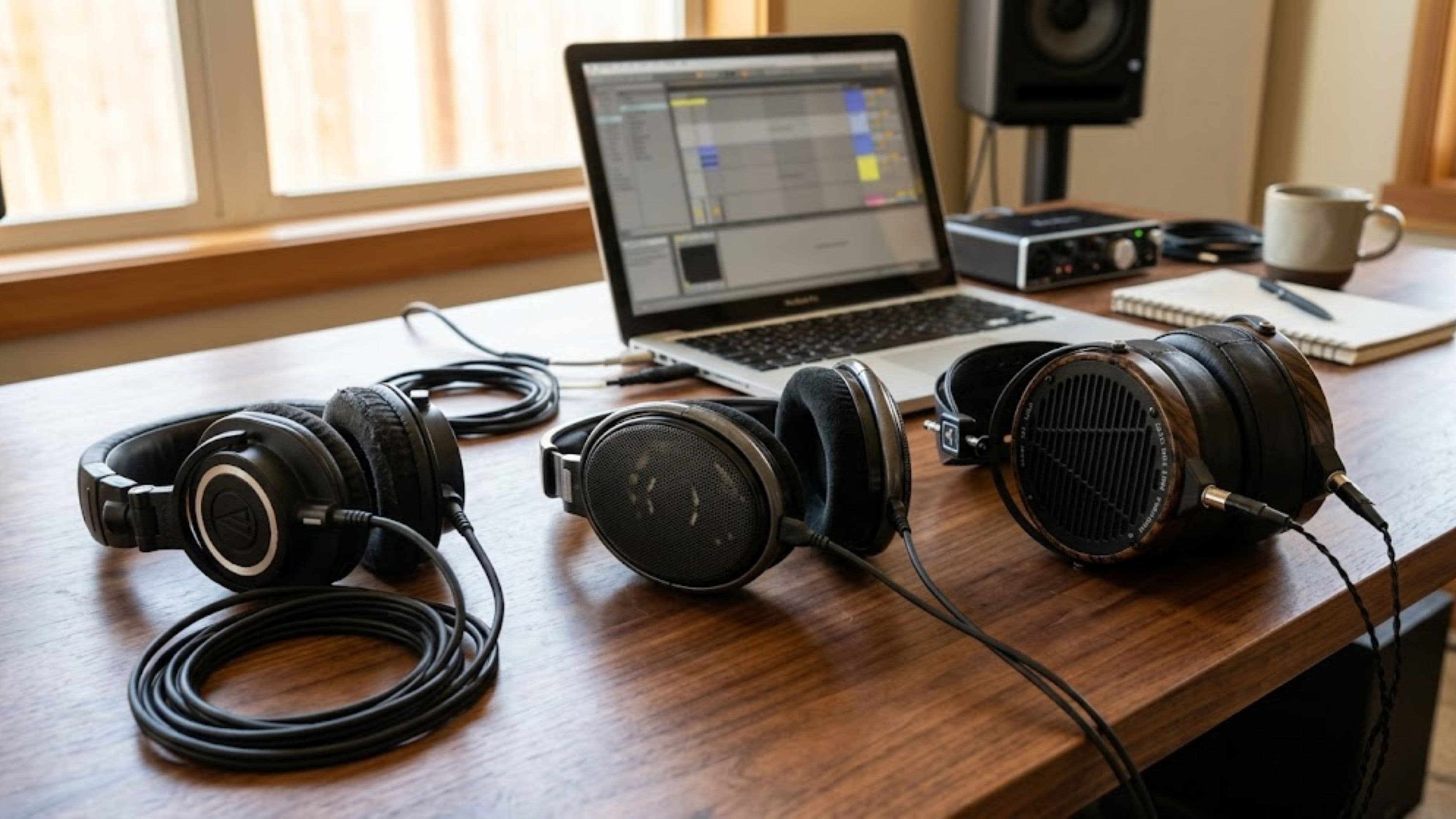
Not every pair of studio headphones handles binaural spatial rendering equally well. Open-back headphones generally perform better for this kind of work than closed-back models, since their more natural, less resonant sound signature tends to translate more accurately when combined with binaural spatial processing. Look specifically for headphones with a relatively flat, neutral frequency response rather than models tuned for bass emphasis or exaggerated highs, since accurate spatial translation depends on trusting that what you're hearing reflects the actual mix rather than a colored representation of it.
Cost level: moderate to high for quality open-back studio headphones suited to this kind of critical listening work, generally in the $200 to $500 range for models with a strong reputation among engineers doing spatial mixing work specifically.
Audio Interfaces: What Actually Matters Here
Your existing audio interface likely doesn't need replacement purely for spatial audio work, since the object-based mixing and rendering happens primarily in software rather than requiring specialized interface hardware for basic spatial production and headphone-based monitoring. Where interface considerations become more relevant is if you're building toward a full multi-speaker Atmos monitoring setup, which requires enough output channels to support the additional height and surround speakers beyond a standard stereo pair.
For producers focused primarily on headphone-based spatial mixing rather than a full speaker array, prioritizing interface upgrades elsewhere in your signal chain likely delivers more practical value than upgrading specifically for spatial audio capability.
Plugins and Rendering Tools Worth Knowing About
Beyond your DAW's native spatial mixing tools, several third-party plugins have emerged specifically to help with object placement, spatial reverb, and rendering compatibility checks across different playback formats. These tools vary in cost from free or low-cost options bundled with some DAWs to more specialized paid plugins aimed at professional-level spatial production work.
Rather than investing heavily in third-party plugins immediately, it's generally worth thoroughly exploring your existing DAW's built-in spatial capabilities first, since many home producers find these native tools sufficient for a meaningful range of spatial mixing work before any additional investment becomes necessary.
Room Treatment Still Matters, Maybe More Than Ever
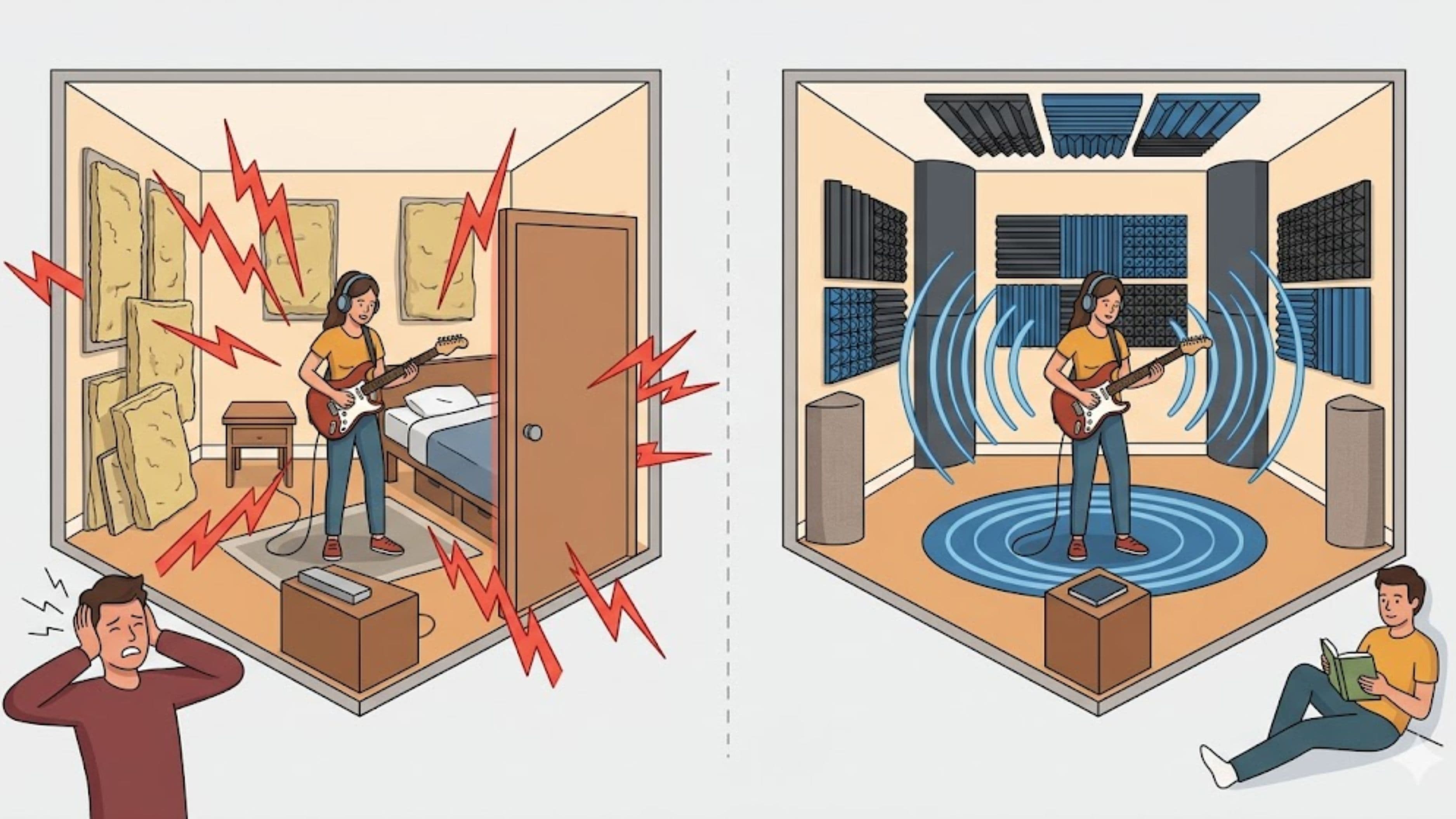
If you do decide to invest in even a basic multi-speaker spatial monitoring setup, acoustic treatment in your room becomes more important than it was for stereo monitoring alone, since inaccurate room acoustics can distort not just tonal balance but the spatial accuracy you're specifically trying to achieve with height and surround channels. Basic absorption panels at key reflection points and bass trapping in corners remain relevant considerations, arguably even more so when you're relying on accurate spatial perception rather than just tonal balance.
A Realistic Starting Budget
For a home producer starting with headphone-based spatial mixing using an existing DAW with native Atmos support, realistic starting costs might run $0 to $300 if you already have compatible open-back headphones, or $200 to $500 if a headphone upgrade is needed specifically for this work. Moving toward even a modest speaker-based spatial monitoring setup increases this investment substantially, often into the multiple thousands of dollars once additional speakers, an expanded interface, and room treatment are factored in.
What to Watch Out For
Don't assume any pair of headphones marketed as "surround sound" or "3D audio" for gaming or general consumer use will provide accurate enough spatial translation for professional mixing work. These consumer-focused products are generally tuned for an enjoyable listening experience rather than the flat, accurate response needed for trustworthy spatial mixing decisions.
Be cautious about investing in expensive spatial-specific hardware before you've spent meaningful time exploring your existing DAW's spatial mixing capabilities using accessible headphone-based monitoring. Many home producers find they can develop real spatial mixing skill and produce quality work well before a larger hardware investment becomes necessary.
FAQ
Can I do professional-quality spatial audio mixing with just headphones? Yes, binaural rendering through quality open-back headphones is a genuinely viable and widely used approach, particularly at the independent and home studio level, though it's not identical to a dedicated multi-speaker reference setup.
Do I need a new audio interface specifically for Dolby Atmos production? Generally no, unless you're building toward a full multi-speaker monitoring setup that requires additional output channels beyond a standard stereo interface.
Which digital audio workstations currently support spatial audio mixing natively? Logic Pro and Pro Tools both include native or well-supported Dolby Atmos mixing tools, and several other DAWs offer plugin-based support, so it's worth checking your specific software's current capabilities before assuming a switch is necessary.
📚 Sources
Dolby Laboratories – "Dolby Atmos Production Suite" – https://professional.dolby.com/music/dolby-atmos-music/
Apple – "Logic Pro Spatial Audio" – https://support.apple.com/guide/logicpro/spatial-audio-overview